
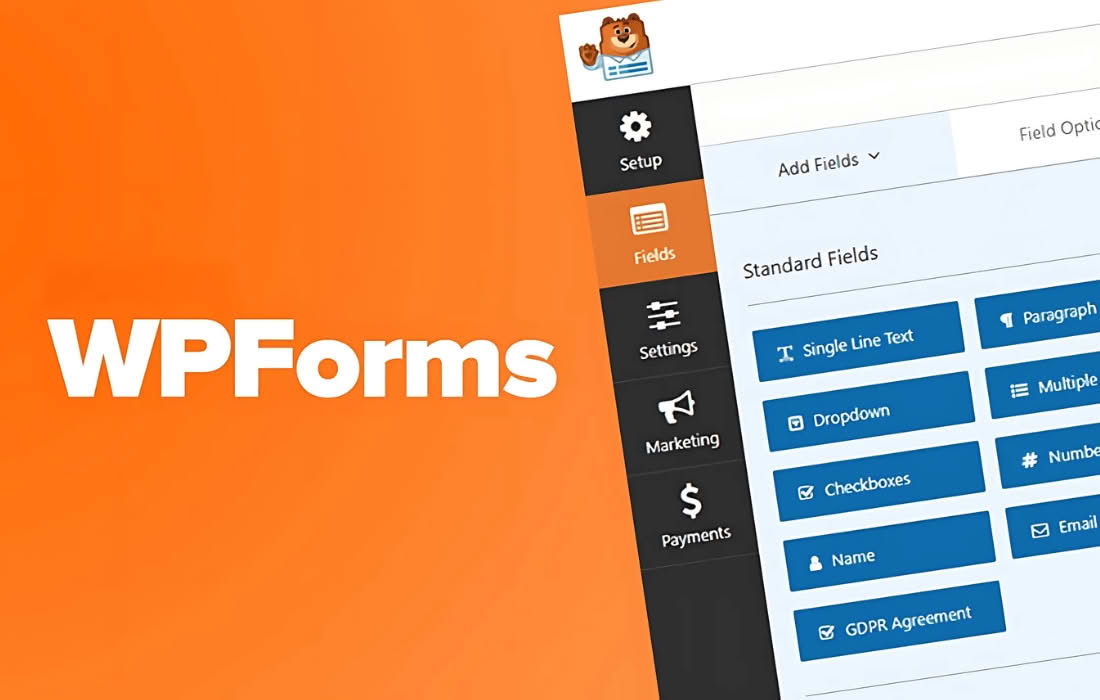
WPForms is the most beginner-friendly drag-and-drop WordPress form builder, designed to help you create powerful forms in minutes without writing a single line of code. Whether you need a simple contact form, a complex multi-page survey, or a secure payment collection system, WPForms streamlines the process so you can focus on growing your business and connecting with your audience.
Key Features
- Drag-and-Drop Form Builder: Create beautiful, professional forms in minutes using an intuitive visual interface that requires zero technical skills.
- Pre-Built Form Templates: Save time by choosing from a wide library of professionally designed templates, including contact forms, subscription forms, payment forms, and registration forms.
- Responsive and Mobile-Friendly: Ensure your forms look perfect and function flawlessly on all devices, including desktops, tablets, and smartphones.
- Smart Conditional Logic: Create dynamic forms that change based on user input, allowing you to show or hide fields and sections to keep the user experience clean and relevant.
- Multi-Page Forms: Improve user experience and boost completion rates by breaking long forms into smaller, manageable pages with progress bars.
- File Uploads: Allow your users to submit documents, images, or other files directly through your forms, which are then securely stored in your WordPress media library or connected cloud storage.
- Spam Protection: Keep your inbox clean with advanced anti-spam features, including smart CAPTCHA and Honeypot technology, which block unwanted submissions without frustrating your real users.
- Entry Management: View, manage, and export all your form submissions directly from your WordPress dashboard, ensuring you never lose track of important customer data.
Use Cases and Who It’s For
WPForms is built for everyone, from small business owners and bloggers to marketing agencies and developers. If you are a small business owner, you can use WPForms to capture leads, process payments, and gather customer feedback, all while maintaining a professional online presence. Bloggers and content creators can leverage the plugin to build email lists, manage guest post submissions, or run engaging surveys to better understand their readership.
For agencies and freelancers, WPForms is a versatile tool that can be deployed across multiple client sites to handle everything from simple contact requests to complex booking and order systems. Because the plugin is highly extensible and developer-friendly, it allows you to customize form behavior and appearance to meet specific project requirements without compromising site performance.
Setup and How It Works
Getting started with WPForms is designed to be a seamless experience that gets your forms live in just a few clicks:
- Installation: Install and activate the plugin directly from your WordPress dashboard.
- Create a Form: Navigate to the WPForms builder, give your form a name, and select a pre-built template or start from a blank slate.
- Customize: Use the drag-and-drop interface to add, remove, or rearrange fields. You can easily adjust field labels, placeholder text, and settings like conditional logic or email notifications.
- Configure Notifications: Set up automated email notifications to be sent to you or your team whenever a form is submitted, and create custom confirmation messages or redirect pages for your users.
- Embed: Use the dedicated WPForms block in the WordPress block editor to insert your form into any page, post, or sidebar area with a single click.
Similar Plugins
While WPForms offers a unique balance of power and ease of use, there are other notable solutions in the WordPress ecosystem that serve similar purposes, including Gravity Forms, Ninja Forms, and Formidable Forms. Each of these alternatives provides varying levels of complexity and specific feature sets, allowing users to choose the tool that best aligns with their technical expertise and project requirements.