
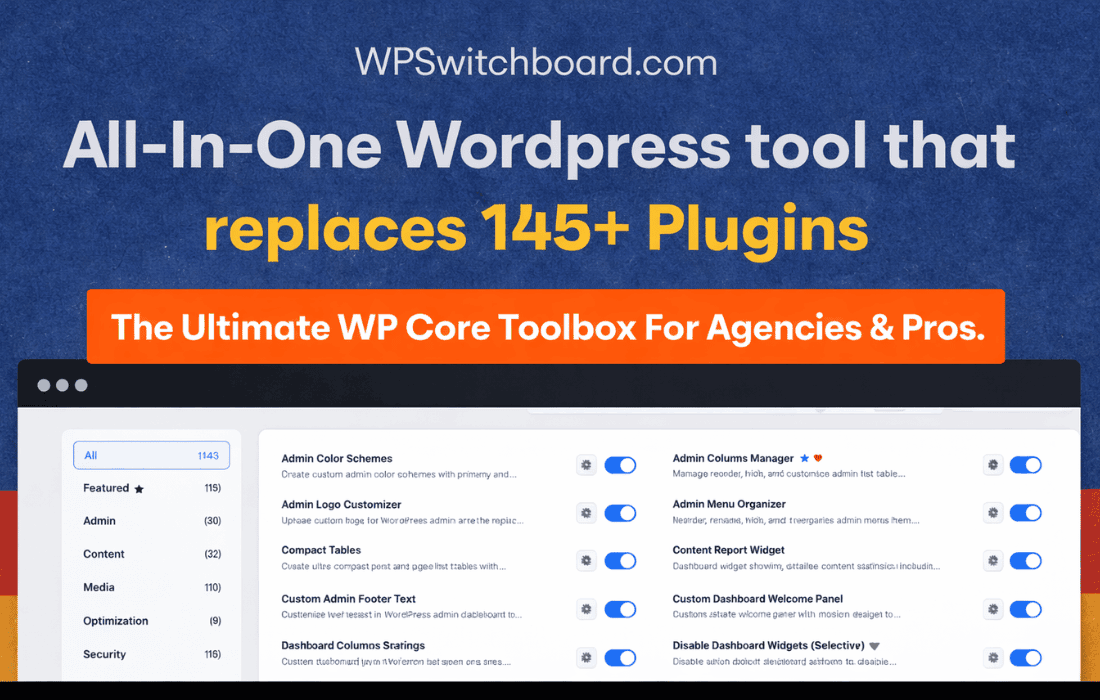
Managing multiple WordPress installations can quickly become a logistical nightmare, turning simple updates and configuration changes into hours of tedious work. WP Switchboard Pro acts as your central command center, allowing you to oversee, manage, and maintain your entire fleet of websites from a single, unified dashboard. Designed for busy site administrators, agencies, and developers, this plugin eliminates the need to constantly log in and out of different sites, ensuring your network remains secure, updated, and performing at its peak with minimal effort.
Key Features
- Centralized Updates: Update themes, plugins, and WordPress core across all connected sites with a single click, saving you hours of manual maintenance time.
- Unified Dashboard: View the status of all your websites at a glance, including security alerts, pending updates, and performance metrics, directly from your primary installation.
- Remote Configuration: Deploy settings, install new plugins, or activate themes across multiple sites simultaneously, ensuring consistency across your entire network.
- Security Monitoring: Keep a close eye on the security health of your sites with integrated monitoring, allowing you to identify vulnerabilities before they become critical issues.
- Bulk Management Actions: Execute repetitive tasks in bulk, such as clearing caches, running database optimizations, or managing user accounts, across any number of connected sites.
- Detailed Activity Logs: Maintain a comprehensive audit trail of all actions performed through the Switchboard, providing peace of mind and accountability for every change made.
Use Cases and Who It’s For
WP Switchboard Pro is built for anyone who finds themselves juggling more than one WordPress site. If you are a freelance web designer managing client websites, this plugin is an essential tool for providing ongoing maintenance packages without the associated administrative overhead. By streamlining the update process, you can ensure your clients’ sites are always running the latest, most secure versions of their software without needing to manually visit each dashboard.
For agency owners, the plugin serves as a force multiplier. It allows your team to manage dozens or even hundreds of sites from a single interface, ensuring that security patches are applied uniformly and that site configurations remain standardized. It is also an invaluable asset for small business owners or bloggers who manage a portfolio of niche sites, allowing you to focus on creating content and growing your business rather than getting bogged down in the technical maintenance of each individual domain.
Setup and How It Works
Getting started with WP Switchboard Pro is designed to be straightforward, allowing you to connect your sites and begin managing them in minutes.
- Installation: Install and activate the WP Switchboard Pro plugin on your primary “hub” site.
- Connection: Install the lightweight connector plugin on each of the remote sites you wish to manage.
- Authentication: Use the secure connection keys provided by your remote sites to link them to your central hub, establishing a secure, encrypted communication channel.
- Management: Once connected, your remote sites will appear in your main dashboard, where you can immediately begin running updates, configuring settings, and monitoring site health.
Similar Plugins
If you are exploring options for managing multiple WordPress installations, you may also want to consider other established solutions in the ecosystem, such as ManageWP, MainWP, or InfiniteWP. Each of these platforms offers similar capabilities for centralized site management, and comparing their specific workflows can help you determine which tool best fits your internal processes and technical requirements.