
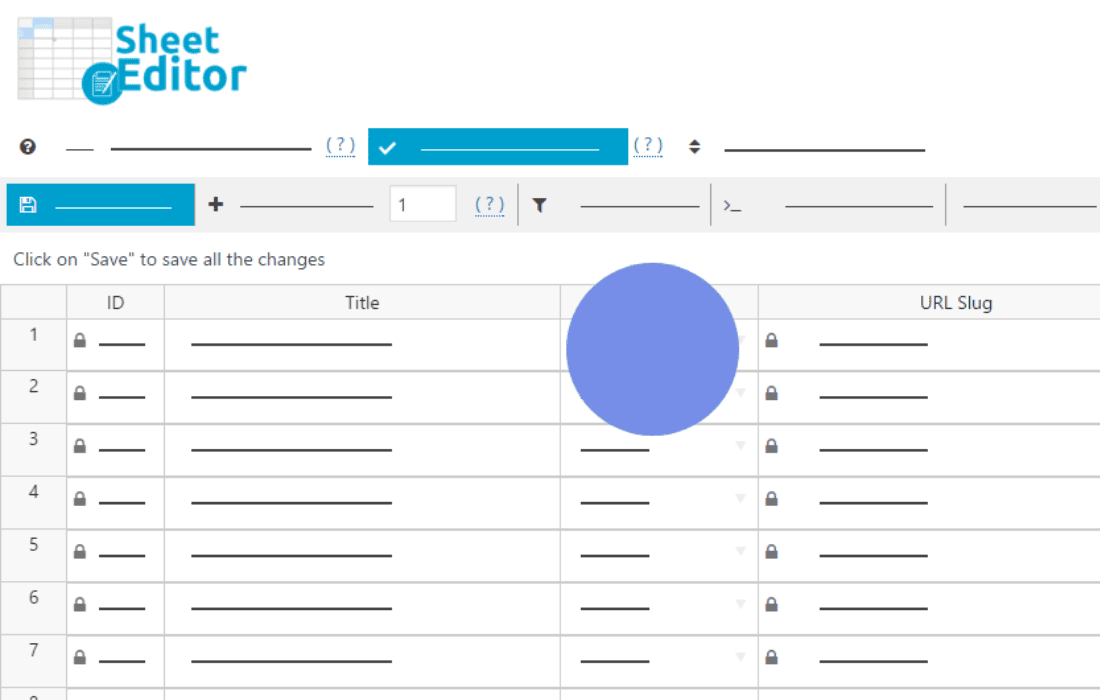
Managing a WooCommerce store with hundreds or thousands of products can quickly become a bottleneck, especially when you need to make bulk updates or perform routine maintenance. The WP Sheet Editor – WooCommerce Products (Premium) plugin transforms your standard, tedious product editing process into a fast, spreadsheet-style experience directly within your WordPress dashboard. By allowing you to edit product data in a familiar grid interface, it eliminates the need to open each product individually, saving you hours of administrative work every week.
Key Features
- Spreadsheet-Style Editing: View and edit all your WooCommerce products in a powerful, intuitive spreadsheet grid. Change titles, prices, descriptions, stock levels, and more just like you would in Excel or Google Sheets.
- Advanced Bulk Actions: Perform massive updates to thousands of products in just a few clicks. Use the bulk edit tool to apply changes to all products, filtered results, or specifically selected items.
- Powerful Search and Filter: Easily find the products you need to work on using advanced search filters. Filter by category, tag, price range, stock status, date, or any other product attribute to narrow down your focus instantly.
- Customizable Columns: Choose exactly which product fields you want to see in your spreadsheet. Hide unnecessary data to keep your workspace clean or show hidden meta fields to manage complex product configurations.
- Import and Export: Seamlessly import product data from CSV files or export your current product list for external analysis or reporting. This makes migrating data or performing complex updates via spreadsheet software incredibly simple.
- Formula-Based Changes: Use advanced formulas to perform mathematical operations on your product data. For example, you can increase the price of all products in a specific category by a set percentage with a single command.
- Undo and History: Work with confidence knowing you can undo changes if you make a mistake. The plugin tracks your edits, providing a safety net for your store’s data.
Use Cases and Who It’s For
This plugin is designed for WooCommerce store owners, e-commerce managers, and virtual assistants who handle large product catalogs. If you spend your day clicking into individual product pages to update prices for a sale, adjust inventory levels, or fix broken descriptions, this tool is built for you.
It is particularly valuable for businesses that frequently update seasonal catalogs, manage dropshipping stores with rapidly changing supplier data, or handle complex product variations. By consolidating your product management into a single, high-speed interface, you can drastically reduce the time spent on routine data entry and focus on growing your business.
Setup and How It Works
- Installation: Install and activate the plugin through your WordPress dashboard.
- Access the Sheet Editor: Navigate to the new Sheet Editor menu item in your WordPress sidebar to open the product spreadsheet.
- Configure Your View: Use the column selection tool to customize the spreadsheet view, ensuring all the fields you need to edit are visible.
- Filter Your Data: Use the search and filter tools to display only the specific products you intend to update.
- Edit and Save: Click directly into any cell to modify the data. Changes are saved automatically or can be applied in bulk using the bulk edit panel, ensuring your store is updated instantly.
Similar Plugins
If you are exploring alternatives for managing WooCommerce data, other solutions in the ecosystem include Product Import Export for WooCommerce by WebToffee, which focuses heavily on migration, and WooCommerce Bulk Edit Products by various developers on the WordPress repository, which offer different user interface approaches to bulk management. However, WP Sheet Editor stands out for its specific focus on providing a comprehensive, real-time spreadsheet environment that mimics the functionality of professional desktop software.