
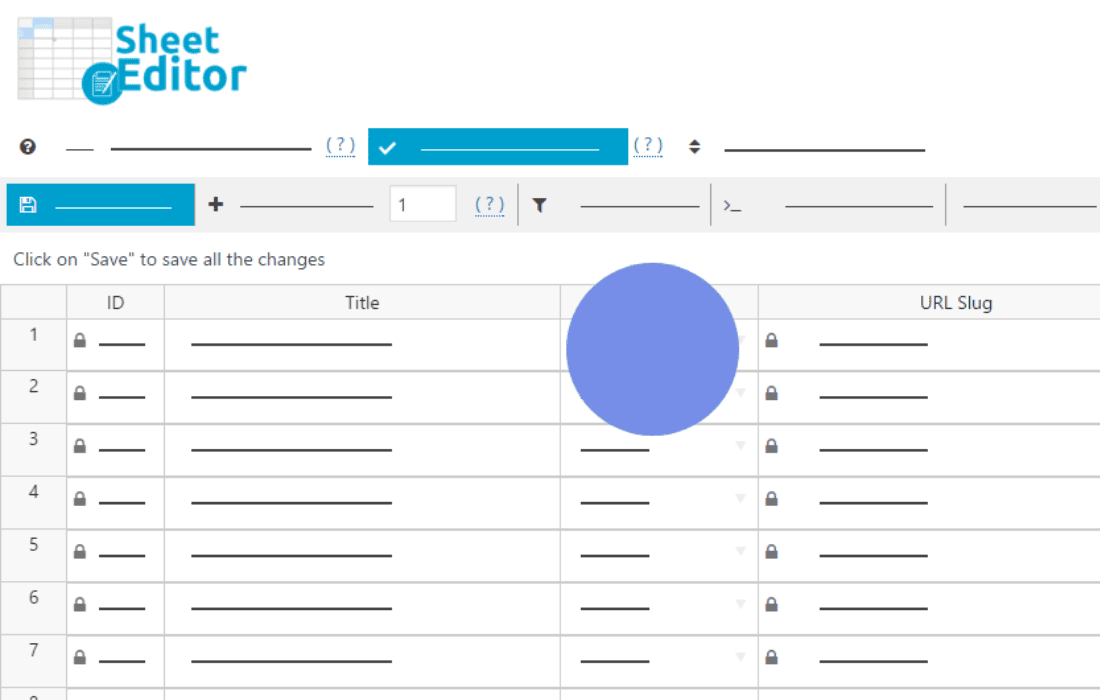
Managing a large volume of WooCommerce coupons can quickly become a bottleneck for your store’s marketing operations. The WP Sheet Editor – WooCommerce Coupons (Premium) plugin transforms the way you handle discount codes by providing a powerful, spreadsheet-like interface directly within your WordPress dashboard. Instead of clicking into individual coupon pages to make minor adjustments, you can now view, edit, search, and bulk-update all your coupons in a single, intuitive grid, saving you hours of administrative work every week.
Key Features
- Advanced Spreadsheet Editor: View and edit all your coupons in a familiar grid interface, similar to Excel or Google Sheets, allowing for rapid data entry and modification.
- Powerful Bulk Editing: Update hundreds of coupons at once. You can change expiration dates, usage limits, discount amounts, or apply restrictions to entire categories of coupons in just a few clicks.
- Advanced Search and Filtering: Use the powerful search tool to find specific coupons based on any field, including usage count, discount type, expiration date, or specific product associations.
- Import and Export Capabilities: Seamlessly import coupon data from CSV files or export your current coupon list for external reporting, analysis, or backup purposes.
- Customizable Columns: Choose which fields you want to display in your editor. Hide unnecessary columns to keep your workspace clean and focused on the data that matters most to your workflow.
- Real-time Validation: Ensure your coupon data remains accurate with built-in validation that helps prevent errors when updating multiple entries simultaneously.
- Formula-based Updates: Use simple formulas to perform complex calculations across multiple rows, such as increasing all discount amounts by a specific percentage or adding a set number of days to expiration dates.
Use Cases and Who It’s For
This plugin is designed for WooCommerce store managers, marketing teams, and e-commerce business owners who handle frequent promotional campaigns. If your store regularly runs seasonal sales, influencer partnerships, or customer loyalty programs, you likely deal with dozens or even hundreds of active coupons. Manually editing these one by one is inefficient and prone to human error.
Marketing managers will find this tool indispensable for quickly adjusting expiration dates across an entire campaign or updating discount values during a flash sale. Store owners can use it to audit their coupon usage, identifying which codes are performing well and which ones are underutilized. Whether you are managing a small boutique or a high-volume retail site, this plugin simplifies the complex task of coupon lifecycle management.
Setup and How It Works
Getting started with WP Sheet Editor is designed to be straightforward, allowing you to begin managing your coupons immediately after installation.
- Install and Activate: Once you have installed and activated the plugin, a new menu item will appear in your WordPress dashboard under the WP Sheet Editor section.
- Load the Editor: Click on the WooCommerce Coupons option to load the spreadsheet interface. The plugin will automatically pull all your existing coupons into the grid.
- Configure Columns: Use the column management settings to select which coupon attributes (such as code, discount type, amount, usage limit, or expiry date) you wish to display.
- Edit in Real-time: Click directly into any cell to edit the value. For bulk changes, use the bulk edit tool to select rows based on filters and apply changes to all selected items at once.
- Save Changes: Once you have finished your modifications, save your changes, and the plugin will update your WooCommerce database instantly.
Similar Plugins
While there are other solutions for managing WooCommerce data, most focus on products or orders. For those specifically needing spreadsheet-style management for various WooCommerce entities, alternatives such as WP All Import (for bulk data handling) or WooCommerce Bulk Edit Products, Prices & Variations (specifically for product management) are often considered. However, for a dedicated, comprehensive spreadsheet interface specifically tailored to the nuances of WooCommerce coupons, the WP Sheet Editor remains a highly specialized and efficient choice.