
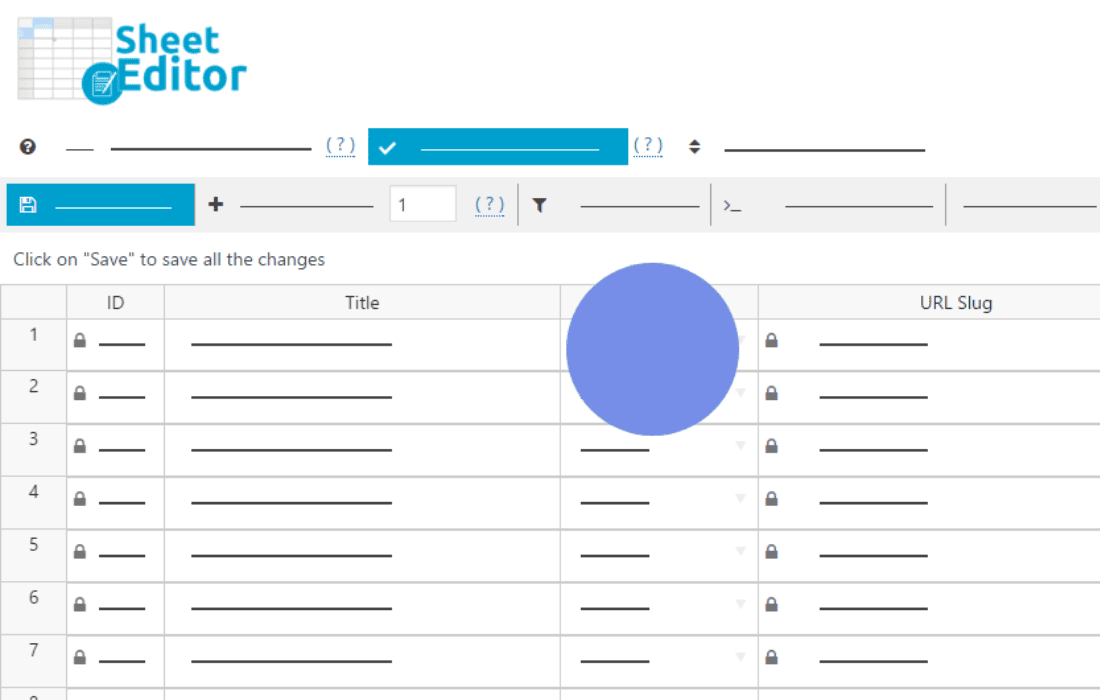
Managing a growing WordPress user base can quickly become a bottleneck, especially when you need to perform bulk updates, moderate profiles, or extract data for external reporting. WP Sheet Editor – Users (Premium) transforms your standard, tedious WordPress user management into a streamlined, high-efficiency experience. By providing a familiar, spreadsheet-like interface directly within your dashboard, this plugin empowers site administrators, membership site owners, and developers to edit thousands of user profiles in seconds, saving hours of manual work and eliminating the frustration of clicking through individual user pages.
Key Features
- Bulk Edit Thousands of Users: Forget opening individual user profiles. You can modify any user field—including custom fields, roles, and meta data—for hundreds or thousands of users simultaneously using powerful bulk-edit operations.
- Spreadsheet-Style Interface: Work with your user data just like you would in Excel or Google Sheets. You can copy and paste cells, drag-and-fill data, and make rapid inline edits to streamline your workflow.
- Advanced Search and Filtering: Easily find specific users based on complex criteria. Filter by custom fields, registration date, user role, or activity levels to isolate exactly who you need to manage.
- Export and Import Data: Seamlessly export your user database to CSV files for external analysis or reporting. Conversely, import data from external spreadsheets to update existing users or create new accounts in bulk.
- Full Support for Custom Fields: The plugin automatically detects and integrates with custom fields created by other plugins like Advanced Custom Fields (ACF), MemberPress, or WooCommerce, allowing you to manage all your user data in one centralized view.
- Powerful Bulk Actions: Perform complex operations such as changing user roles for an entire segment, deleting inactive accounts, or updating user meta values with just a few clicks.
- Undo Changes: Work with confidence knowing that you can revert changes if you make a mistake, ensuring your user database remains accurate and secure.
Use Cases: Who It’s For
WP Sheet Editor – Users (Premium) is designed for any WordPress administrator who manages a significant volume of user data. If your site relies on user accounts, this tool is an essential addition to your toolkit.
Membership Site Owners: Managing subscription statuses, expiration dates, and member levels becomes effortless. You can quickly update access levels for hundreds of members at once when you launch new content or change your membership model.
WooCommerce Store Managers: Keep track of your customer base, update customer data, or segment your users based on purchase history and custom meta fields, all without leaving the WordPress dashboard.
Developers and Agencies: When migrating sites or performing large-scale data cleanups, the ability to import, export, and manipulate user data in bulk significantly reduces project timelines and minimizes the risk of manual entry errors.
Community Managers: Easily moderate your user base, identify inactive members, or update profile information for community members during site-wide events or database maintenance.
Setup: How It Works
Getting started with WP Sheet Editor is designed to be intuitive, allowing you to dive straight into managing your data without a steep learning curve.
- Install and Activate: Once the plugin is installed and activated on your WordPress site, a new “Sheet Editor” menu item will appear in your dashboard.
- Select User Sheet: Navigate to the plugin menu and select the user spreadsheet. The plugin will automatically load your existing users into the interactive grid.
- Configure Columns: Use the column settings to show or hide specific user fields, ensuring your workspace is optimized for the task at hand.
- Edit or Search: Use the search bar to filter your list, or simply click into any cell to edit data directly. For larger changes, use the bulk edit tool to apply changes to all filtered rows.
- Save Changes: Once you have made your adjustments, click the save button to apply the updates to your WordPress database instantly.
Similar Plugins
While WP Sheet Editor offers a unique, highly integrated spreadsheet experience, other plugins exist that handle user management and bulk operations, such as User Role Editor for permission management, or various CSV User Import/Export tools that focus specifically on data migration rather than live editing.