
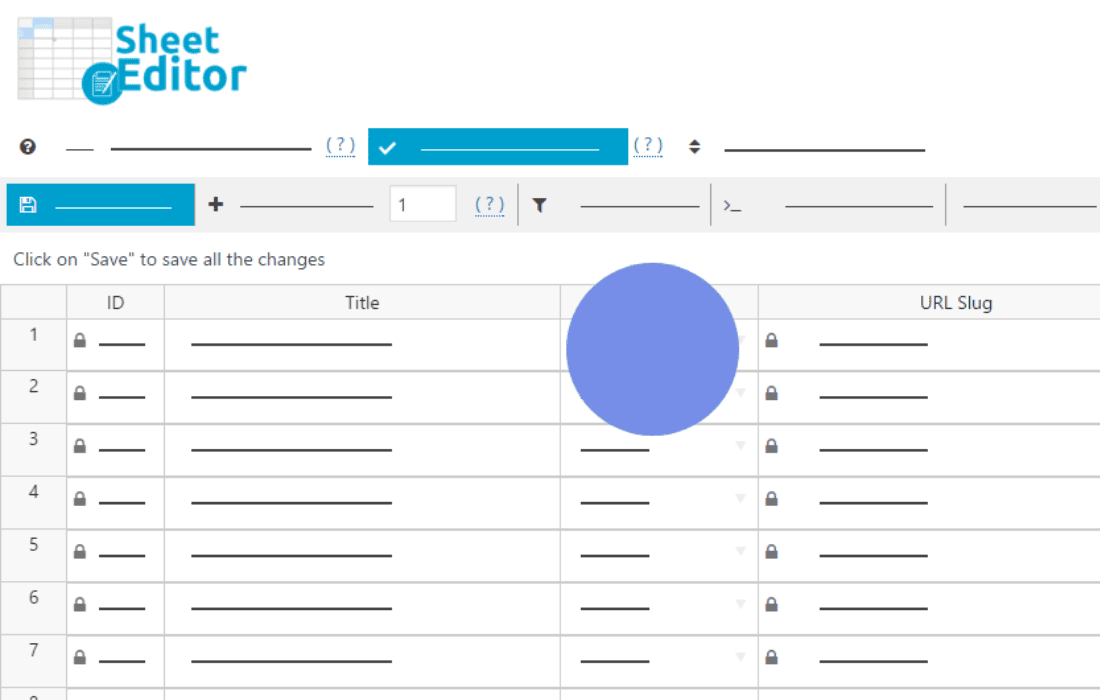
Managing large taxonomy structures in WordPress can quickly become a bottleneck, especially when you are dealing with hundreds or thousands of categories, tags, or custom taxonomy terms. WP Sheet Editor – Taxonomy Terms Pro transforms the standard, tedious WordPress taxonomy management interface into a powerful, spreadsheet-like environment. Designed for store owners, content managers, and developers, this plugin allows you to edit, bulk update, and manage your taxonomy hierarchy with the speed and efficiency of Excel or Google Sheets, saving you hours of manual clicking and page reloading.
Key Features
- Spreadsheet-style interface: Edit taxonomy terms directly in a grid view, allowing you to change names, slugs, descriptions, and parent relationships for multiple terms at once.
- Bulk editing capabilities: Apply changes to hundreds of terms simultaneously using powerful search and replace tools, or by dragging and dropping values down columns.
- Advanced search and filtering: Quickly find specific terms using custom filters based on name, description, term count, or parent status, ensuring you only edit exactly what you need.
- Import and export functionality: Seamlessly move taxonomy data in and out of your site using CSV files, making it easy to migrate data or perform complex updates offline.
- Custom field support: If your taxonomy terms have custom fields added by other plugins, this editor can display and manage them directly within the spreadsheet grid.
- Hierarchy management: Easily reorder and restructure your taxonomy trees by changing parent terms directly in the grid, without having to navigate through individual term edit screens.
- Undo and redo support: Work with confidence knowing that you can easily revert changes if you make a mistake during your bulk editing sessions.
Use Cases / Who It’s For
WP Sheet Editor – Taxonomy Terms Pro is an essential tool for anyone managing content-heavy or e-commerce websites. If you run a WooCommerce store with a massive product category structure, this plugin allows you to update category slugs, descriptions, or SEO metadata for your entire catalog in minutes rather than days.
Content managers who handle sites with complex tag systems or custom taxonomies will find this invaluable for cleaning up duplicate terms, standardizing naming conventions, or restructuring content hierarchies. Developers also benefit significantly, as it provides a professional-grade interface to manage taxonomy data during site migrations, client handovers, or large-scale content audits. Whether you are preparing a site for a seasonal sale, performing SEO optimization, or simply organizing a messy taxonomy, this plugin removes the friction of the standard WordPress backend.
Setup / How It Works
Getting started with WP Sheet Editor is designed to be intuitive for anyone familiar with spreadsheet software. The plugin integrates directly into your WordPress dashboard, creating a dedicated area for your taxonomy management.
- Installation: Install and activate the plugin through your WordPress admin dashboard just like any other standard plugin.
- Select Taxonomy: Navigate to the plugin menu and select the specific taxonomy you wish to manage, such as Product Categories, Tags, or any custom taxonomy registered on your site.
- Grid Configuration: Use the settings to choose which columns (fields) you want to display in your spreadsheet view.
- Edit Data: Click directly into any cell to modify the content. Use the bulk edit tools to apply changes to selected rows or the entire dataset at once.
- Save Changes: Once you are satisfied with your edits, save your changes, and the plugin will process the updates in the background, instantly reflecting the new data across your entire WordPress site.
Similar Plugins
While WP Sheet Editor offers a unique, specialized approach to taxonomy management, users looking for broader spreadsheet-style functionality in WordPress may also be familiar with plugins like WP All Import or other dedicated bulk editing suites from the WP Sheet Editor family, which provide similar grid-based interfaces for posts, products, and users.