
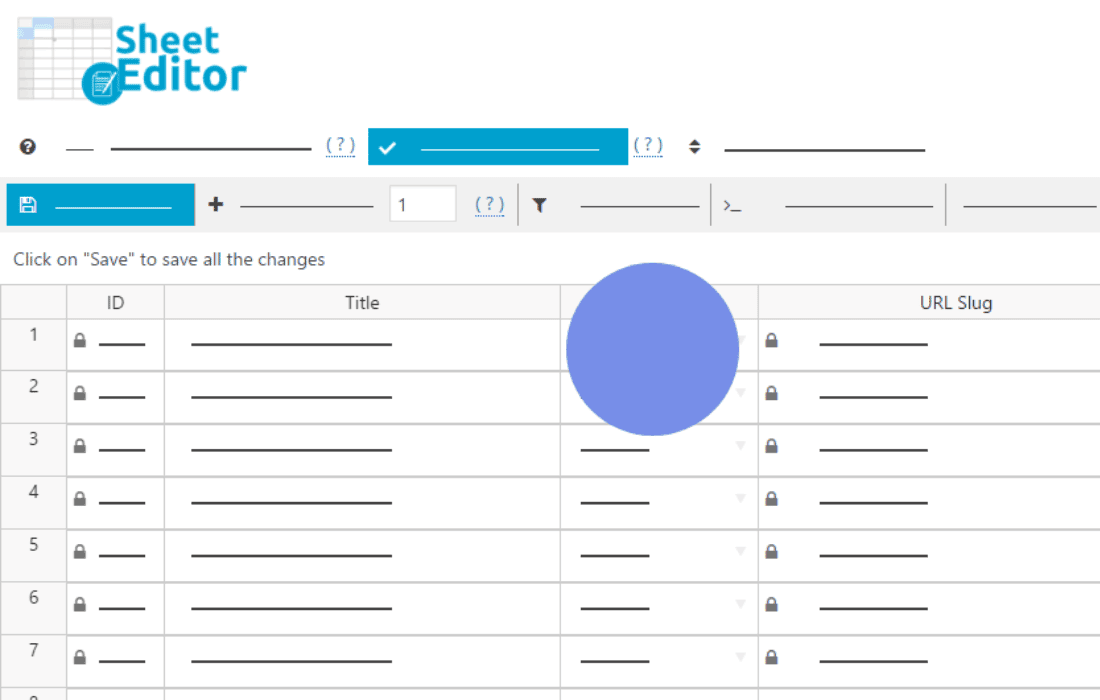
Managing multilingual content in WordPress can quickly become a bottleneck, especially when you are dealing with hundreds or thousands of products, posts, or pages. WP Sheet Editor – Polylang is designed to eliminate the tedious process of opening each individual post to translate its metadata or adjust language settings. By bridging the powerful WP Sheet Editor interface with the Polylang ecosystem, this plugin allows you to manage your entire multilingual site from a single, spreadsheet-like view, saving you hours of manual data entry and ensuring your translations are perfectly synchronized.
Key Features
- Spreadsheet-style bulk editing: View and edit all your posts, pages, or custom post types in a familiar grid interface. Change titles, content, excerpts, and custom fields for multiple languages simultaneously.
- Seamless Polylang integration: Automatically detect and display language columns, translation groups, and language relationships directly within the editor.
- Bulk translate metadata: Update SEO fields, custom taxonomies, and product attributes for all translations at once, without needing to navigate through individual post editors.
- Advanced filtering and searching: Filter your content by specific languages, translation status (e.g., find posts missing a translation), or any other post attribute to pinpoint exactly what needs your attention.
- Import and export capabilities: Easily export your multilingual content to CSV for external editing and import it back into WordPress, with the plugin handling the complex language associations automatically.
- Real-time validation: Ensure your data remains consistent across different language versions, preventing common errors that occur when manually managing multilingual content.
Use Cases / Who It’s For
WP Sheet Editor – Polylang is an essential tool for store owners, agencies, and content managers who operate multilingual WordPress websites. If you run a WooCommerce store with products in several languages, you know the frustration of updating prices or stock levels across every language version of a product. This plugin transforms that multi-step process into a single, efficient task.
It is particularly valuable for SEO specialists who need to optimize meta titles and descriptions across different languages in bulk, as well as editorial teams managing high-volume content sites. By providing a bird’s-eye view of your entire content library, it helps you identify gaps in your translation strategy, such as posts that have been published in the primary language but are missing their localized counterparts.
Setup / How It Works
Getting started with WP Sheet Editor – Polylang is straightforward, as it builds upon the existing infrastructure of your Polylang installation.
- Install and Activate: Ensure you have both the core WP Sheet Editor plugin and the Polylang plugin active on your site, then install the WP Sheet Editor – Polylang extension.
- Access the Sheet Editor: Navigate to the Sheet Editor menu in your WordPress dashboard and select the post type (e.g., Products, Posts, or Pages) you wish to manage.
- Configure Columns: Once inside the spreadsheet interface, the plugin will automatically add columns relevant to Polylang, such as Language, Translation Group, and translation status indicators.
- Edit in Bulk: Use the spreadsheet grid to make changes. You can copy and paste data from Excel or Google Sheets, use the bulk edit tool to apply changes to hundreds of rows at once, or edit individual cells directly.
- Save Changes: Click the save button to push your updates to the database, instantly reflecting the changes across your multilingual site.
Similar Plugins
If you are looking for alternative ways to manage multilingual content in bulk, you may consider:
- WP All Import with Polylang Add-on: Useful if your primary goal is importing large datasets from external files rather than live, grid-based editing.
- Polylang Pro: While not a spreadsheet editor, the Pro version of Polylang includes additional features for managing translations that may assist in your workflow if your needs are less data-intensive.