
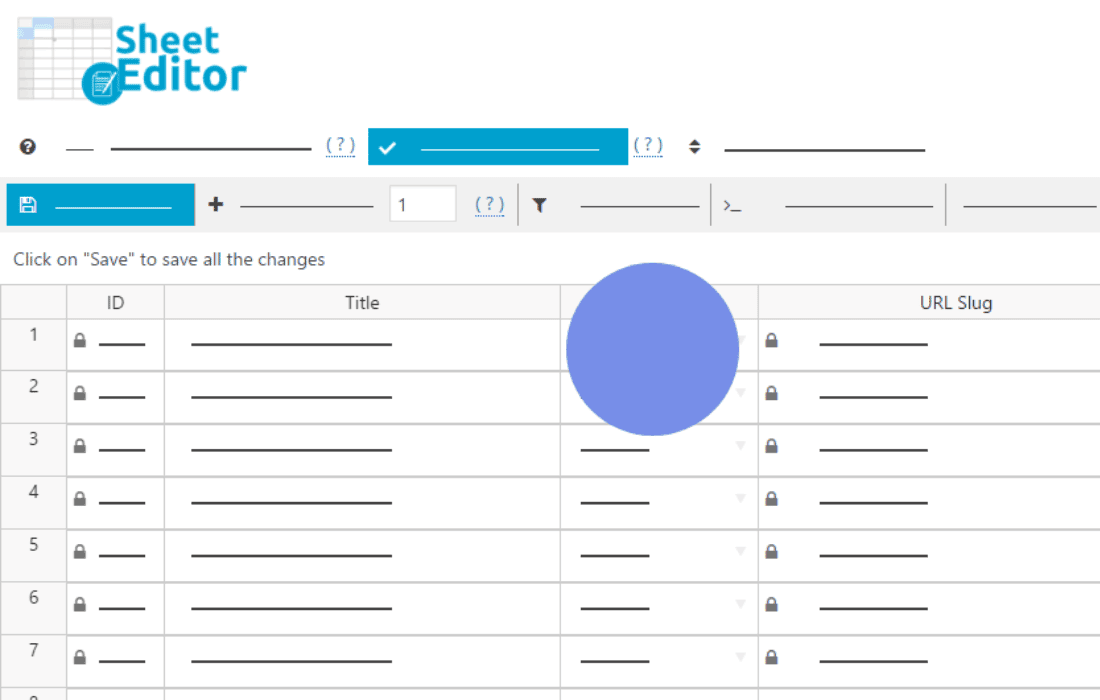
Managing complex JetEngine data doesn’t have to be a tedious, one-by-one process within the standard WordPress dashboard. WP Sheet Editor – JetEngine transforms your WordPress admin area into a powerful, spreadsheet-like interface, allowing you to view, edit, and manage your custom post types, taxonomies, and meta fields in bulk. Designed for developers and site administrators who need to handle large datasets efficiently, this plugin eliminates the need to open individual posts, saving you hours of manual work every week.
Key Features
- Spreadsheet Interface: Edit your JetEngine custom post types and meta fields directly in a familiar grid view, similar to Excel or Google Sheets.
- Bulk Edit Capabilities: Update hundreds of posts at once. Change status, update meta fields, modify taxonomies, or adjust dates across your entire database with just a few clicks.
- Advanced Search and Filtering: Find exactly what you need using powerful search tools. Filter by any JetEngine meta field, custom taxonomy, post status, or date range to isolate specific data sets.
- Import and Export: Easily import data from CSV files to update your JetEngine content or export your current database for backups, reporting, or external editing.
- Formula-Based Editing: Use advanced formulas to perform complex operations, such as appending text to existing fields, calculating values, or performing find-and-replace actions across thousands of rows.
- Full JetEngine Compatibility: Seamlessly integrates with JetEngine’s custom post types, custom taxonomies, and complex meta field types, ensuring your data integrity remains intact.
- Real-Time Validation: Ensure your data remains accurate with validation checks that prevent common entry errors during bulk operations.
Use Cases / Who It’s For
WP Sheet Editor – JetEngine is an essential tool for anyone managing content-heavy WordPress websites built with the JetEngine suite. If you are a site administrator tasked with updating inventory, managing large directories, or maintaining complex listings, this plugin is designed for you.
Developers who frequently build custom solutions will find this tool invaluable for site maintenance and data migrations. Instead of writing custom SQL queries or running time-consuming scripts to update meta values, you can simply load the data into the sheet editor, apply your changes, and save. It is also perfect for content managers who need to perform quick quality assurance checks or mass-edit metadata across thousands of posts without the risk of breaking the site structure.
Setup / How It Works
- Installation: Install and activate both the JetEngine plugin and the WP Sheet Editor – JetEngine extension on your WordPress site.
- Access the Editor: Navigate to the WP Sheet Editor menu in your WordPress dashboard and select the JetEngine post type or taxonomy you wish to manage.
- Configure Columns: Use the column manager to select which JetEngine meta fields you want to display in your spreadsheet view.
- Edit Data: Click directly into any cell to modify values, or use the “Bulk Edit” tool to apply changes to multiple rows simultaneously.
- Save Changes: Once your edits are complete, click the save button to push all updates directly to your WordPress database.
Similar Plugins
While WP Sheet Editor – JetEngine provides a unique interface for JetEngine-specific data, other general-purpose bulk editing tools exist in the WordPress ecosystem, such as WP All Import (for data migration tasks) and various spreadsheet-style plugins like Admin Columns Pro or WP Sheet Editor’s own core versions for standard posts and WooCommerce products. However, these alternatives often lack the deep, native integration with JetEngine’s custom meta field architecture that this specific extension provides.