
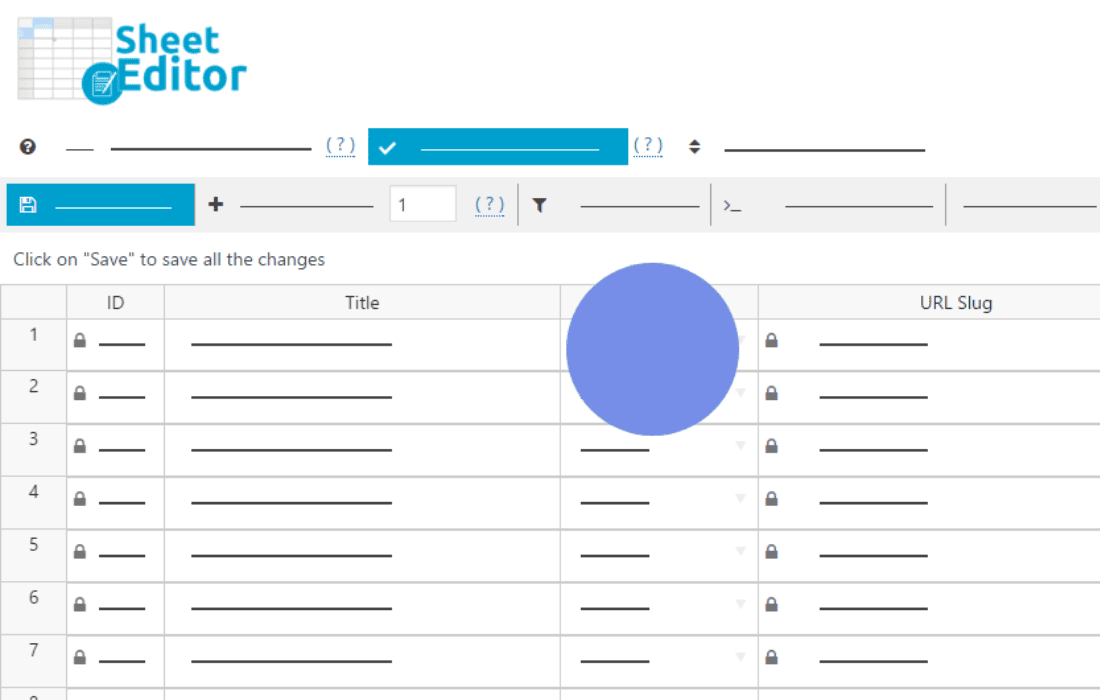
Managing a busy event calendar shouldn’t feel like a full-time administrative burden. WP Sheet Editor – Events Pro transforms your WordPress dashboard into a powerful, spreadsheet-style interface, allowing you to view, edit, and manage all your event data in one centralized grid. Whether you are handling hundreds of recurring workshops, concerts, or community gatherings, this plugin eliminates the tedious process of opening individual event posts, saving you hours of manual work every week.
Key Features
- Spreadsheet-Style Editing: Experience the efficiency of Excel or Google Sheets directly inside your WordPress admin area. Edit event titles, dates, times, locations, and descriptions in a familiar grid format.
- Bulk Edit Capabilities: Update hundreds of events simultaneously. Change event categories, adjust start times, or update venue details across your entire calendar with just a few clicks.
- Advanced Search and Filtering: Use powerful search tools to find specific events based on date ranges, status, organizers, or custom fields. Narrow down your view to exactly what you need to manage.
- Import and Export Functionality: Seamlessly move data in and out of your site. Use CSV files to import event data from external sources or export your current event list for reporting and backups.
- Custom Field Support: Easily manage and edit custom fields associated with your events, ensuring that all your event-specific metadata is accessible and editable within the main spreadsheet view.
- Formula-Based Editing: Apply complex changes across multiple rows using formulas, allowing for rapid updates to pricing, capacity, or scheduling information without manual entry.
Use Cases and Who It’s For
WP Sheet Editor – Events Pro is designed for anyone responsible for managing content-heavy event calendars. If you are a website administrator for a university, a local community center, or a ticketing platform, this tool is built to streamline your workflow.
Event managers who frequently deal with recurring events will find the bulk-editing features indispensable. Instead of clicking into each post to change a venue or update a ticket price, you can simply drag the changes down a column, just like in a spreadsheet. It is also an essential tool for developers and site managers who need to perform large-scale data migrations or cleanup tasks, as the import/export features make handling large datasets reliable and fast.
Setup and How It Works
Getting started with WP Sheet Editor – Events Pro is designed to be straightforward, allowing you to dive into your data management immediately after activation.
- Installation: Install and activate the plugin through your WordPress dashboard as you would with any standard plugin.
- Access the Sheet Editor: Navigate to the new menu item created by the plugin in your WordPress sidebar. This will open the spreadsheet interface.
- Configure Columns: Choose which event fields (such as start date, end date, organizer, or custom fields) you want to display in your grid.
- Edit Data: Click directly into any cell to modify information. Use the bulk edit panel to apply changes to multiple selected rows at once.
- Save Changes: Once your edits are complete, save your changes to update the live event data on your website instantly.
Similar Plugins
If you are exploring your options, other tools in the WP Sheet Editor ecosystem offer similar spreadsheet-style management for different post types, such as WP Sheet Editor for WooCommerce Products or WP Sheet Editor for WordPress Posts. These plugins share the same intuitive interface and bulk-editing philosophy, allowing you to maintain a consistent workflow across different areas of your WordPress site.