
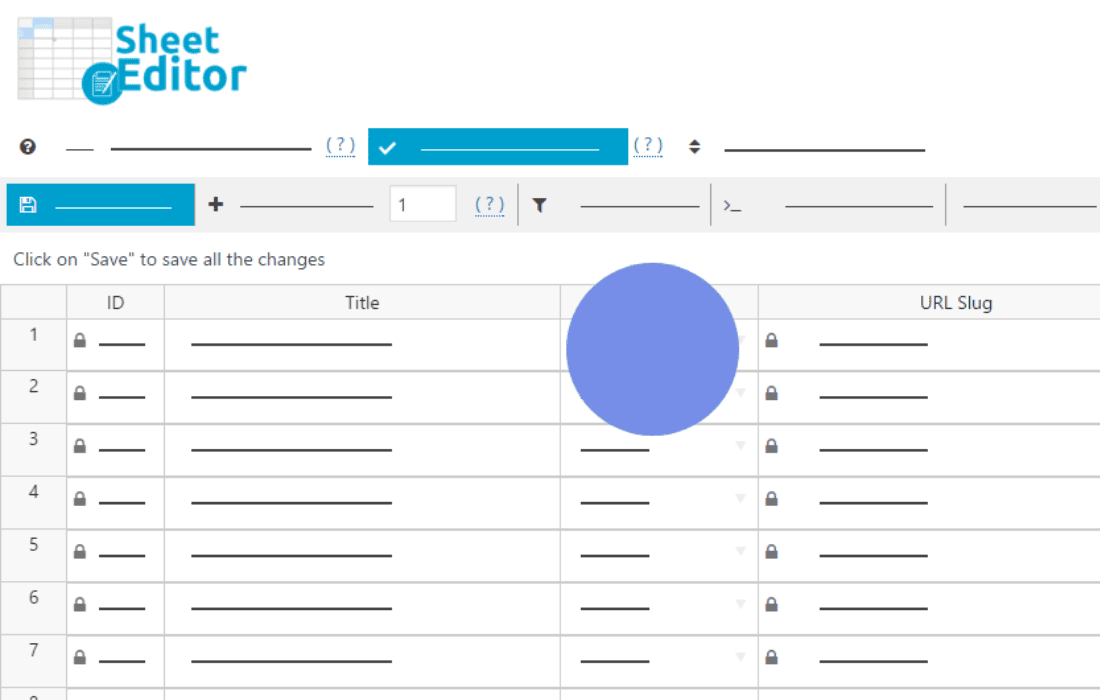
Managing custom database tables in WordPress has historically required advanced coding skills or complex database management tools. WP Sheet Editor – Custom Tables Pro changes that by providing a powerful, spreadsheet-style interface directly within your WordPress dashboard. Designed for developers, site administrators, and data-heavy store owners, this plugin allows you to view, edit, search, and bulk-update data stored in custom tables with the ease of Excel or Google Sheets, saving you hours of manual entry and technical troubleshooting.
Key Features
- Spreadsheet Interface: Edit your custom table data in a familiar, intuitive grid format. You can click and type to edit cells, drag to fill data, and manage rows as easily as you would in a spreadsheet application.
- Advanced Bulk Editing: Perform massive updates across thousands of rows in seconds. Use the bulk edit tool to find and replace values, set formulas, or update specific columns based on complex criteria without needing SQL queries.
- Powerful Search and Filters: Locate specific records instantly using advanced search filters. You can filter by any column, use operators like “contains,” “is equal to,” or “greater than,” and save your search configurations for future use.
- Import and Export Capabilities: Seamlessly move data in and out of your custom tables. Import data from CSV files to update existing records or create new ones, and export your current table data for backups, reporting, or external analysis.
- Full Data Control: Create, delete, and duplicate rows effortlessly. The plugin handles the underlying database operations, ensuring data integrity while giving you the flexibility to manage your information structure on the fly.
- Developer-Friendly Integration: The plugin is designed to work with custom tables created by other plugins or custom code, making it a versatile tool for managing complex site architectures without writing a single line of SQL.
Use Cases / Who It’s For
WP Sheet Editor – Custom Tables Pro is the ultimate productivity tool for anyone managing structured data outside of standard WordPress posts and pages. If you are a developer maintaining custom plugins that store user data, logs, or specialized product attributes in custom database tables, this plugin provides a clean, user-friendly interface for your clients to manage that data themselves.
For e-commerce store owners, this is an essential tool when your business relies on custom tables for inventory management, specialized pricing structures, or complex shipping data. Instead of relying on a developer to run database scripts every time you need to update your catalog, you can perform these tasks yourself securely and efficiently. It is also ideal for site administrators managing membership directories, event schedules, or any other custom data sets that require frequent updates and high-level organization.
Setup / How It Works
- Installation and Activation: Install the plugin via the WordPress dashboard and activate it to begin managing your data.
- Table Selection: Once activated, navigate to the WP Sheet Editor menu. The plugin will automatically detect your existing custom database tables. Select the table you wish to manage from the list.
- Configure Columns: Customize which columns appear in your spreadsheet view. You can hide unnecessary fields or reorder them to match your preferred workflow.
- Data Management: Start editing your data directly in the grid. Use the toolbar at the top to trigger bulk operations, initiate imports, or export your current view to a CSV file.
- Save and Sync: Changes made in the spreadsheet interface are synced directly to your WordPress database, ensuring your site always reflects the most current information.
Similar Plugins
While WP Sheet Editor – Custom Tables Pro offers a unique focus on custom database tables, users looking for broader spreadsheet-style management for standard WordPress content often compare it to other tools in the WP Sheet Editor ecosystem, such as the plugins for WooCommerce Products, Orders, or WordPress Posts. For those requiring direct database management without the spreadsheet interface, tools like WP-DBManager or external clients like phpMyAdmin are frequently used, though they lack the user-friendly, bulk-editing features provided by this plugin.