
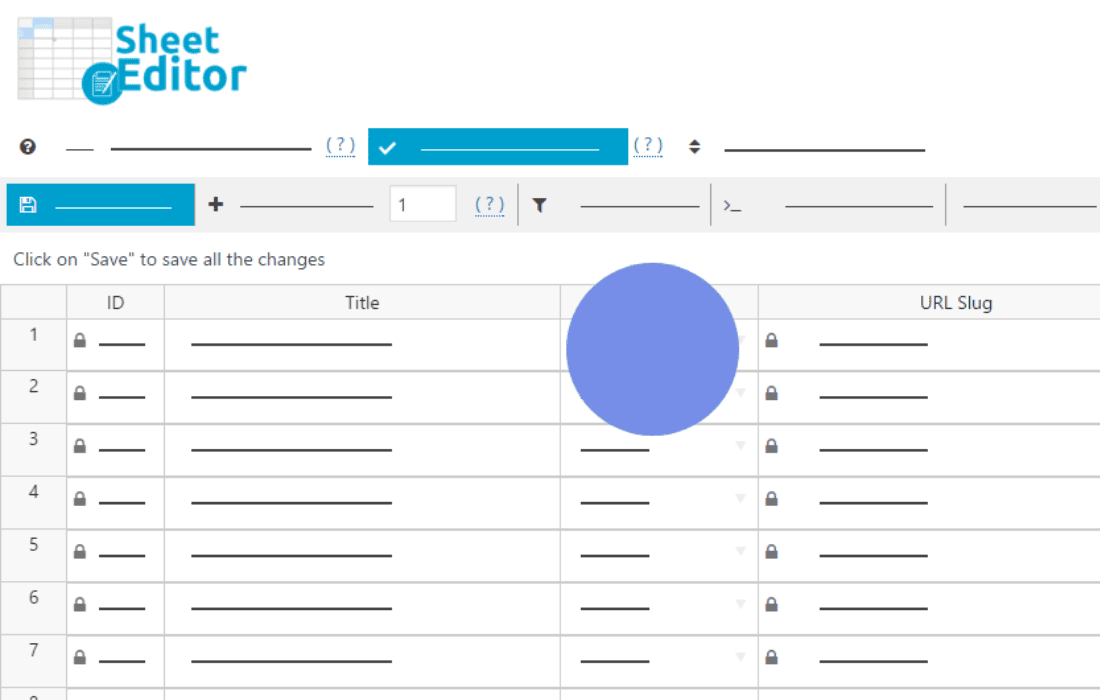
Managing comments in WordPress can quickly become a bottleneck, especially when dealing with high-traffic sites, spam, or a need to perform bulk updates. WP Sheet Editor – Comments Pro transforms your standard, slow-loading WordPress comment dashboard into a powerful, spreadsheet-like interface. By allowing you to view, filter, and edit all your comments in one unified grid, this plugin drastically reduces the time you spend on moderation, enabling you to manage thousands of comments with the same ease as editing a row in Excel or Google Sheets.
Key Features
- Spreadsheet Editor Interface: View all your comments in a familiar grid layout. Edit content, status, author details, and dates directly within the cells without having to open individual comment pages.
- Advanced Bulk Editing: Update hundreds or thousands of comments simultaneously. Whether you need to change the status of comments, modify author names, or update dates in bulk, the plugin handles it in just a few clicks.
- Powerful Search and Filtering: Use advanced search tools to find specific comments based on date ranges, status (approved, pending, spam, trash), author email, IP address, or content keywords.
- Export and Import Functionality: Easily export your comments to a CSV file for external reporting or offline analysis. You can also import changes back into your site, making it simple to perform mass updates using external tools.
- Column Management: Customize your view by showing or hiding specific columns. Focus only on the data that matters to your current workflow, keeping your workspace clean and efficient.
- Formula-like Bulk Actions: Perform complex operations across many rows at once, such as appending text to comments or replacing specific strings across your entire database.
Use Cases and Who It’s For
WP Sheet Editor – Comments Pro is designed for anyone who finds the default WordPress comment management system too restrictive or time-consuming. If you are a site administrator, community manager, or SEO specialist, this tool is indispensable.
For site owners managing large communities, this plugin is a lifesaver when it comes to cleaning up spam or moderating thousands of pending comments after a high-traffic event. Instead of clicking through dozens of pages, you can scan your entire comment history in one view, identify patterns, and take action immediately.
SEO specialists and content marketers often use this tool to manage internal link building within comments or to perform large-scale content audits. Being able to export comment data into a spreadsheet format allows for deeper analysis of user engagement and content performance that the standard WordPress dashboard simply cannot provide.
Setup and How It Works
Getting started with WP Sheet Editor – Comments Pro is designed to be straightforward, requiring no complex configuration or coding knowledge.
- Installation: Install and activate the plugin through your WordPress dashboard just like any other plugin.
- Access the Sheet Editor: Once activated, a new menu item will appear in your dashboard specifically for the comment editor.
- Configure Columns: When you open the editor, you can use the settings to select which comment fields (author, date, content, status, etc.) you want to display in your grid.
- Edit and Save: Click directly into any cell to modify the data. You can drag and drop to copy values down rows, or use the bulk edit tool to apply changes to hundreds of comments at once.
- Sync Changes: Once you are satisfied with your edits, the plugin syncs the changes directly with your WordPress database, ensuring your site reflects the updates immediately.