
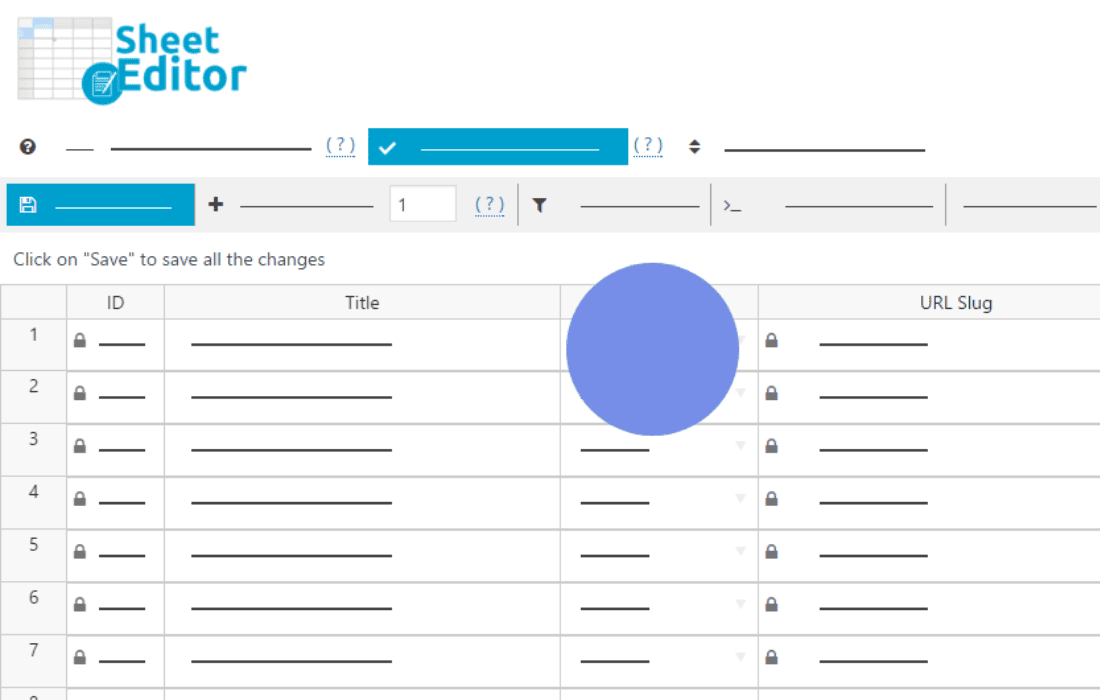
Stop spending hours manually updating your WordPress content and start scaling your site with the power of automation. WP Sheet Editor – Automations is designed to transform your spreadsheet-style management experience into a fully automated engine. Whether you need to synchronize data, schedule bulk updates, or trigger complex workflows based on specific site events, this plugin allows you to eliminate repetitive tasks, reduce human error, and keep your site data perfectly organized without writing a single line of code.
Key Features
- Automated Bulk Operations: Execute complex changes across thousands of posts, products, or custom post types instantly. Set up rules to update fields, change statuses, or modify taxonomies automatically based on your criteria.
- Trigger-Based Workflows: Define specific triggers—such as when a post is published, a product is updated, or a user registers—to automatically initiate a sequence of actions, ensuring your site remains responsive and up-to-date in real-time.
- Scheduled Tasks: Create recurring automation schedules to handle routine maintenance. Whether it is clearing out old revisions, updating prices on a weekly basis, or syncing inventory, you can set it and forget it.
- Conditional Logic: Use advanced filters and conditions to ensure your automations only run on the data that truly needs them. You have full control over the scope of every automated action.
- Seamless Integration: Designed to work natively with the WP Sheet Editor ecosystem, allowing you to bridge the gap between your visual spreadsheet interface and your site’s automated background processes.
- Detailed Logs and History: Maintain full visibility over your site’s automated health with comprehensive logs that track every action taken by the plugin, giving you peace of mind and an easy way to audit changes.
Use Cases and Who It Is For
WP Sheet Editor – Automations is the ultimate tool for site administrators, e-commerce store owners, and content managers who manage large volumes of data. If you spend your day manually adjusting product prices, fixing broken metadata, or moving content between categories, this plugin is built for you.
For WooCommerce store owners, it is an essential companion for managing inventory levels across thousands of SKUs or automating the transition of product statuses during seasonal sales. For content-heavy sites and news portals, it enables seamless content lifecycle management, such as automatically archiving old posts or updating author metadata in bulk. Agencies managing multiple client sites will find it indispensable for standardizing site configurations and performing routine cleanup tasks across various installations efficiently.
Setup and How It Works
Getting started with WP Sheet Editor – Automations is designed to be intuitive, even if you are not a developer. The system follows a logical flow to ensure your site remains stable while you automate your workflows:
- Define Your Target: Use the familiar WP Sheet Editor interface to select the post type, user type, or data set you want to manage.
- Set Your Trigger: Choose whether the automation should run on a schedule (e.g., every Monday at midnight) or based on a specific event (e.g., when a product is moved to “Out of Stock”).
- Configure Actions: Use the visual builder to define exactly what should happen to your data. You can set values, change statuses, or trigger secondary processes.
- Apply and Monitor: Once activated, the plugin handles the heavy lifting in the background. You can monitor the progress and success of every automated task through the built-in activity dashboard.
Similar Plugins
While WP Sheet Editor – Automations offers a unique approach by tightly integrating with spreadsheet-style data management, other tools in the WordPress ecosystem offer automation capabilities, such as Uncanny Automator, which focuses on connecting various plugins and external services through triggers and actions, and WP All Import, which is primarily used for importing and exporting data with some scheduling capabilities.