
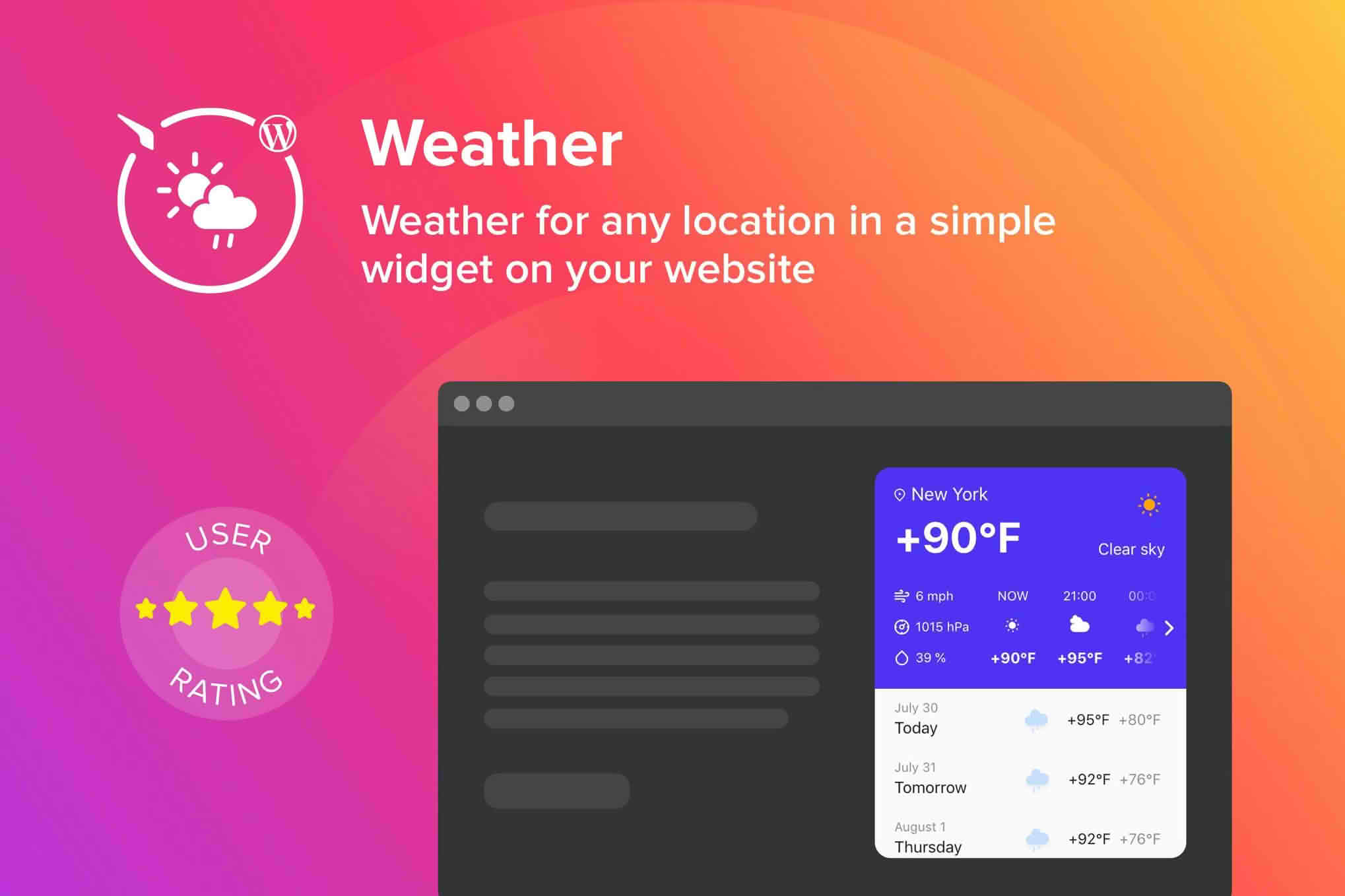
Keep your website visitors informed and engaged by delivering real-time, localized weather updates directly on your WordPress site. Whether you run a travel blog, a local business directory, or a community news portal, the WordPress Weather Forecast Plugin provides a seamless way to display accurate meteorological data. By offering relevant, location-specific information, you add tangible value to your user experience, helping your audience plan their day while keeping them on your site longer.
Key Features
- Real-Time Data Integration: Automatically fetch up-to-the-minute weather conditions, including current temperature, humidity, wind speed, and atmospheric pressure, ensuring your site always displays the most accurate information.
- Customizable Display Layouts: Choose from a variety of pre-designed templates or customize your own to match your website’s branding, ensuring the widget fits perfectly into your sidebars, footers, or content areas.
- Location Flexibility: Allow visitors to search for weather in specific cities, or configure the plugin to automatically detect the user’s location via IP address for a personalized experience.
- Multi-Day Forecasts: Provide your audience with a comprehensive outlook by displaying extended 5-day or 7-day forecasts, helping them plan ahead with ease.
- Lightweight and Performance-Focused: Built with clean code to ensure that your site’s loading speed remains fast, preventing any negative impact on your SEO or user retention.
- Responsive Design: The weather widget is fully mobile-responsive, ensuring that it looks great and functions perfectly on desktops, tablets, and smartphones alike.
- Metric and Imperial Support: Easily toggle between Celsius and Fahrenheit, as well as different wind speed and pressure units, to cater to your specific global audience.
Use Cases: Who It’s For
This plugin is an essential tool for any website owner looking to enhance user engagement through utility. Travel and tourism websites benefit immensely by providing travelers with the information they need to pack correctly and plan excursions. Local business directories and community portals use the plugin to foster a sense of local connection, giving residents a quick, reliable source for daily weather checks. Event planners and outdoor venue websites can also leverage the plugin to provide attendees with live updates, potentially reducing inquiries about weather conditions and helping guests prepare for their visit.
Setup and How It Works
- Installation: Simply upload the plugin files to your WordPress dashboard via the Plugins menu and activate the plugin.
- API Configuration: Enter your API key from a supported weather data provider in the plugin settings panel. This connection allows the plugin to securely pull live data.
- Widget Placement: Navigate to the WordPress Widgets area or use the provided shortcode to place the weather display anywhere on your site, including posts, pages, or sidebar areas.
- Customization: Use the intuitive settings interface to select your preferred units, default location, and display style to align the widget with your site’s aesthetic.
Similar Plugins
If you are exploring other options to display weather data on your WordPress site, you may also consider plugins such as WP Simple Weather, which focuses on minimalist design, or Weather Atlas Widget, which is known for its extensive global database and visual customization options.