
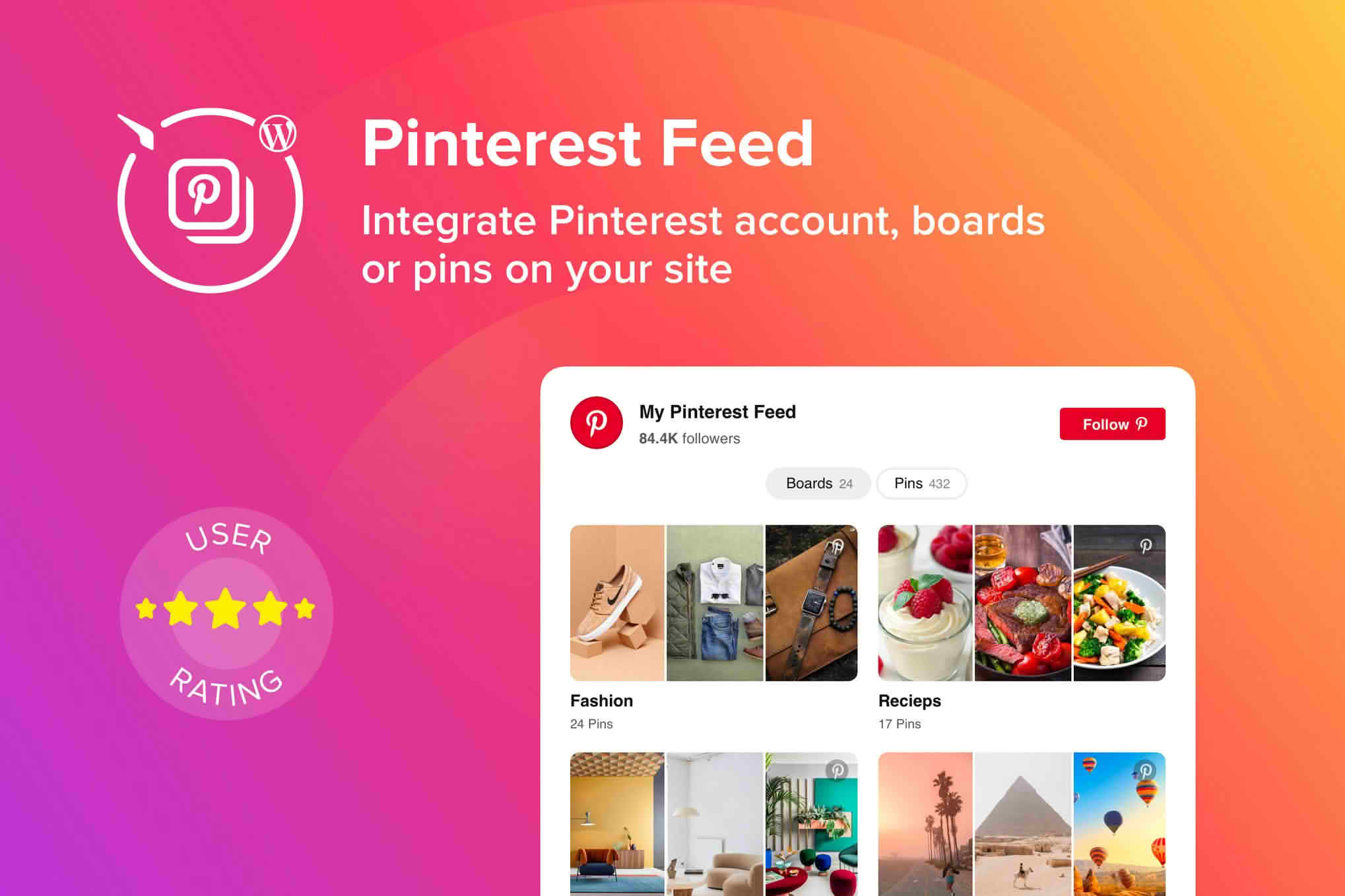
Transform your WordPress website into a visual powerhouse by seamlessly integrating your Pinterest content. The WordPress Pinterest Feed Plugin allows you to automatically display your latest pins, boards, or profile activity directly on your site, keeping your content fresh and engaging without manual updates. Whether you are a blogger, an e-commerce store owner, or a creative professional, this plugin bridges the gap between your social media presence and your website, driving traffic, increasing time-on-site, and helping you build a more cohesive brand identity.
Key Features
- Automatic Synchronization: Keep your website updated in real-time. Any new pins you add to your selected boards or profile will automatically appear on your site, ensuring your visitors always see your latest content.
- Customizable Layouts: Choose how your pins are displayed to match your site’s design. Whether you prefer a clean grid, a dynamic masonry layout, or a carousel slider, you can adjust the appearance to fit your theme perfectly.
- Fully Responsive Design: Your Pinterest feed will look stunning on every device. The plugin ensures that your images scale correctly for desktops, tablets, and smartphones, providing a seamless browsing experience for all your users.
- Lightweight and Fast: Built with performance in mind, the plugin is optimized to ensure that your page load speeds remain fast, even when displaying high-resolution images from Pinterest.
- Easy Filtering Options: Take full control over what your audience sees. You can choose to display pins from specific boards, hide specific content, or filter by keywords to ensure the feed aligns with your website’s niche.
- Engaging Call-to-Action: Encourage interaction by allowing users to follow your Pinterest profile or click through to view the original pin directly from your website, helping you grow your social media following.
Use Cases / Who It’s For
This plugin is an essential tool for any website owner who relies on visual storytelling to connect with their audience. E-commerce store owners can use it to showcase user-generated content or product inspiration boards, turning passive browsers into active shoppers. Fashion, food, and travel bloggers find this tool invaluable for repurposing their Pinterest content, effectively doubling the life of every image they create. By displaying your curated Pinterest boards on your site, you provide social proof and inspiration, which helps establish authority in your niche and keeps visitors engaged for longer periods.
Setup / How It Works
Getting started is designed to be straightforward, requiring no advanced coding knowledge. You can have your feed live in just a few minutes:
- Install and Activate: Upload the plugin to your WordPress dashboard and activate it through the Plugins menu.
- Connect Your Account: Navigate to the plugin settings and securely connect your Pinterest account. This allows the plugin to fetch your data safely.
- Configure Your Feed: Select the boards or profile you wish to display. Choose your preferred layout, number of columns, and image spacing using the intuitive settings panel.
- Display on Your Site: Use the provided shortcode or the dedicated block editor widget to place your Pinterest feed on any page, post, or sidebar area of your website.
Similar Plugins
If you are exploring options for social media integration, other popular solutions in the WordPress ecosystem include Smash Balloon Social Photo Feed (specifically their Pinterest integration features) and various third-party Pinterest feed widgets available on the official WordPress plugin directory. These alternatives offer different sets of customization options and interface styles, allowing you to choose the tool that best fits your specific technical requirements and design preferences.