
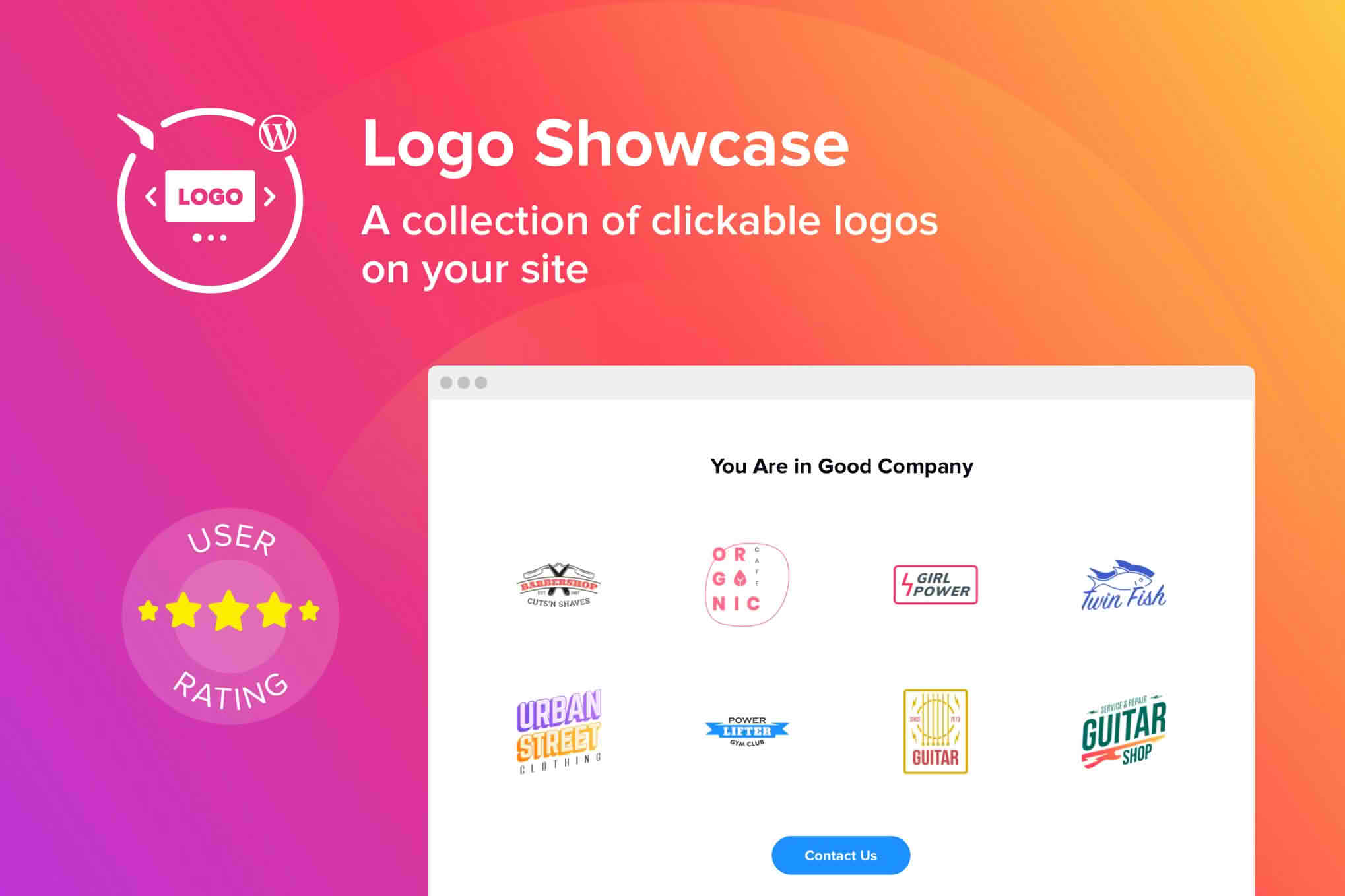
Building trust with your website visitors is essential for converting traffic into loyal customers. The WordPress Logo Showcase Plugin provides a seamless, professional way to display brand logos, partner icons, client testimonials, or sponsor badges directly on your site. By creating a visually appealing, organized grid or carousel of logos, you instantly boost your site’s credibility and demonstrate social proof without cluttering your design.
Key Features
- Multiple Layout Options: Choose between flexible grid layouts or smooth, auto-playing carousels to best fit your website’s design aesthetic.
- Responsive Design: Ensure your logo showcase looks perfect on any device, from desktop monitors to mobile phones, with fully responsive, touch-friendly layouts.
- Drag-and-Drop Interface: Easily organize and reorder your logos using a simple, intuitive drag-and-drop builder, saving you time on manual configuration.
- Customizable Tooltips: Add context to your logos by enabling hover-activated tooltips that display company names or additional details when a user interacts with an icon.
- Link Support: Turn every logo into a clickable link, allowing you to direct traffic to partner websites, client case studies, or affiliate pages.
- Shortcode Integration: Effortlessly place your logo showcases anywhere on your site—including pages, posts, or widget areas—using simple, lightweight shortcodes.
- Filter and Categorize: Organize large collections of logos into specific categories, allowing visitors to filter the display based on their interests or industry.
- Lightweight Performance: Built with clean, optimized code to ensure your site remains fast and search-engine friendly, regardless of how many logos you display.
Use Cases: Who It’s For
Whether you are a freelance designer, a corporate business, or an e-commerce store owner, this plugin is designed to help you leverage the power of social proof. Agencies can use it to showcase their impressive portfolio of past clients, instantly signaling expertise to potential leads. E-commerce stores can display “As Seen In” media badges or payment gateway icons to reduce friction during the checkout process and reassure customers of their legitimacy.
Non-profits and community organizations often use this tool to highlight sponsors, donors, and partners, providing them with the visibility they deserve. If you work with third-party brands or software integrations, this plugin offers a clean, professional way to display those partnerships, helping you build a more authoritative online presence.
Setup: How It Works
- Install and Activate: Upload the plugin zip file to your WordPress dashboard via the Plugins menu and activate it.
- Upload Your Logos: Navigate to the plugin settings and upload the logos you wish to display. You can add titles, links, and assign them to specific categories.
- Configure Your Layout: Use the settings panel to select your preferred display style—such as a carousel or a grid—and adjust settings like animation speed, column count, and spacing.
- Publish with Shortcode: Copy the generated shortcode and paste it into any page, post, or widget area where you want the logo showcase to appear.
Similar Plugins
If you are exploring your options, other popular solutions in the WordPress ecosystem that offer similar functionality include the Logo Carousel, WP Logo Showcase Responsive Slider, and the Logo Slider WP plugin. Each of these tools provides varying levels of customization for managing and displaying brand assets on your WordPress site.