
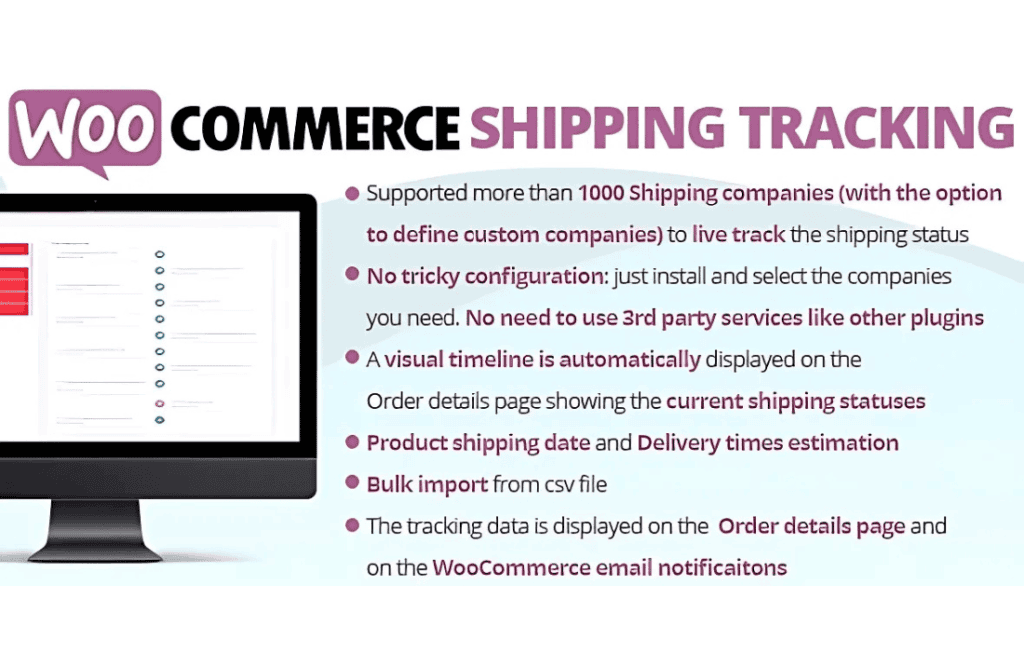
The WooCommerce Shipping Tracking plugin is an essential tool for store owners looking to bridge the communication gap between dispatching an order and its arrival at the customer’s doorstep. By seamlessly integrating tracking information directly into the WooCommerce ecosystem, this plugin eliminates the guesswork for your shoppers, reduces “where is my order” support tickets, and fosters long-term trust in your brand. Whether you are a small boutique or a high-volume retailer, providing transparent, real-time shipping updates is the most effective way to turn a one-time buyer into a loyal, returning customer.
Key Features
- Automated Tracking Notifications: Automatically include tracking numbers and links in your WooCommerce order completion emails, ensuring customers receive their information the moment their package leaves your facility.
- Extensive Carrier Support: The plugin comes pre-configured with support for hundreds of major global and regional shipping carriers, allowing you to select your preferred provider from a comprehensive, built-in list.
- Custom Carrier Integration: If you use a niche or local courier not found in the standard list, the plugin allows you to manually add custom tracking URLs, ensuring your customers can track packages regardless of the carrier.
- Customer-Facing Tracking Portal: Customers can view their tracking status directly from their “My Account” page, providing a professional, branded experience that keeps them on your site rather than sending them to third-party tracking aggregators.
- Bulk Tracking Import: Efficiently manage high-volume shipping by importing tracking numbers in bulk via CSV, saving your team hours of manual data entry.
- Flexible Display Options: Customize where and how tracking information appears, giving you full control over the customer’s post-purchase journey.
- Order Status Synchronization: Seamlessly update order statuses based on tracking milestones, keeping your internal workflows organized and up-to-date.
Use Cases and Who It’s For
This plugin is designed for any WooCommerce merchant who prioritizes customer experience and operational efficiency. If your store processes physical goods, you understand that the post-purchase phase is a critical touchpoint. For store owners, this plugin is ideal for reducing the administrative burden on support teams. By empowering customers to self-serve their tracking information, you can significantly decrease the volume of emails and calls asking for order updates, allowing your staff to focus on higher-level service tasks.
It is also perfectly suited for dropshippers and businesses with complex logistics. If you manage multiple suppliers or use different carriers for various product lines, the ability to define custom tracking links and manage data in bulk ensures that your shipping operations remain scalable. Regardless of your industry‚Äîbe it fashion, electronics, or artisanal goods‚Äîproviding clarity on delivery timelines is a proven strategy to increase customer satisfaction and improve your store’s reputation.
Setup and How It Works
Getting started with WooCommerce Shipping Tracking is designed to be intuitive, allowing you to begin providing tracking updates in just a few minutes:
- Install and Activate: Upload the plugin to your WordPress dashboard and activate it to unlock the new shipping fields within your WooCommerce order edit screens.
- Configure Global Settings: Navigate to the plugin settings to select your default carriers and customize the messaging that appears in your customer emails.
- Add Tracking to Orders: When fulfilling an order, simply enter the tracking number into the designated field on the WooCommerce “Edit Order” page. Select the corresponding carrier from the dropdown menu.
- Automatic Dispatch: Once you update the order status to “Completed,” the plugin automatically triggers the email notification containing the tracking link.
- Customer Access: Your customers will immediately see their tracking details on their “My Account” page, providing them with a direct link to the carrier‚Äôs tracking website.
Similar Plugins
If you are exploring your options, there are several other solutions in the WooCommerce ecosystem that offer similar functionality, such as the Advanced Shipment Tracking for WooCommerce plugin, which is widely recognized for its robust carrier support and tracking features. Additionally, some store owners utilize AfterShip for WooCommerce if they specifically require a more comprehensive, multi-carrier tracking dashboard with advanced analytics and proactive delivery notifications.