
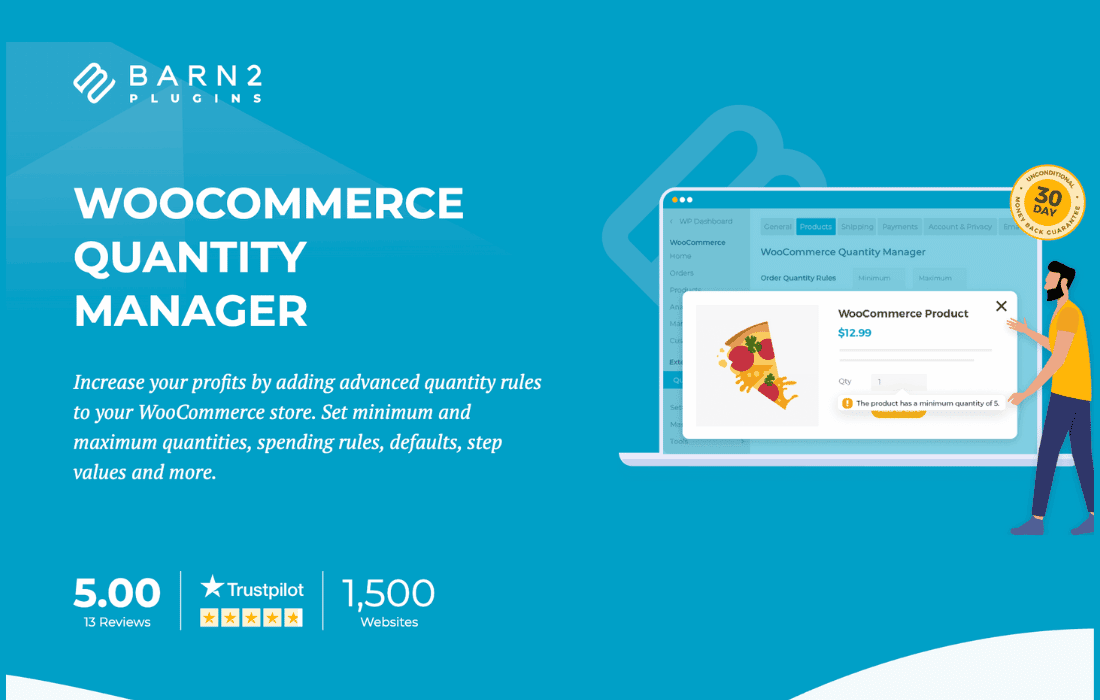
Take full control over how customers add items to their carts with WooCommerce Quantity Manager. Whether you need to enforce minimum order quantities for wholesale buyers, restrict maximum purchase limits to prevent stock hoarding, or set specific quantity increments to streamline your shipping and packaging processes, this plugin provides the precision tools necessary to optimize your store’s sales flow. It is the perfect solution for store owners looking to reduce administrative overhead, improve inventory management, and tailor the shopping experience to their specific business model.
Key Features
- Global and Product-Level Rules: Set default quantity rules for your entire store or override them for specific products, categories, or variations to suit unique inventory needs.
- Minimum and Maximum Quantities: Prevent unprofitable small orders by setting minimum purchase thresholds or protect your stock levels by capping the maximum quantity a single customer can purchase.
- Quantity Step Increments: Force customers to purchase items in specific multiples (e.g., in packs of 6, 12, or 24). This is ideal for businesses that sell by the box, case, or pallet.
- Cart Validation: Ensure customers adhere to your rules before they reach the checkout. The plugin automatically validates quantities in the cart, preventing invalid orders from being placed.
- Customizable Error Messages: Provide clear, helpful feedback to customers when they attempt to add an invalid quantity, helping them understand how to adjust their order to meet your requirements.
- User Role Restrictions: Apply different quantity rules based on user roles. For example, you can allow wholesale customers to buy in bulk while enforcing stricter limits on retail shoppers.
- Seamless WooCommerce Integration: Designed to work harmoniously with the standard WooCommerce cart and checkout flow, ensuring a smooth experience for your customers without requiring complex coding.
Use Cases and Who It’s For
WooCommerce Quantity Manager is designed for store owners who need more flexibility than the default WooCommerce settings provide. If you operate a wholesale business, this plugin is essential for ensuring that orders meet your minimum shipping or profit requirements. By forcing orders into specific increments, you can significantly reduce the time spent on manual order adjustment and packaging.
Retailers with limited stock or high-demand products can use the maximum quantity limits to prevent a single customer from clearing out their entire inventory, ensuring a fair shopping experience for all visitors. Additionally, businesses selling products that are inherently sold in sets—such as tiles, beverages, or raw materials—will find the increment feature indispensable for maintaining accurate inventory counts and simplifying logistics.
Setup and How It Works
Getting started with WooCommerce Quantity Manager is designed to be straightforward, allowing you to implement complex logic without needing technical expertise.
- Install and Activate: Upload the plugin to your WordPress site via the Plugins menu and activate it.
- Configure Global Settings: Navigate to the plugin settings area to define your default store-wide quantity rules, such as a standard minimum or increment for all products.
- Define Product-Specific Rules: Visit the edit page for any individual product where you wish to apply custom rules. You will find a new tab or section provided by the plugin to set unique minimums, maximums, or increments for that specific item.
- Save and Test: Once your rules are saved, visit your store as a customer to verify that the quantity fields reflect your settings and that the validation logic correctly handles invalid inputs.
Similar Plugins
If you are exploring your options, other popular solutions in this space include WooCommerce Min/Max Quantities by WooCommerce, YITH WooCommerce Minimum Maximum Quantity, and WISDM Product Quantity Limits. These plugins offer overlapping functionality, and we recommend reviewing their specific documentation to ensure they meet your unique store requirements.