
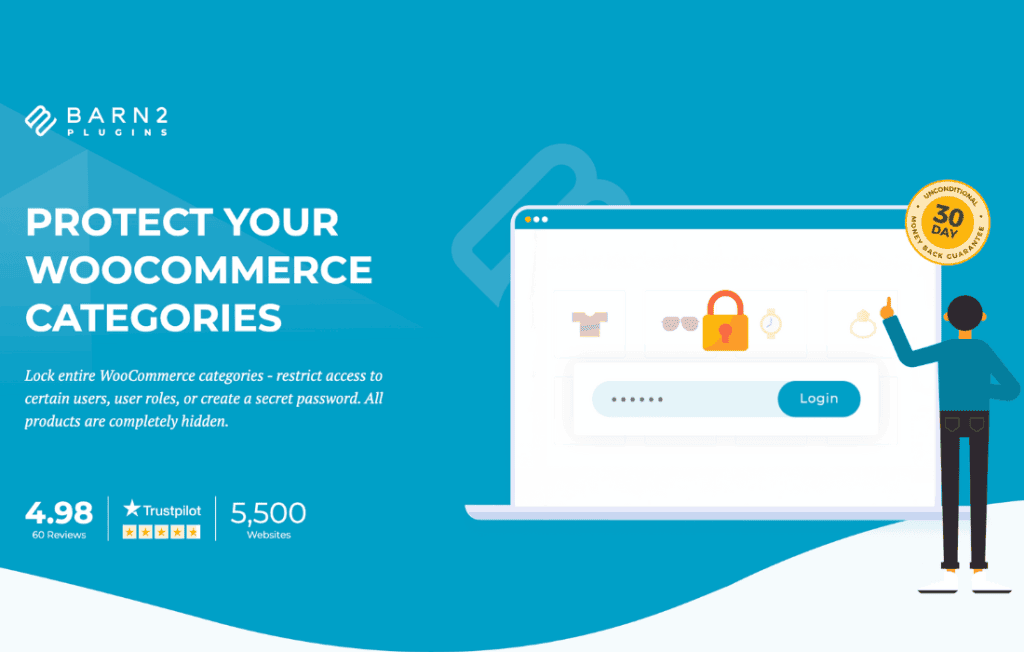
Take full control over who sees your products with WooCommerce Protected Categories. Whether you are running a private wholesale portal, offering exclusive members-only products, or managing a password-protected catalog, this plugin provides a seamless way to restrict access to specific parts of your store. By securing entire product categories, you can create tailored shopping experiences for different customer groups without the need for complex custom development.
Key Features
- Password Protection: Secure any category with a single password. Customers will be prompted to enter the password to view the products within that category, making it ideal for client-specific catalogs.
- User Role Restriction: Automatically hide or show categories based on the user’s WordPress role. This is perfect for separating retail customers from wholesale buyers or VIP members.
- Individual User Access: Grant access to specific categories to individual logged-in users, giving you granular control over who sees what.
- Hide from Public View: Choose to completely hide protected categories from your public shop page, search results, and navigation menus, ensuring that sensitive products remain invisible to unauthorized visitors.
- Seamless Integration: Designed to work natively with WooCommerce, ensuring that your protected categories look and behave exactly like the rest of your store once access is granted.
- Customizable Login Forms: Easily display a login or password entry form directly on the category page, providing a professional and intuitive experience for your customers.
- Product Visibility Control: Optionally hide products within protected categories from the main shop page and search results, preventing accidental discovery.
Use Cases: Who It’s For
WooCommerce Protected Categories is an essential tool for any store owner who needs to segment their inventory. If you operate a wholesale business, you can create a dedicated wholesale category that is only visible to registered wholesale users, keeping your retail pricing and products separate. It is also an excellent solution for membership sites that offer exclusive products to subscribers, as you can restrict access to these items based on user roles.
Furthermore, this plugin is perfect for businesses that provide custom services or products to specific clients. By assigning a project-specific category to a client and protecting it with a unique password, you can provide a private, professional space for them to browse and purchase their dedicated items. It effectively turns your standard WooCommerce store into a versatile platform capable of handling both public and private commerce simultaneously.
Setup: How It Works
Getting started with WooCommerce Protected Categories is designed to be straightforward, allowing you to secure your content in minutes:
- Install and Activate: Upload and activate the plugin within your WordPress dashboard.
- Edit Your Category: Navigate to your Products > Categories section and select the category you wish to protect.
- Configure Visibility: Within the category edit screen, you will find a new section for protection settings. Choose your preferred method: password protection, user role restriction, or individual user access.
- Customize Settings: Enter your desired password or select the specific user roles that should have access to the category.
- Save and Publish: Save your changes. The plugin will immediately handle the access logic, hiding the category and its products from unauthorized users.
Similar Plugins
If you are exploring options for content restriction within WooCommerce, other notable solutions include the WooCommerce Memberships extension, which provides a broader suite of tools for managing subscription-based access, and the Password Protected Categories plugin, which offers similar functionality focused specifically on password-based access control.