
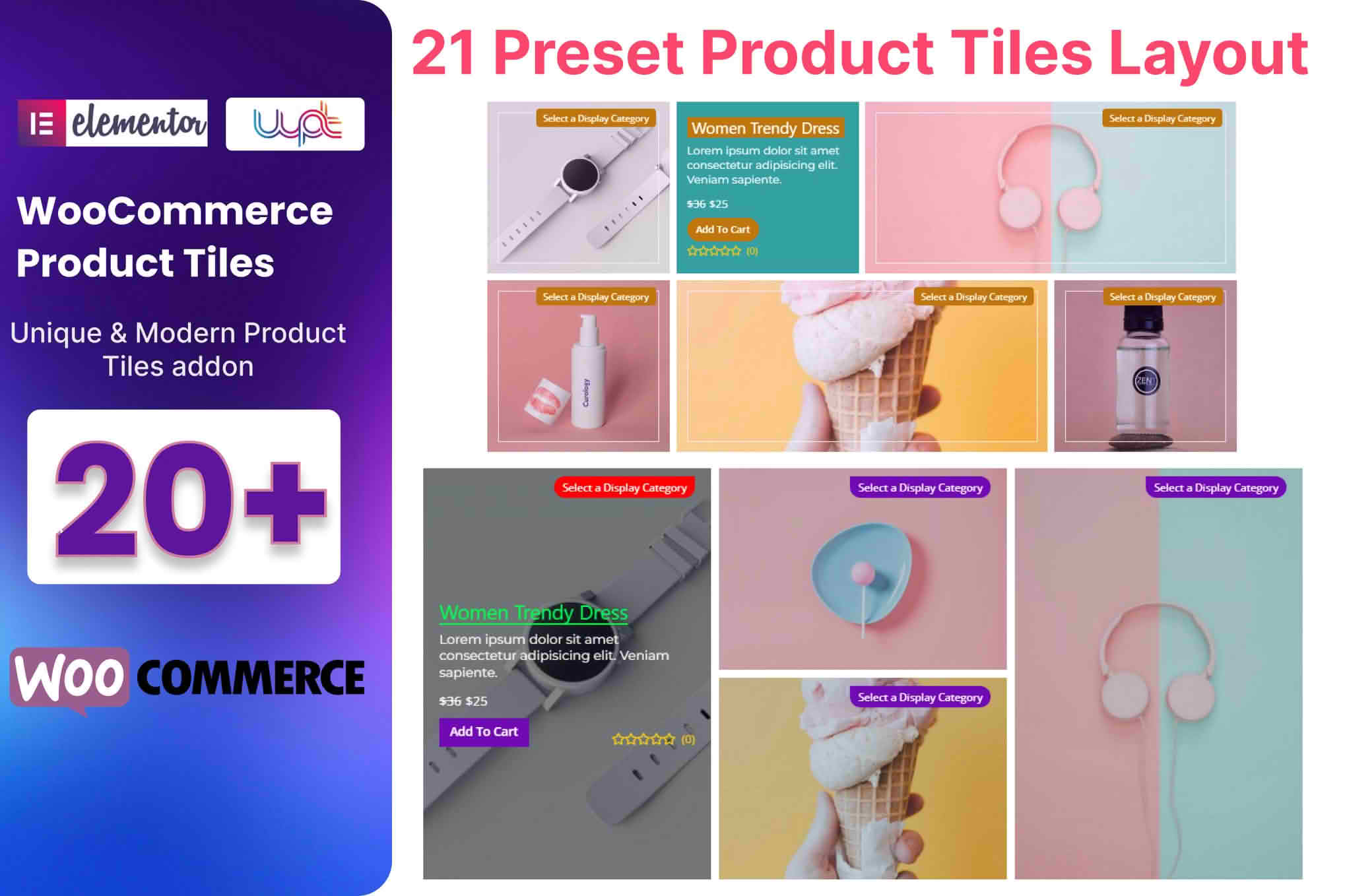
Transform your WooCommerce store into a visually stunning, high-converting shopping experience with the WooCommerce Product Tiles Addon for Elementor. If you are tired of the standard, rigid product grid layouts that come with default themes, this plugin provides the design flexibility you need to showcase your products exactly how you envision them. By integrating seamlessly with the Elementor page builder, it empowers store owners and designers to create captivating, custom product displays that grab attention, improve user engagement, and ultimately drive more sales without writing a single line of code.
Key Features
- Drag-and-Drop Interface: Built specifically for Elementor, allowing you to design and customize your product tiles directly within the live editor.
- Customizable Layouts: Break free from standard grids with flexible tile configurations, including masonry, carousel, and custom column arrangements.
- Advanced Styling Options: Take full control over typography, spacing, borders, shadows, and hover effects to perfectly match your brand identity.
- Dynamic Product Queries: Easily filter and display products by category, tag, featured status, or sale status to create curated collections on any page.
- Interactive Hover Effects: Engage your visitors with smooth animations, image swaps, or quick-view buttons that appear when a user hovers over a product tile.
- Mobile-Responsive Design: Ensure your product showcases look flawless on every device, with granular control over how tiles stack and display on tablets and smartphones.
- Performance Optimized: Engineered to be lightweight, ensuring that your beautiful product displays do not compromise your site’s loading speed or SEO rankings.
- Integrated Add-to-Cart Functionality: Allow customers to purchase directly from your custom tiles, reducing friction and streamlining the checkout process.
Use Cases and Who It’s For
This plugin is designed for WooCommerce store owners, web designers, and marketing professionals who refuse to settle for “out-of-the-box” store layouts. Whether you are running a boutique fashion brand, a digital goods marketplace, or a large-scale e-commerce store, this addon provides the creative freedom to highlight your best-selling items effectively.
It is perfect for creating high-impact homepage hero sections, curated “Shop the Look” pages, seasonal promotional galleries, or specialized landing pages for marketing campaigns. Because it relies on Elementor‚Äôs intuitive interface, it is an ideal solution for those who want professional, high-end design results but lack advanced coding skills. If you need to tell a story through your products rather than just listing them, this plugin is the bridge between your vision and your store’s reality.
Setup and How It Works
Getting started with the WooCommerce Product Tiles Addon for Elementor is a straightforward process designed to get your products live quickly:
- Installation: Install and activate the plugin via your WordPress dashboard just like any other standard plugin.
- Elementor Integration: Open any page or template using the Elementor editor. You will find the new Product Tiles widget added to your Elementor panel.
- Drag and Drop: Simply drag the Product Tiles widget onto your page canvas.
- Configure Queries: Use the settings panel to select which products to display. You can choose to show all products, specific categories, or filter by tags.
- Style Your Tiles: Navigate to the Style tab in the Elementor sidebar to adjust colors, fonts, spacing, and hover effects until your tiles align with your brand.
- Publish: Once you are satisfied with the look, save your changes and publish the page to instantly display your new, professional product layout to your customers.