
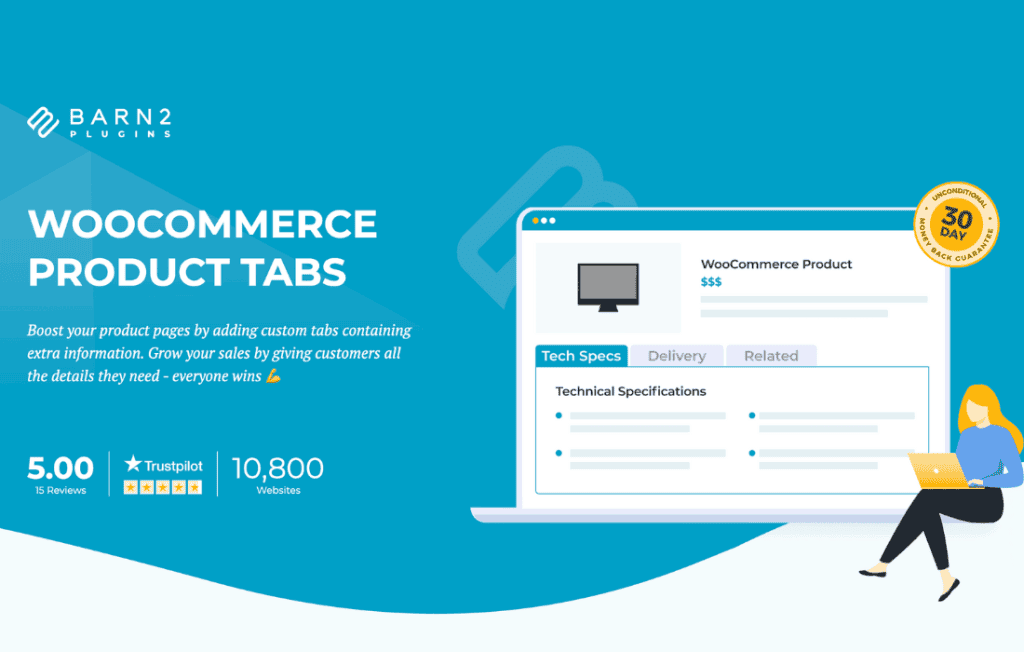
Transform your WooCommerce product pages into highly organized, conversion-focused experiences with WooCommerce Product Tabs Pro. By default, WooCommerce offers limited options for displaying product information, often resulting in cluttered pages that overwhelm customers. This plugin empowers store owners to break free from these constraints, allowing you to create, manage, and customize unlimited custom tabs. Whether you need to display detailed technical specifications, size guides, shipping policies, or customer FAQs, this tool ensures your essential content is presented clearly, professionally, and exactly where your customers need it most.
Key Features
- Unlimited Custom Tabs: Create as many additional tabs as your products require. There are no restrictions on the amount of information you can provide to help customers make informed buying decisions.
- Global and Product-Specific Tabs: Efficiently manage content by creating global tabs that appear across your entire store or specific categories, or define unique tabs for individual products that require specialized information.
- Flexible Content Types: Easily embed rich content within your tabs, including text, images, videos, shortcodes, and HTML, allowing for highly engaging and interactive product descriptions.
- Intuitive Drag-and-Drop Ordering: Effortlessly rearrange the order of your tabs, including the default WooCommerce tabs like Description and Reviews, to prioritize the information that matters most to your audience.
- Conditional Logic: Display specific tabs only when certain conditions are met, such as when a product belongs to a specific category, has a particular tag, or meets a defined price threshold.
- Responsive Design: Ensure your product tabs look and function perfectly on all devices. The plugin is built to be mobile-friendly, providing a seamless browsing experience for shoppers on smartphones, tablets, and desktops.
- Icon and Styling Support: Enhance the visual appeal of your tabs by adding icons or using custom styling options to ensure your product pages align perfectly with your brand identity.
Use Cases and Who It’s For
WooCommerce Product Tabs Pro is an essential tool for any e-commerce store owner looking to improve user experience and reduce bounce rates. If you sell complex products, such as electronics or machinery, use custom tabs to provide downloadable manuals, technical data sheets, and warranty information without cluttering the main description area. For apparel and footwear retailers, the plugin is perfect for displaying standardized size charts, fabric care instructions, and return policies directly on the product page, which helps reduce customer support inquiries and returns.
This plugin is also ideal for businesses that rely on social proof and customer education. You can create dedicated tabs for “Frequently Asked Questions” to address common pre-purchase concerns, or add a “Video Tutorial” tab to demonstrate how a product works in real-time. By organizing information into logical, easy-to-navigate sections, you help customers find exactly what they are looking for, which builds trust and encourages higher conversion rates.
Setup and How It Works
Getting started with WooCommerce Product Tabs Pro is designed to be straightforward, requiring no coding knowledge to achieve professional results.
- Installation: Install and activate the plugin through your WordPress dashboard just like any other standard plugin.
- Create Tabs: Navigate to the dedicated tab management area to create your new custom tabs. Give them a title and add your content using the familiar WordPress editor.
- Assign Content: Choose whether the tab should be global (applying to all products or specific categories) or assigned to individual products directly from the product edit screen.
- Configure Display: Use the settings panel to reorder your tabs, set visibility conditions, or customize the appearance of the tab headers.
- Save and Publish: Once you are satisfied with your configuration, save your changes. Your new, organized tabs will immediately appear on your product pages, providing a cleaner and more informative shopping experience.
Similar Plugins
If you are exploring your options, other popular solutions in this space include YITH WooCommerce Tab Manager, WooCommerce Tab Manager by SkyVerge, and Custom Product Tabs for WooCommerce by YIKES, Inc. While these plugins share similar goals, WooCommerce Product Tabs Pro distinguishes itself through its focus on intuitive management and robust conditional logic, making it a powerful choice for store owners who prioritize both ease of use and advanced customization.