
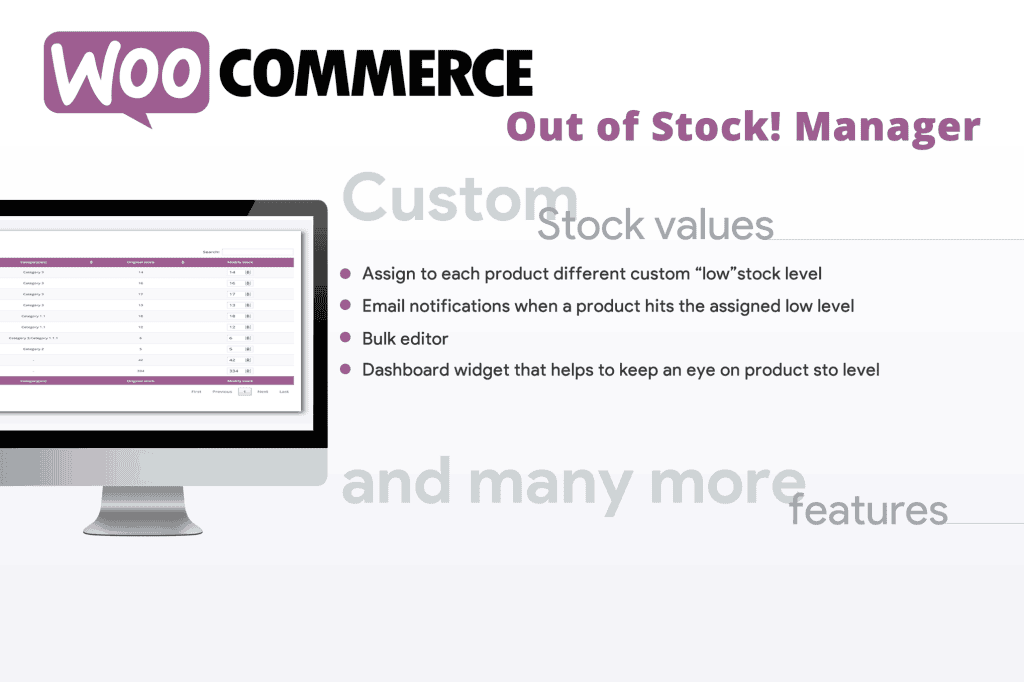
Managing inventory effectively is the backbone of a successful e-commerce store, yet WooCommerce default settings often fall short when it comes to handling out-of-stock items. The WooCommerce Out of Stock! Manager plugin empowers store owners to take full control over how unavailable products are presented to customers. By automating inventory alerts and customizing the visibility of out-of-stock items, you can prevent lost sales, manage customer expectations, and maintain a professional store appearance even when your shelves are empty.
Key Features
- Automated Inventory Notifications: Configure custom email alerts to be sent to administrators or store managers the moment a product’s stock level drops below a specified threshold, ensuring you never miss a restocking opportunity.
- Custom Out-of-Stock Messaging: Replace the standard, generic “Out of Stock” text with personalized messages that encourage backorders, suggest alternative products, or provide estimated restock timelines.
- Conditional Visibility Controls: Choose whether to hide out-of-stock products entirely from your catalog, move them to the bottom of your shop pages, or keep them visible to maintain SEO rankings while preventing purchases.
- Bulk Inventory Management: Efficiently update stock statuses and visibility settings across multiple products simultaneously, saving hours of manual labor for stores with large inventories.
- Backorder Management: Streamline the backorder process by clearly communicating to customers that an item is available for purchase despite being currently out of stock, helping you capture revenue before the inventory even arrives.
- Detailed Inventory Reporting: Gain clear insights into your stock levels with an intuitive dashboard that highlights low-stock and out-of-stock items, allowing for data-driven purchasing decisions.
Use Cases / Who It’s For
This plugin is designed for any WooCommerce store owner who wants to optimize their conversion rate and improve the user experience. If you run a high-volume retail site, the automated alerts are essential for preventing “dead” product pages that frustrate customers. For boutique shops, the ability to customize messaging allows you to maintain your brand voice even when inventory fluctuates. It is particularly useful for businesses that rely on pre-orders or backorders, as it provides the infrastructure to keep selling while waiting for shipments to arrive. Whether you are managing five products or five thousand, this tool removes the guesswork from inventory management.
Setup / How It Works
- Installation: Upload the plugin zip file via your WordPress dashboard, activate it, and navigate to the plugin settings page.
- Global Configuration: Set your default behavior for out-of-stock items, such as whether they should be hidden from the catalog or displayed with a specific badge or message.
- Alert Setup: Define your low-stock thresholds and add the email addresses of the team members who should receive automated inventory notifications.
- Customization: Use the settings interface to customize the text displayed on product pages for items that are currently unavailable.
- Management: Utilize the bulk editing tools to apply these settings to existing products, or let the plugin handle new inventory automatically based on your global preferences.
Similar Plugins
If you are exploring options for inventory management, other plugins in this space include WooCommerce Stock Manager, which focuses on a spreadsheet-style interface for editing stock, and various “Back In Stock Notifier” plugins that allow customers to sign up for email alerts when a specific item becomes available again.