
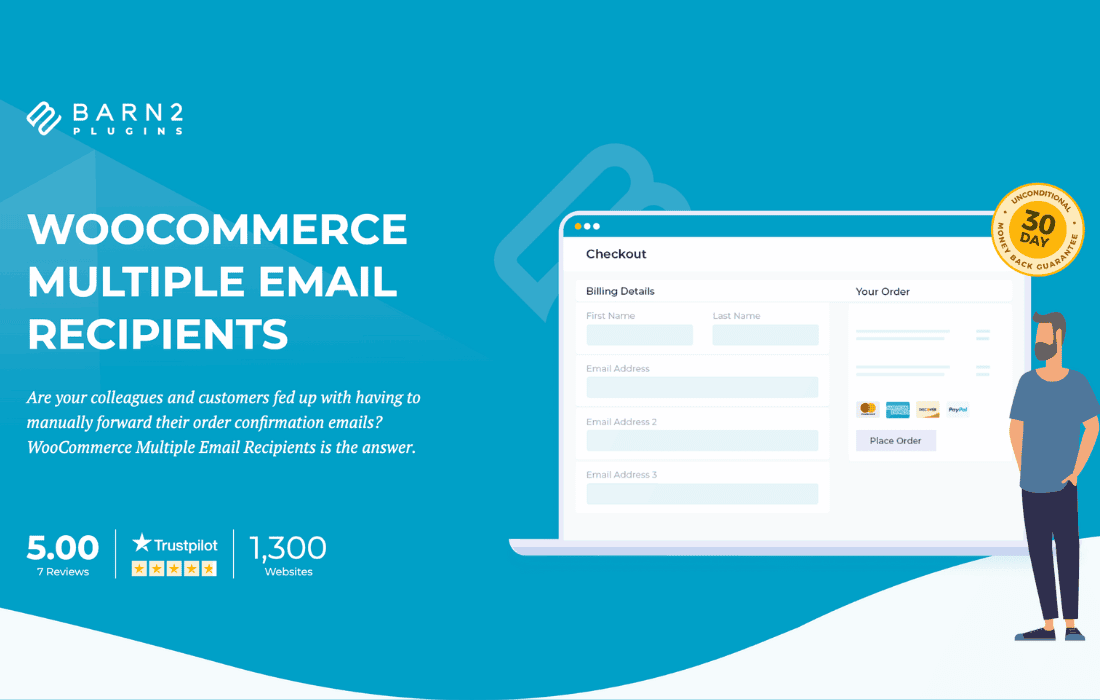
Managing order notifications in WooCommerce can be a bottleneck when multiple team members need to stay informed about incoming sales. By default, WooCommerce limits order notifications to a single recipient or a comma-separated list in the settings, which lacks flexibility and control. The WooCommerce Multiple Email Recipients plugin solves this by allowing you to add unlimited recipients to specific order emails, ensuring that the right people—whether they are warehouse managers, dropshipping suppliers, or accounting staff—receive the information they need the moment an order is placed.
Key Features
- Unlimited Recipients: Add as many email addresses as you need to any WooCommerce email notification, removing the restrictive limitations of the default system.
- Per-Email Customization: Configure different recipient lists for different email types. For example, send “New Order” emails to your sales team, while routing “Processing Order” emails directly to your fulfillment department.
- Support for All WooCommerce Emails: Manage recipients for all standard WooCommerce notifications, including New Order, Processing Order, Completed Order, Refunded Order, and Customer Note emails.
- CC and BCC Support: Choose whether to send emails as standard recipients, CC (Carbon Copy), or BCC (Blind Carbon Copy) to maintain professional communication standards and keep internal communications discreet.
- Seamless Integration: Designed to work natively within the standard WooCommerce settings panel, ensuring a familiar interface that requires no complex configuration or custom coding.
- Performance Optimized: Built with lightweight code to ensure that your email delivery process remains fast and does not impact your site’s checkout performance.
Use Cases and Who It’s For
This plugin is essential for any WooCommerce store owner who operates with a team or relies on third-party vendors. If you are a solo entrepreneur, you might use this to send order confirmations to both your personal email and a dedicated business address to ensure you never miss a notification. For growing businesses, it is a vital tool for operational efficiency.
Fulfillment Teams: Automatically alert your shipping department the moment an order is marked as processing, reducing the time between a customer clicking “buy” and their package leaving the warehouse.
Dropshipping Businesses: Automatically copy your suppliers on order emails so they can begin processing the shipment immediately without you having to manually forward every notification.
Accounting and Management: Keep your finance team in the loop by BCCing them on all order confirmation emails, ensuring they have the necessary documentation for bookkeeping without cluttering the customer’s view.
Setup and How It Works
The plugin is designed for simplicity, allowing you to enhance your email workflow in just a few minutes without needing developer assistance.
- Install and Activate: Upload the plugin to your WordPress dashboard and activate it as you would with any other plugin.
- Navigate to Settings: Go to the WooCommerce settings page and click on the “Emails” tab.
- Configure Recipients: Select the specific email notification you wish to modify (e.g., “New Order”). You will see new fields provided by the plugin where you can enter additional email addresses.
- Select Delivery Method: Choose whether to add these addresses as standard recipients, CC, or BCC.
- Save Changes: Once you save your settings, the plugin will immediately begin routing your order emails to your specified list of recipients.
Similar Plugins
While the core functionality of managing multiple recipients is specific, you may also encounter solutions such as “WooCommerce Email Recipients” or “Advanced Notifications for WooCommerce”. These plugins offer similar capabilities for extending the reach of your store’s automated email system. When choosing, consider whether you need simple email routing or more advanced conditional logic based on order totals, product categories, or specific shipping methods.