
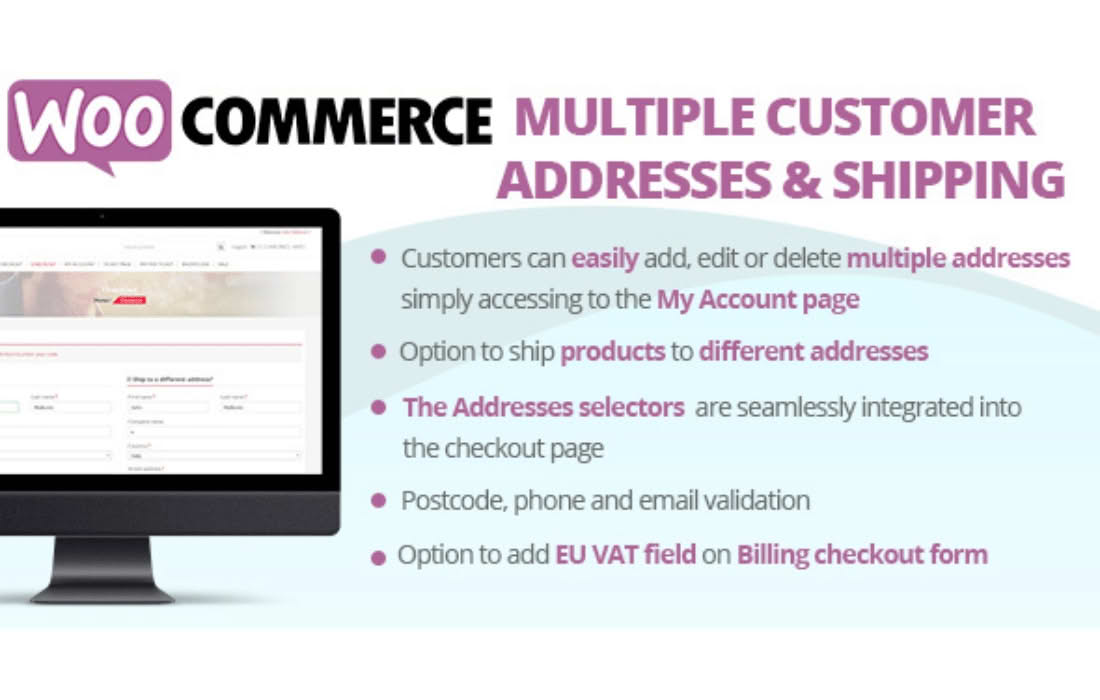
Empower your customers and streamline your shipping operations with WooCommerce Multiple Customer Addresses. By default, WooCommerce limits users to a single billing and shipping address, which creates friction for B2B clients, gift-givers, and frequent shoppers. This plugin removes those barriers, allowing your registered users to save, manage, and select from an unlimited number of addresses directly within their My Account dashboard. Whether you are running a wholesale business or a consumer-facing shop, providing a seamless address management experience increases customer loyalty and reduces the time your team spends manually updating order details.
Key Features
- Unlimited Saved Addresses: Allow your customers to store as many shipping and billing addresses as they need, eliminating the need to re-enter data for every purchase.
- Seamless Checkout Integration: Customers can select their preferred shipping address from a convenient dropdown menu or radio button list during the checkout process.
- My Account Management: Provides a dedicated section in the user dashboard where customers can easily add, edit, delete, or set a default address for future orders.
- Default Address Selection: Users can designate a primary shipping or billing address to be automatically pre-selected, speeding up the checkout flow for their most frequent destinations.
- Order-Specific Address Selection: Give customers the flexibility to ship different items to different locations or simply choose the most relevant address for the current order without overwriting their profile defaults.
- B2B and Wholesale Friendly: Ideal for business customers who frequently ship to different branch locations, job sites, or warehouse facilities.
- Developer-Friendly Hooks: Includes filters and actions that allow developers to customize the display and functionality to match specific store requirements.
Use Cases and Who It’s For
This plugin is an essential upgrade for any WooCommerce store that serves customers with complex logistical needs. If you operate a wholesale or B2B portal, your clients likely manage multiple office locations or distribution centers; this plugin allows them to manage those shipping destinations independently. For standard e-commerce stores, it is a powerful tool for gift-givers who frequently send items to family and friends, as well as for remote workers or digital nomads who maintain multiple residences.
By reducing the manual labor involved in address entry, you also minimize the risk of typos and shipping errors. When customers have full control over their address book, they are less likely to contact your support team to request changes after an order has been placed, freeing up your staff to focus on growing your business rather than managing administrative tasks.
Setup and How It Works
Getting started with WooCommerce Multiple Customer Addresses is designed to be straightforward, ensuring you can enhance your store’s functionality without technical hurdles.
- Installation: Upload the plugin zip file via your WordPress dashboard or FTP, then activate it like any other standard plugin.
- Configuration: Navigate to the plugin settings page within your WooCommerce settings. Here, you can toggle the feature on or off and define global settings for address management.
- Customer Experience: Once active, the plugin automatically injects the address management interface into the standard WooCommerce “My Account” area.
- Checkout Display: The checkout page will automatically detect when a logged-in user has multiple addresses saved and present a selection interface, replacing the static address fields with a dynamic, user-friendly choice.
Similar Plugins
If you are exploring alternatives to manage address data in WooCommerce, you may also consider plugins such as “WooCommerce Address Book” or “Customer Address Book for WooCommerce.” These solutions offer similar core functionality, focusing on extending the standard WooCommerce address fields to provide a more robust address management system for your registered users.