
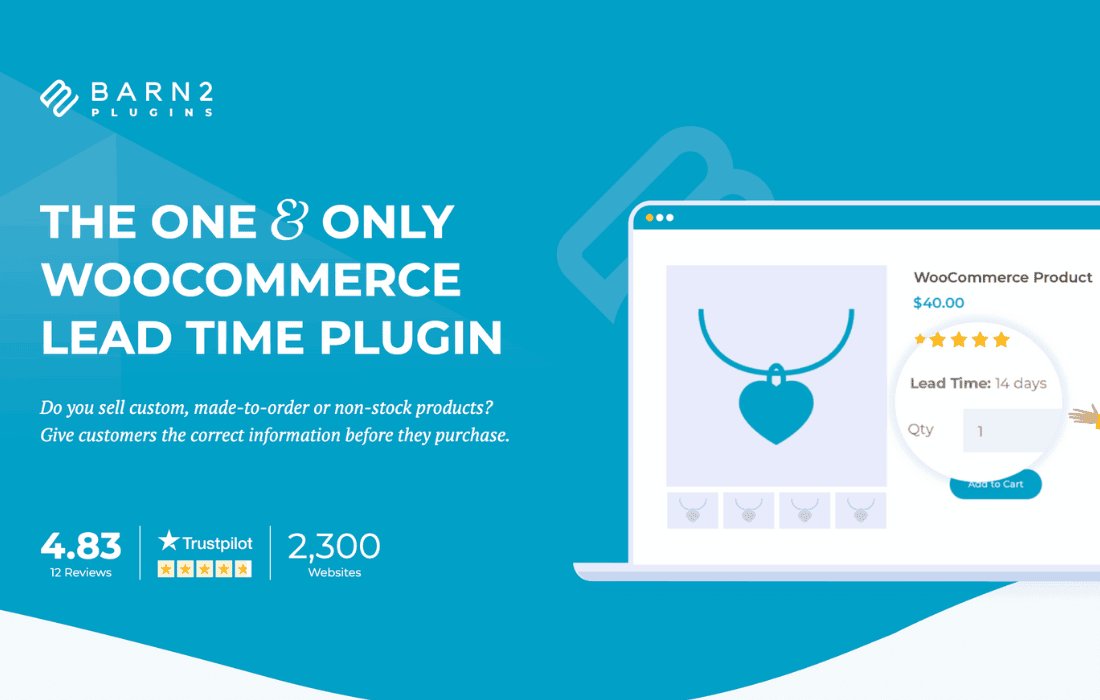
Managing customer expectations is the cornerstone of a successful e-commerce business. The WooCommerce Lead Time plugin empowers you to display accurate, transparent shipping and availability estimates directly on your product pages. By clearly communicating how long it will take for an item to be ready for shipment or pickup, you reduce customer anxiety, minimize support inquiries regarding order status, and build long-term trust with your buyers.
Key Features
- Dynamic Lead Time Display: Automatically calculate and display lead times on product pages, cart, and checkout, ensuring customers are informed at every step of the purchasing journey.
- Global and Product-Level Control: Set a default lead time for your entire store, or override it for specific products that require unique handling, manufacturing, or sourcing times.
- Variation Support: Assign specific lead times to individual product variations, ensuring that if one size or color is ready to ship immediately while another is on backorder, the customer sees the correct information for their selection.
- Customizable Messaging: Use flexible text placeholders to create professional, branded messages. Easily communicate terms like “Ships in 2-3 days,” “Made to order,” or “Available in 2 weeks.”
- Conditional Logic: Display lead times only when necessary, such as when an item is out of stock, on backorder, or based on specific inventory thresholds.
- Visual Customization: Choose where the lead time information appears on the product page to ensure it aligns perfectly with your existing theme design and user experience.
- Integration Ready: Built to work seamlessly with standard WooCommerce product pages, ensuring compatibility with most well-coded themes and third-party extensions.
Use Cases / Who It’s For
This plugin is an essential tool for any store owner who does not operate on a strictly “ready-to-ship” basis. If your business model involves custom manufacturing, artisanal goods, or complex supply chains, this plugin bridges the gap between your operations and the customer’s expectations.
It is particularly valuable for businesses selling custom-made furniture, personalized jewelry, print-on-demand apparel, or specialized equipment that must be sourced from suppliers. By providing a clear timeline, you effectively manage expectations before the “buy” button is clicked. This transparency is proven to reduce the number of “Where is my order?” emails, freeing up your support team to focus on growing the business rather than managing status updates.
Setup / How It Works
- Installation: Install and activate the plugin through your WordPress dashboard.
- Global Configuration: Navigate to the plugin settings to define your default lead time message. This will act as the fallback for all products.
- Product Overrides: For items that differ from your standard shipping times, visit the individual product edit screen. Locate the lead time settings box and input the specific timeframe for that item.
- Variation Settings: If you use variable products, head to the “Variations” tab within the product editor to set unique lead times for each specific combination of attributes.
- Review: Save your changes and visit your storefront to verify that the lead time is displaying correctly on your product pages.
Similar Plugins
If you are exploring options for managing product availability and shipping estimates, you may also encounter alternative solutions such as YITH WooCommerce Added to Cart Popup (which sometimes includes availability features), WooCommerce Show Stock for Variations, or various “Product Availability” or “Backorder Manager” plugins available in the WordPress repository. While these plugins offer different approaches to inventory management, the WooCommerce Lead Time plugin remains focused specifically on the clear communication of time-based fulfillment expectations.