
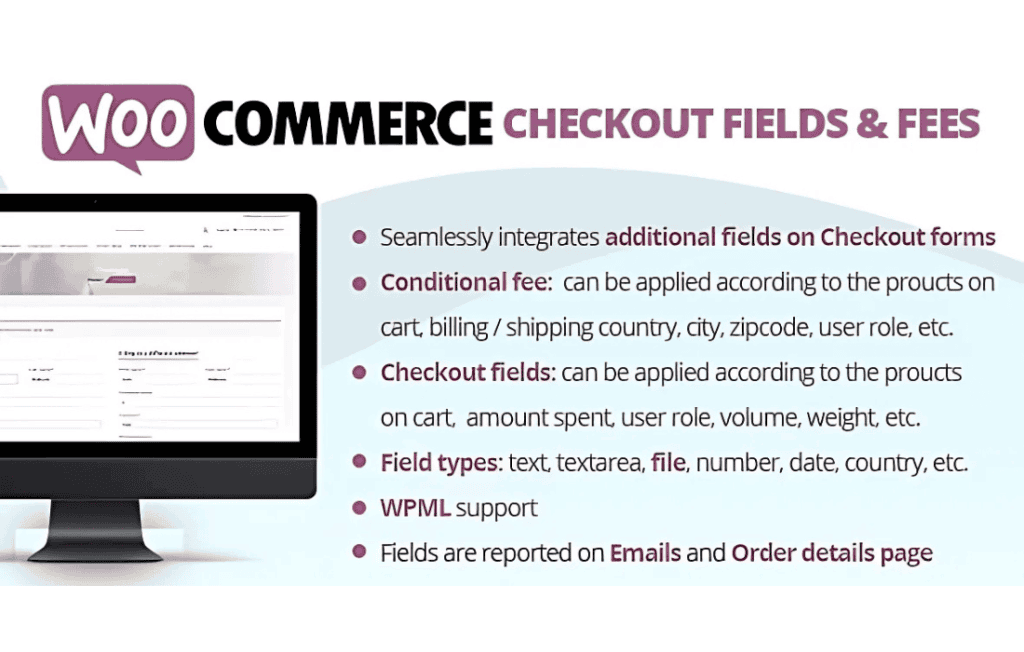
Take complete control over your WooCommerce checkout process by customizing every field and adding dynamic fees to your orders. WooCommerce Checkout Fields & Fees empowers store owners to capture the exact information they need from customers while automating additional charges based on specific conditions. Whether you need to collect custom data, offer gift wrapping, or apply surcharges for specific shipping methods, this plugin provides a seamless, code-free solution to optimize your conversion funnel and streamline your order management.
Key Features
- Custom Field Management: Easily add, edit, or remove fields on your checkout page. You can include various field types such as text inputs, dropdowns, checkboxes, and date pickers to gather necessary customer information.
- Dynamic Fee Logic: Create flexible fee rules that trigger automatically. Apply extra charges based on the cart total, selected shipping method, payment gateway, or specific products in the cart.
- Conditional Visibility: Show or hide fields and fees based on user input. For example, display a “Gift Message” field only when the “This is a gift” checkbox is selected, keeping your checkout clean and relevant.
- Field Validation: Ensure data accuracy by setting required fields or applying custom validation rules, preventing incomplete orders and reducing customer support inquiries.
- Order Data Integration: All custom information collected via your new fields is saved directly to the WooCommerce order details, ensuring your team has full visibility from the admin dashboard.
- User-Friendly Interface: Manage your entire checkout configuration through an intuitive settings panel that requires absolutely no custom coding or theme file modifications.
Use Cases / Who It’s For
This plugin is essential for WooCommerce store owners who have outgrown the standard, rigid checkout form. If you run a business that requires specific logistical data—such as delivery instructions, tax identification numbers, or appointment scheduling—this plugin allows you to collect that data without friction. It is perfect for stores offering personalized products, local businesses requiring specific delivery windows, or wholesalers who need to collect business-specific details during the transaction.
Furthermore, it is an invaluable tool for merchants who need to recover costs or incentivize specific behaviors. By using the dynamic fees feature, you can easily implement “Rush Processing” fees, handling surcharges for fragile items, or deposit requirements for custom orders. This helps maintain your profit margins while providing transparency to your customers at the point of sale.
Setup / How It Works
- Install and Activate: Upload the plugin to your WordPress site via the Plugins menu and activate it to begin configuration.
- Configure Fields: Navigate to the plugin settings page to add new fields. Select the field type, label it, and determine if it should appear in the billing, shipping, or order notes section.
- Define Fee Rules: Create your fee conditions by specifying the trigger (e.g., “If shipping method is Express”) and the corresponding amount to be added to the order total.
- Set Conditions: Use the conditional logic builder to link specific fields or fees to user actions, ensuring they only appear when relevant.
- Save and Test: Save your settings and perform a test checkout on your site to ensure the fields and fees appear exactly as intended for your customers.
Similar Plugins
If you are exploring your options, you may also encounter other solutions in the WooCommerce ecosystem such as Checkout Field Editor for WooCommerce, YITH WooCommerce Checkout Manager, or Flexible Checkout Fields for WooCommerce. These plugins offer overlapping functionality regarding field customization, and you should evaluate them based on your specific requirements for conditional fee logic and integration with your existing theme.