
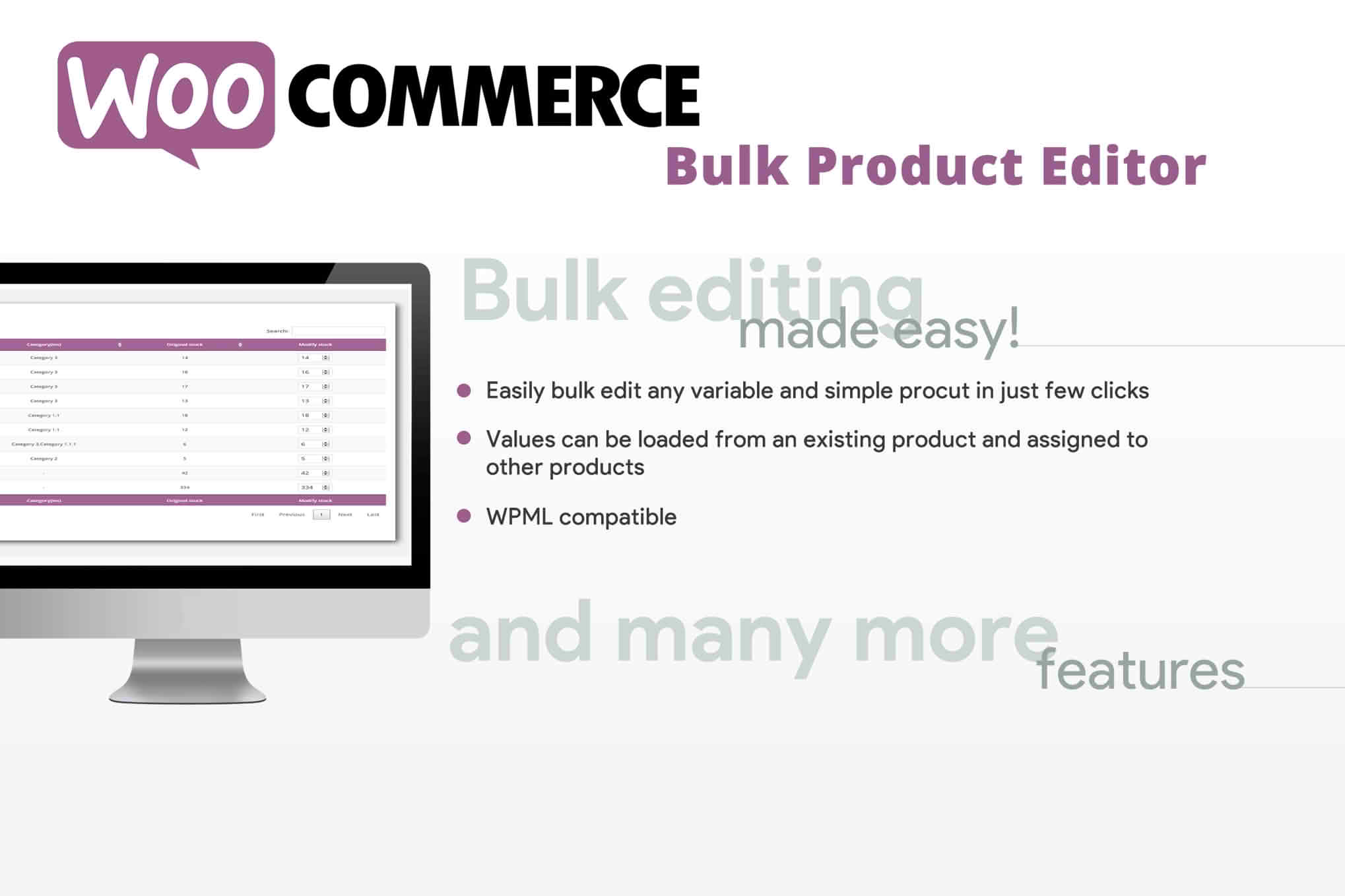
Managing a growing WooCommerce store can quickly become a bottleneck when you need to update prices, stock levels, or product descriptions across dozens or hundreds of items. The WooCommerce Bulk Product Editor is designed to eliminate the tedious task of opening and saving each product individually. By providing a powerful, spreadsheet-like interface directly within your WordPress dashboard, this plugin empowers store owners and managers to make site-wide changes in seconds, saving hours of manual data entry and reducing the risk of human error.
Key Features
- Bulk Edit Anything: Effortlessly update product titles, descriptions, prices, sale prices, inventory levels, SKUs, categories, tags, and product attributes in a single operation.
- Spreadsheet-Style Interface: Work within a familiar, intuitive grid view that allows you to edit cells directly, copy and paste data, and manage your catalog with the ease of Excel or Google Sheets.
- Advanced Filtering: Quickly narrow down your product list using powerful filters. Sort by category, stock status, price range, or custom attributes to find exactly what you need to update.
- Bulk Actions and Calculations: Perform complex updates at scale. Use mathematical operations to increase all prices by a percentage, set all stock to a specific number, or append text to descriptions across selected items.
- Undo and Revision History: Work with confidence knowing that you can revert changes if a mistake occurs, ensuring your store data remains accurate and protected.
- Support for Variable Products: Easily manage variations within your variable products, allowing you to update specific attributes or prices for individual variations without navigating through complex menu structures.
- Export and Import Functionality: Seamlessly move data between your store and external files, making it easier to prepare seasonal updates or sync inventory with external suppliers.
Use Cases and Who It’s For
This plugin is an essential tool for any WooCommerce store owner, manager, or virtual assistant who deals with a high volume of products. If you are running a dropshipping store, you likely need to adjust prices frequently based on supplier fluctuations; this plugin makes those updates instantaneous rather than a full-day project.
For retailers managing seasonal inventory, the Bulk Product Editor is a lifesaver. You can quickly toggle sale prices on or off for specific categories, update product tags for holiday campaigns, or adjust stock levels across your entire catalog after a busy weekend. It is equally valuable for store migrations or large-scale catalog re-organizations, where you might need to re-categorize hundreds of products or update descriptions to improve SEO performance. By streamlining these repetitive tasks, the plugin frees up your time to focus on growth, marketing, and customer experience rather than backend maintenance.
Setup and How It Works
Getting started with the WooCommerce Bulk Product Editor is designed to be straightforward, requiring no advanced technical knowledge.
- Installation: Install and activate the plugin through your WordPress dashboard just like any other standard plugin.
- Access the Editor: Navigate to the new menu item added to your WooCommerce dashboard, which opens the bulk editing interface.
- Filter Your Products: Use the sidebar or top-bar filters to select the specific subset of products you wish to modify.
- Make Edits: Click directly into the cells of the product grid to change values, or use the bulk action menu to apply changes to all selected items simultaneously.
- Save and Sync: Once your changes are reviewed, save your updates. The plugin will process the changes in the background, instantly updating your live store database.
Similar Plugins
If you are exploring your options, other popular solutions in this space include the WooCommerce Advanced Bulk Edit plugin and the ELEX WooCommerce Bulk Edit Products, Prices & Variations plugin. Each offers a slightly different interface and specific feature sets, so it is recommended to review their capabilities to see which aligns best with your specific workflow requirements.