
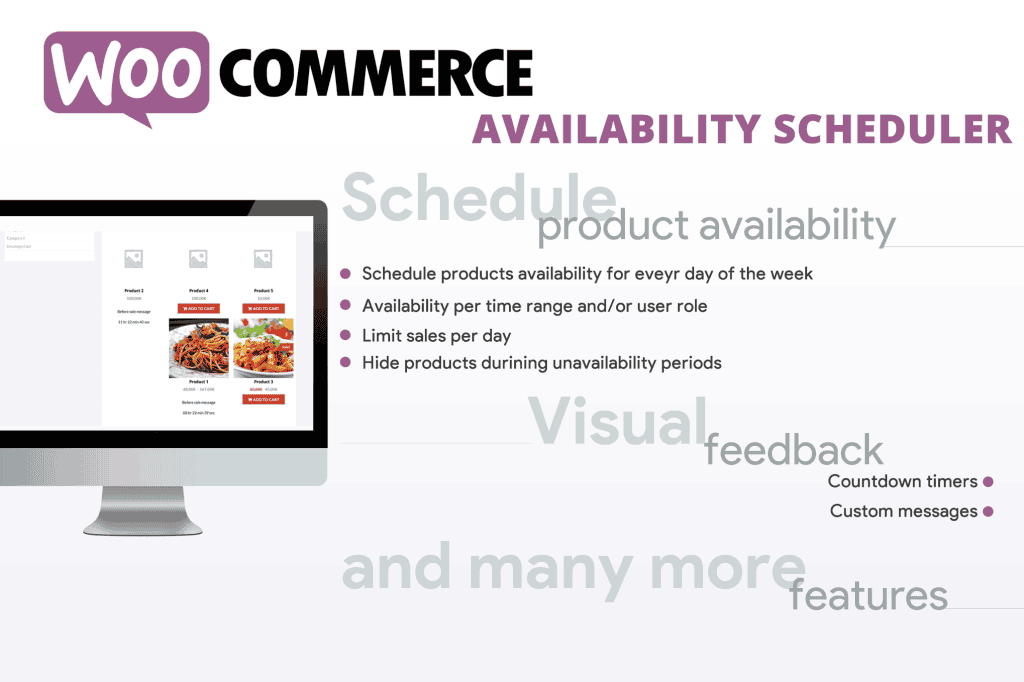
Take full control of your online store’s sales cycle with the WooCommerce Availability Scheduler. Whether you are running a boutique shop with limited-time product drops, managing seasonal inventory, or coordinating service-based bookings, this plugin empowers you to automate when your products appear as “available” to your customers. By eliminating the need for manual updates, you can ensure your store is always aligned with your business hours, marketing campaigns, or inventory replenishment schedules, ultimately reducing customer frustration and improving your conversion rates.
Key Features
- Automated Scheduling: Set precise start and end dates and times for when individual products or entire categories should be visible and purchasable on your storefront.
- Customizable Availability Messaging: Display professional notices to customers when an item is currently unavailable, letting them know exactly when it will return to stock or become orderable.
- Inventory Synchronization: Automatically hide products when they go out of stock or schedule their return once you have confirmed your next shipment, keeping your catalog clean and accurate.
- Bulk Management: Efficiently apply availability rules to multiple products at once, saving you time when managing large inventories or seasonal catalog updates.
- Time Zone Support: Ensure your product launches happen exactly when you intend, regardless of where your store is hosted, by configuring availability based on your specific time zone.
- Seamless WooCommerce Integration: Built to work natively with the WooCommerce ecosystem, ensuring compatibility with your existing theme, checkout process, and other essential plugins.
- Dynamic Visibility Controls: Choose whether to completely hide unavailable products from your shop pages or keep them visible but disable the “Add to Cart” button to build anticipation for upcoming releases.
Use Cases / Who It’s For
The WooCommerce Availability Scheduler is designed for store owners who need precision in their product management. It is an essential tool for businesses that rely on scarcity, timing, or scheduled service delivery.
If you run a flash sale or limited-time drop, this plugin allows you to queue up your inventory so that products go live exactly when your marketing emails hit your subscribers’ inboxes. For seasonal businesses, such as those selling holiday-specific items or weather-dependent gear, you can set your catalog to automatically rotate throughout the year, ensuring customers only see what is relevant to the current season.
Service-based businesses and pre-order specialists also benefit significantly. You can use the scheduler to open pre-orders for a specific window of time, ensuring you don’t over-commit your capacity. By automating these transitions, you remove human error from the equation, ensuring your store is always presenting the right items at the right time without requiring you to be logged into your dashboard at midnight to flip a switch.
Setup / How It Works
Getting started with the WooCommerce Availability Scheduler is designed to be intuitive for any WordPress user. The plugin integrates directly into the standard WooCommerce product editing interface.
- Install and Activate: Upload the plugin to your WordPress site and activate it through your plugin dashboard.
- Configure Global Settings: Navigate to the plugin settings page to define your default time zone and global display preferences for unavailable items.
- Edit Product Availability: Open any product in your WooCommerce catalog. You will see a new “Availability Scheduler” tab within the Product Data section.
- Define Rules: Select your start and end dates/times. Choose whether you want the product to be hidden completely or simply disabled for purchasing during off-hours.
- Save and Automate: Once saved, the plugin takes over. It will monitor your store and automatically toggle product visibility based on the rules you have established, allowing you to focus on growing your business rather than managing your catalog manually.