
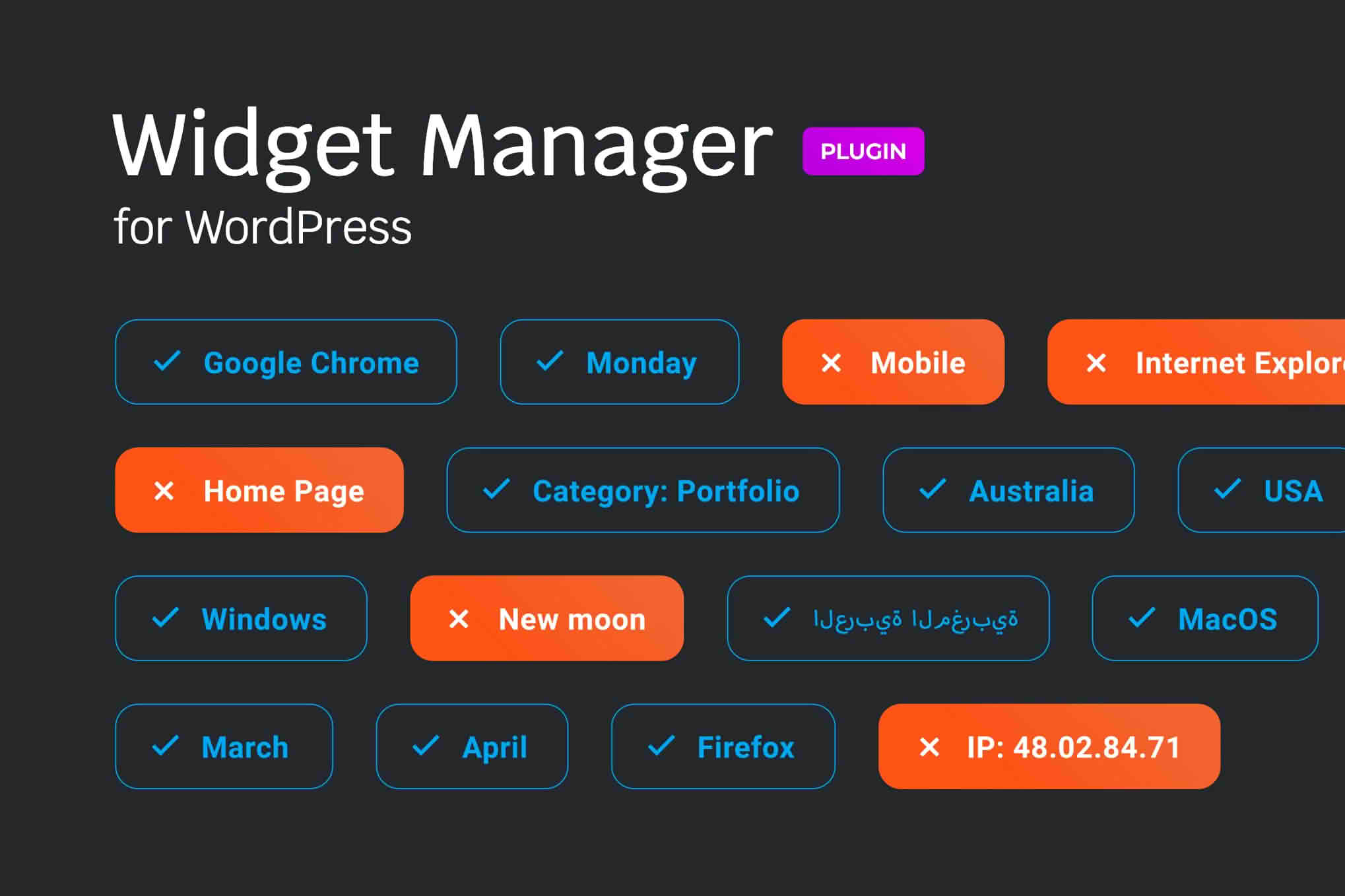
Managing sidebars and widget areas can quickly become a chaotic experience as your WordPress site grows. The Widget Manager for WordPress plugin is designed to bring order to your layout, giving you granular control over where, when, and how your widgets appear. Whether you are running a complex news portal, a high-traffic e-commerce store, or a professional portfolio, this tool empowers you to deliver a highly personalized user experience by ensuring the right content reaches the right audience at the perfect moment.
Key Features
- Conditional Logic Control: Define exactly which pages, posts, categories, or custom post types display specific widgets. Stop cluttering your sidebars with irrelevant information.
- User Role Visibility: Show or hide widgets based on the user’s logged-in status or specific role. Perfect for displaying exclusive offers to members or administrative tools to staff.
- Schedule Your Widgets: Set start and end dates for your widget visibility. Automatically launch promotional banners or seasonal content without needing to manually update your site at midnight.
- Device-Specific Display: Optimize your mobile experience by hiding heavy or unnecessary widgets on smaller screens, ensuring faster load times and a cleaner interface for mobile users.
- Bulk Management Interface: Manage your entire widget ecosystem from a centralized dashboard, saving you from navigating through endless individual sidebar settings.
- Performance Focused: Built with clean, efficient code to ensure that your site’s performance remains high, even when managing complex conditional logic across multiple widget areas.
Use Cases / Who It’s For
This plugin is an essential asset for site administrators who want to move beyond the limitations of the default WordPress widget system. If you are an e-commerce store owner, you can use Widget Manager to display cross-sell widgets only on specific product category pages, significantly increasing your conversion potential. Content creators and bloggers can use it to show newsletter sign-up forms only to visitors who have not yet subscribed, or to display different sidebar content for returning readers versus first-time visitors.
For web developers and agencies, this plugin is a massive time-saver. Instead of writing custom PHP code or creating multiple sidebar templates to achieve conditional layouts, you can configure complex display rules in seconds. It is the perfect solution for anyone who needs to maintain a professional, clean, and highly relevant website interface without the technical overhead of custom development.
Setup / How It Works
- Installation: Install and activate the plugin through your WordPress dashboard just as you would with any standard plugin.
- Access Settings: Navigate to the standard Widgets screen in your WordPress admin area. You will notice new configuration options added to each of your existing widgets.
- Configure Logic: Click on the settings icon or the “Visibility” tab within any widget block to open the configuration panel.
- Apply Rules: Use the intuitive interface to select your conditions—such as page type, user role, or date range—and save your changes.
- Preview: Visit the front end of your site to verify that your widgets are appearing exactly where and when they are intended to.
Similar Plugins
If you are exploring your options for sidebar and widget control, you may also encounter other solutions in the WordPress ecosystem that offer similar functionality, such as Widget Options or Content Aware Sidebars. While these tools share the goal of improving widget management, Widget Manager for WordPress stands out by focusing on a streamlined, performance-oriented approach that prioritizes ease of use for site owners who need powerful logic without a steep learning curve.