
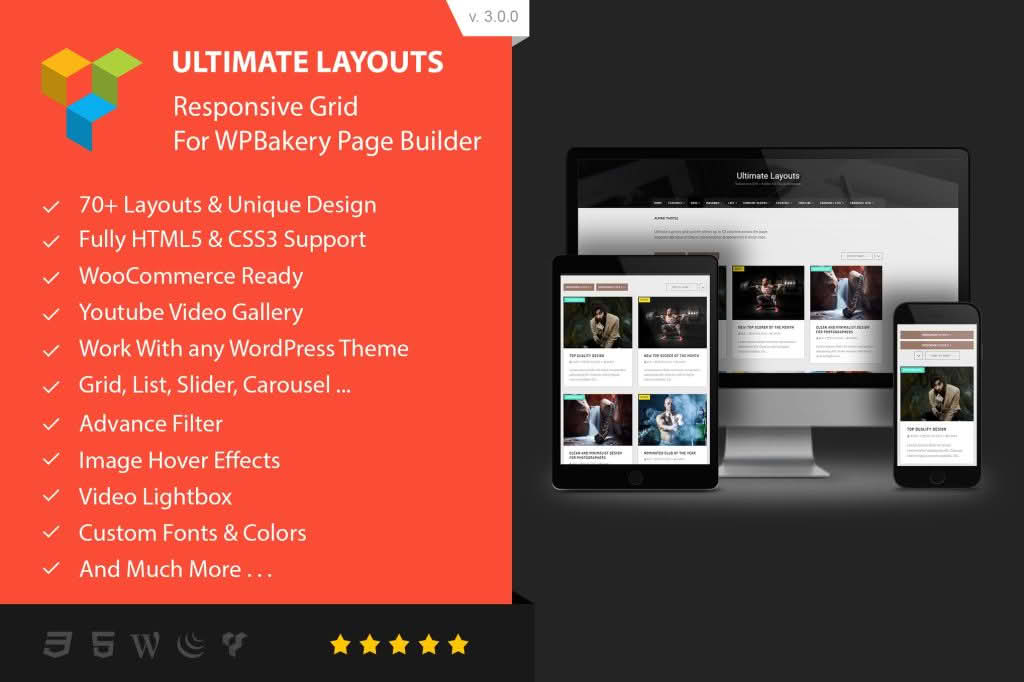
Ultimate Layouts – Addon For WPBakery Page Builder is a powerful design extension that empowers website owners, developers, and designers to create stunning, high-performance content layouts without writing a single line of code. By seamlessly integrating with your existing WPBakery Page Builder interface, this plugin unlocks a vast library of professional grid, list, and carousel designs, allowing you to showcase your posts, products, and custom content in ways that captivate your audience and drive engagement.
Key Features
- 60+ Unique Layout Designs: Access a massive library of pre-built, professionally designed templates to instantly elevate your site’s aesthetic.
- WooCommerce Ready: Effortlessly display your products using grid, list, or carousel views that are fully optimized for e-commerce.
- Advanced Filtering & Pagination: Improve user experience with smart tabs, dropdown filters, and multiple pagination options like “Load More” buttons or infinite scroll.
- Highly Responsive & Mobile-Friendly: Ensure your content looks perfect on every device, from desktops to smartphones, with 100% responsive grid systems.
- Performance Optimized: Built with high-performance standards, including lazyload support and efficient AJAX/JSON integration, to keep your site fast.
- Interactive Elements: Engage visitors with 40+ animation styles, beautiful lightbox galleries, and various image and overlay hover effects.
- Flexible Querying: Easily pull content from any post type, custom taxonomy, or multiple sources to create dynamic, automated layouts anywhere on your site.
- Customization Control: Tailor your look with support for 700+ Google Fonts, custom column layouts, and granular control over post meta displays.
Use Cases / Who It’s For
This plugin is designed for anyone looking to maximize the potential of WPBakery Page Builder. Store owners will find it invaluable for creating attractive, high-converting product showcases that stand out from standard shop pages. Bloggers and content creators can leverage the diverse layout options to present articles, portfolios, or case studies in a visually compelling, magazine-style format. For web developers and agencies, it acts as a massive time-saver, providing a robust toolkit to build custom, complex page structures for clients rapidly and efficiently, all while maintaining a consistent design language across the entire website.
Setup / How It Works
- Installation: Install and activate the plugin on your WordPress site where WPBakery Page Builder is already active.
- Access Elements: Open any page or post in the WPBakery editor. You will find the new Ultimate Layouts elements available in your element library.
- Configuration: Drag and drop your chosen layout element onto the page. Use the intuitive settings panel to select your source (posts, products, etc.), choose your preferred layout style, and configure filters or display options.
- Publish: Save your changes and preview the page to see your dynamic, professional-grade layout in action.