
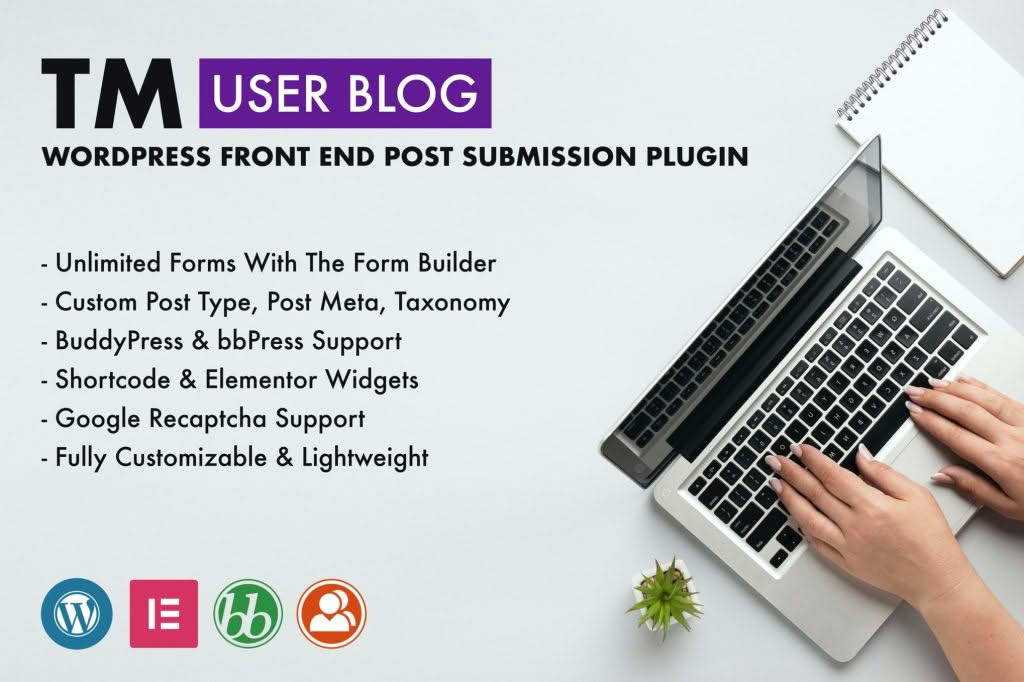
Transform your WordPress website into a collaborative content hub with TM User Blog. This powerful plugin empowers your registered users to create, edit, and submit blog posts directly from the front end of your site, eliminating the need for them to access the complex WordPress admin dashboard. Whether you are building a community blog, a guest posting platform, or a multi-author news site, TM User Blog streamlines the content submission process, saving you time while keeping your site secure and professional.
Key Features
- Front-End Submission Form: Provide a clean, user-friendly interface that allows contributors to draft and submit posts without ever seeing your site’s backend settings.
- Customizable Submission Fields: Tailor the submission form to collect the specific information you need, ensuring every post meets your editorial standards.
- Media Upload Support: Enable your users to upload featured images and include media directly within their posts to ensure content is visually engaging.
- Post Status Management: Maintain full control over your site’s quality by setting submitted posts to “Pending Review” status, allowing you to approve or edit content before it goes live.
- User Dashboard Integration: Give your contributors a dedicated space to manage their own posts, view submission history, and edit existing drafts.
- Security and Permissions: Restrict submission capabilities to specific user roles, ensuring that only trusted members of your community can contribute content.
- Responsive Design: Ensure a seamless experience for your contributors regardless of the device they are using, as the submission forms are designed to work perfectly on mobile, tablet, and desktop.
Use Cases / Who It’s For
TM User Blog is the ideal solution for any website owner looking to scale content production through community involvement. If you run a niche community site, this plugin allows your members to share their expertise, fostering engagement and increasing your total content volume without increasing your administrative workload. It is perfect for guest blogging platforms that want to automate the submission process, as it removes the technical barrier for guest authors while keeping your site’s backend secure.
Furthermore, this plugin is an excellent choice for educational websites, local news portals, or industry-specific forums where multiple contributors need to share updates. By moving the submission process to the front end, you reduce the risk of unauthorized access to your WordPress dashboard while providing your users with a professional, intuitive tool to contribute to your site’s growth.
Setup / How It Works
- Installation: Install and activate the plugin through your WordPress dashboard just like any other standard plugin.
- Configuration: Navigate to the plugin settings to define which user roles are permitted to submit posts and choose the default post status for new submissions.
- Form Placement: Use the provided shortcode to embed the submission form on any page or post on your website where you want users to contribute.
- Review and Publish: Once a user submits a post, it will appear in your WordPress dashboard under the “Posts” section. You can then review, edit, and publish the content to your site.
Similar Plugins
If you are exploring other options for front-end post submission, you may also consider plugins such as WP User Frontend, Frontend Publishing Pro, or User Submitted Posts. Each of these tools offers varying levels of complexity and customization, allowing you to select the solution that best fits your specific workflow and technical requirements.