
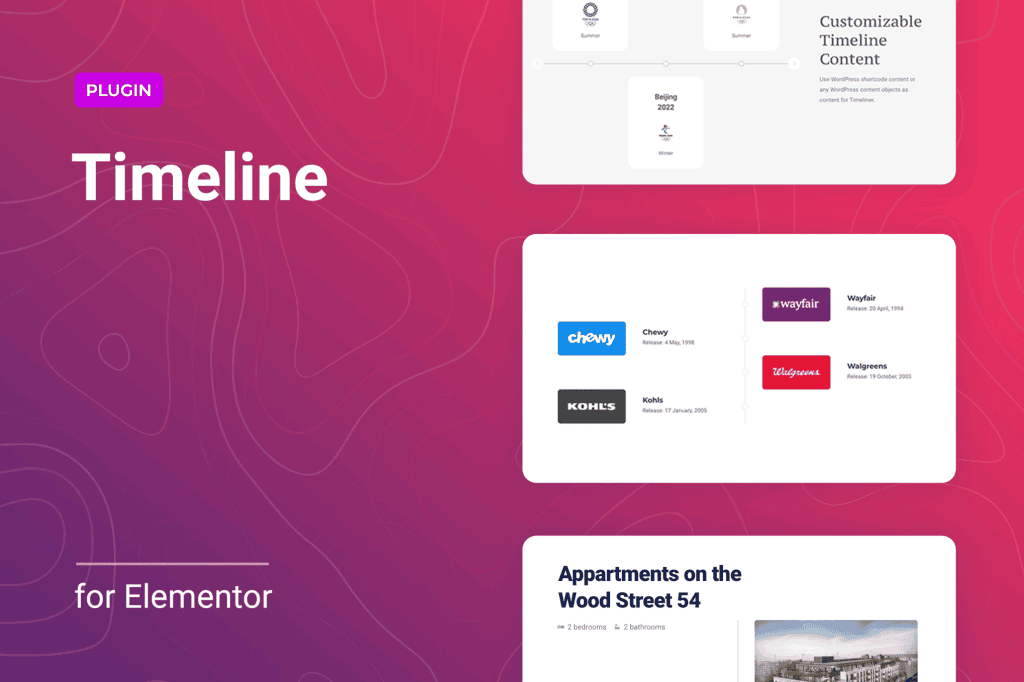
Transform your static website content into engaging, interactive narratives with Timeliner for Elementor. This powerful add-on seamlessly integrates with the Elementor page builder, allowing you to create stunning, responsive timelines that captivate your visitors and guide them through your story. Whether you are showcasing a company history, a project roadmap, or a personal journey, Timeliner provides the design flexibility and intuitive controls you need to present chronological information beautifully without writing a single line of code.
Key Features
- Intuitive Elementor Integration: Designed specifically for Elementor, this plugin adds a dedicated widget to your editor panel, allowing you to drag, drop, and customize timelines directly within your familiar design environment.
- Fully Responsive Design: Ensure your timelines look perfect on every device. The plugin automatically adjusts layouts for desktop, tablet, and mobile screens, providing a seamless viewing experience for all your users.
- Extensive Customization Options: Take full control over the look and feel of your timeline. Customize colors, typography, spacing, border styles, and icons to perfectly match your brand identity and website aesthetic.
- Dynamic Content Support: Easily add text, images, icons, and even other Elementor widgets within your timeline nodes, giving you the freedom to create rich, multimedia-heavy presentations.
- Flexible Layout Orientations: Choose between vertical or horizontal timeline layouts to best suit your page design and the amount of content you need to display.
- Animation and Interaction: Enhance user engagement with built-in animation effects that trigger as users scroll down the page, making your timeline feel alive and interactive.
Use Cases / Who It’s For
Timeliner for Elementor is an essential tool for anyone looking to organize information chronologically in a visually appealing way. It is perfect for business owners who want to showcase their company milestones, brand evolution, or success stories to build trust with potential clients. Project managers can utilize the plugin to create clear, easy-to-follow project roadmaps that keep stakeholders informed of progress and upcoming goals.
Beyond the corporate world, this plugin is ideal for bloggers and content creators who want to document personal journeys, travel itineraries, or historical research in a format that encourages reader interaction. Educators and non-profits can also leverage Timeliner to present historical events, organizational achievements, or program timelines in a way that is much more engaging than a standard list or block of text.
Setup / How It Works
- Install and Activate: Upload the plugin zip file to your WordPress dashboard via the Plugins menu, activate it, and ensure you have the Elementor page builder installed and active.
- Drag and Drop: Open any page or post with Elementor. Search for the “Timeliner” widget in the left-hand sidebar and drag it onto your canvas.
- Add Content: Use the Content tab in the widget settings to add new timeline items. For each item, you can input a title, description, date, and media elements.
- Style Your Timeline: Navigate to the Style tab to adjust colors, fonts, line thickness, icon styles, and spacing to achieve the exact look you desire.
- Publish: Once you are satisfied with your design, save your changes and publish your page to share your interactive timeline with the world.
Similar Plugins
If you are exploring other options for timeline functionality within the WordPress ecosystem, you may also encounter plugins such as Cool Timeline, Timeline Express, and various timeline widgets included in broader Elementor add-on suites like Essential Addons for Elementor or Premium Addons for Elementor. Each of these tools offers varying levels of customization and feature sets, so it is recommended to review their specific capabilities to see which best aligns with your project requirements.