
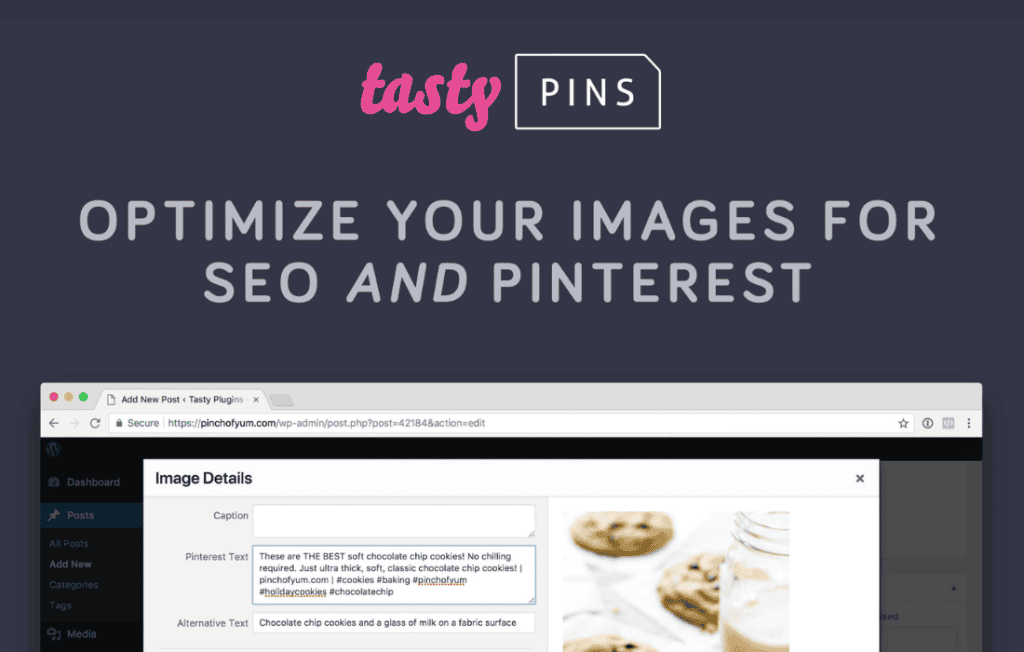
Tasty Pins is a powerful WordPress plugin designed to help bloggers and content creators maximize their traffic from Pinterest without sacrificing the aesthetic appeal of their website. By allowing you to hide specific Pinterest-optimized images from your blog posts while still making them available for pinning, Tasty Pins ensures your site remains clean and fast while your content remains highly discoverable on the world’s largest visual discovery engine.
Key Features
- Hidden Pinterest Images: Upload a dedicated, vertical Pinterest-optimized image that remains invisible to your blog readers but is immediately available when they click the “Pin It” button.
- Pinterest Text Optimization: Set custom Pinterest descriptions for your images directly within the WordPress editor, ensuring your pins are perfectly optimized for search and engagement.
- Forced Pinning: Encourage more shares by forcing specific images to be selected when a user clicks the Pin button, ensuring your best content gets the spotlight.
- Pin ID Support: Easily link your images to specific existing Pins, allowing you to drive traffic directly to your most successful pins rather than just the image URL.
- Disable Pinning on Specific Images: Prevent users from pinning certain images, such as logos, headshots, or graphics that don’t perform well on Pinterest, keeping your Pinterest feed professional and curated.
- SEO-Friendly: By controlling exactly what gets pinned, you improve the quality of your Pinterest presence, which can lead to higher click-through rates and better search rankings on the platform.
Use Cases and Who It’s For
Tasty Pins is essential for any WordPress user who relies on visual content to drive traffic. It is specifically designed for food bloggers, lifestyle influencers, travel writers, and e-commerce store owners who want to maintain a beautiful, clutter-free website layout while simultaneously building a robust Pinterest strategy.
If you have ever struggled with the trade-off between having a beautiful, horizontal-image-heavy blog layout and the need for vertical, Pinterest-friendly images, this plugin solves that dilemma. It allows you to maintain your site’s design integrity while ensuring that every post is primed for viral potential on Pinterest.
Setup and How It Works
Getting started with Tasty Pins is straightforward and requires no technical knowledge or custom coding:
- Install and Activate: Upload the plugin to your WordPress site and activate it through your dashboard.
- Configure Settings: Navigate to the plugin settings to set your default Pinterest description and choose your preferred pinning behavior.
- Add Images: When editing a post, use the Tasty Pins meta box to upload your hidden Pinterest image and craft a custom Pinterest description.
- Publish: Once your post is live, your readers will see your standard blog images, but when they engage with your Pin It buttons, they will access your optimized, hidden pins.
Similar Plugins
While Tasty Pins is a specialized tool for Pinterest optimization, other plugins in the WordPress ecosystem offer similar functionality for image sharing and social media management. Alternatives include Social Pug (now part of Grow Social by Mediavine), Social Warfare, and various comprehensive social sharing plugins that include Pinterest-specific features like image pinning and description overrides.