
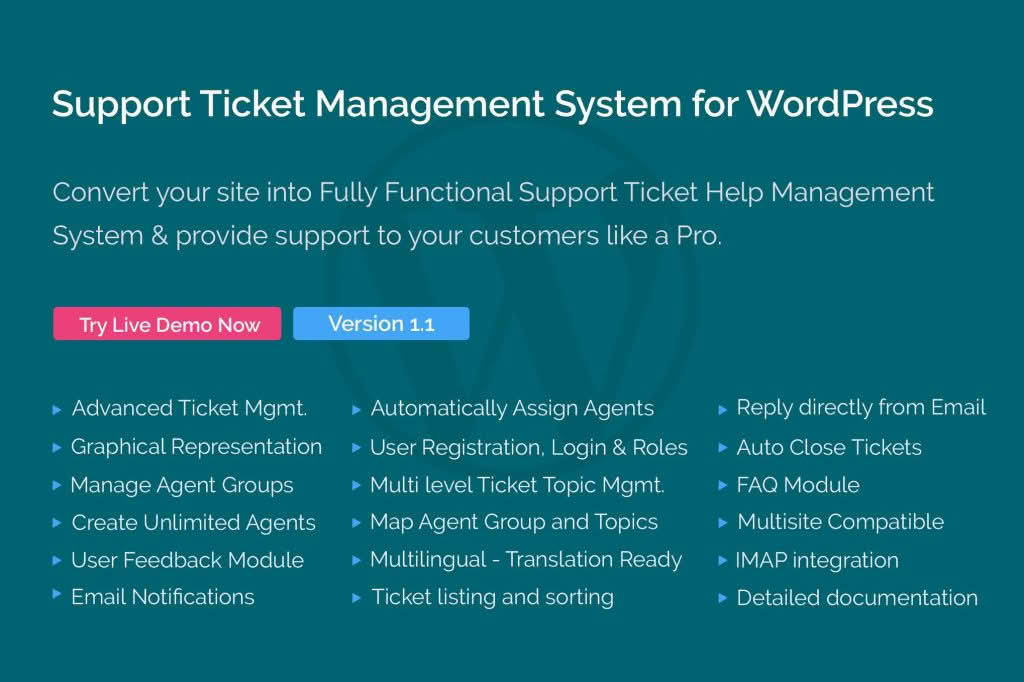
Transform your WordPress website into a professional customer service hub with the Support Ticket Management System. Designed for business owners, freelancers, and support teams who need to streamline communication, this plugin centralizes all customer inquiries directly within your WordPress dashboard. By removing the need to juggle scattered emails or external helpdesk platforms, you ensure that no customer request goes unanswered, ultimately boosting your brand’s reputation and improving client retention.
Key Features
- Centralized Ticket Dashboard: Manage, track, and respond to all incoming support requests from a single, intuitive interface inside your WordPress admin area.
- Customizable Ticket Forms: Create tailored intake forms to collect the exact information you need from users, ensuring your team has the context required to resolve issues faster.
- Automated Email Notifications: Keep both your staff and your customers informed with automated alerts whenever a ticket is created, updated, or resolved.
- Ticket Status Management: Easily organize your workload by assigning statuses such as Open, Pending, In Progress, or Resolved, helping your team prioritize urgent tasks.
- File Attachments: Allow users to upload screenshots, logs, or documents directly to their tickets, providing your support team with the necessary visual evidence to troubleshoot technical problems.
- User Roles and Permissions: Control who can view and respond to tickets by assigning specific staff members as support agents, maintaining security and workflow efficiency.
- Search and Filter Capabilities: Quickly locate past conversations or specific customer issues using advanced filtering options based on date, status, or user priority.
Use Cases and Who It’s For
This plugin is the ideal solution for any WordPress-powered business that prioritizes high-quality customer care. If you run an e-commerce store, a support ticket system is essential for handling order inquiries, shipping questions, and return requests without losing track of communications in a crowded email inbox.
For digital agencies and freelancers, the plugin serves as a professional gateway for client requests. Instead of receiving project feedback or maintenance requests via various messaging apps, you can direct clients to a dedicated support portal. This creates a clear paper trail, sets professional boundaries, and ensures that billable support time is accounted for accurately.
Educational platforms, membership sites, and SaaS providers also benefit significantly by offering a structured way for users to report bugs or ask questions. By providing a reliable support channel, you demonstrate that your business is stable, organized, and committed to user success.
Setup and How It Works
Getting started with the Support Ticket Management System is designed to be straightforward, allowing you to begin assisting customers in minutes:
- Installation: Upload and activate the plugin through your WordPress dashboard just as you would any other plugin.
- Configuration: Navigate to the plugin settings to define your support email address, configure notification templates, and set up your desired ticket categories.
- Form Placement: Use the provided shortcode to embed your support ticket form onto any page or post on your website.
- Management: Once live, incoming tickets will appear in your WordPress dashboard under the dedicated support menu, where you can reply, assign agents, and close tickets once the issue is resolved.
Similar Plugins
If you are exploring your options, there are several other notable support solutions within the WordPress ecosystem. Plugins such as Awesome Support, WSDesk, and SupportCandy offer similar functionality, providing various levels of ticket management, automation, and reporting features depending on the specific needs of your support workflow.