
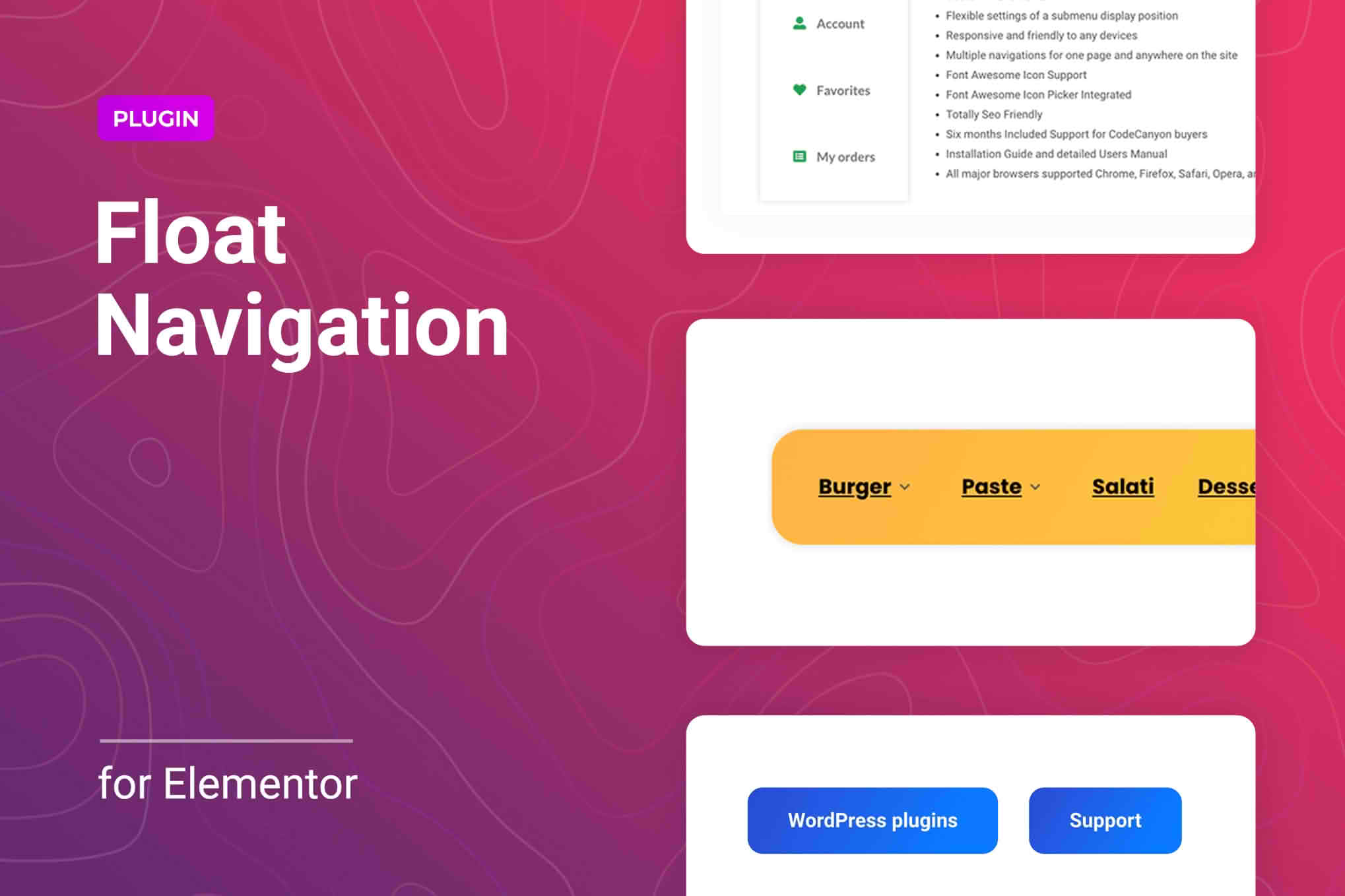
In the fast-paced world of web browsing, keeping your site navigation accessible at all times is crucial for user engagement and conversion. The Sticky Navigation Menu for Elementor plugin allows you to effortlessly transform any standard header or menu into a persistent, sticky element that follows your visitors as they scroll down the page. Designed specifically for the Elementor page builder, this tool eliminates the need for complex custom coding, ensuring your site remains professional, user-friendly, and optimized for navigation on any device.
Key Features
- Seamless Elementor Integration: Designed specifically for Elementor, this plugin works directly within the familiar editor interface, allowing you to add sticky functionality to any section, column, or widget with just a few clicks.
- Customizable Scroll Triggers: You have full control over when the sticky effect activates. Set a specific scroll distance or trigger the sticky behavior immediately upon page load to suit your specific design needs.
- Responsive Design Controls: Ensure a perfect user experience on all devices. You can choose to enable or disable the sticky menu independently for desktop, tablet, and mobile views to maintain optimal screen space.
- Visual Transition Effects: Enhance your site’s aesthetic with smooth transition options. Choose how your menu behaves when it becomes sticky, including fade-in effects or background color changes to highlight the menu as it locks into place.
- Z-Index Management: Prevent layout conflicts with other page elements. The plugin allows you to easily adjust the Z-index of your sticky menu, ensuring it always stays on top of your content without obscuring important information.
- Lightweight Performance: Engineered for speed, the plugin is optimized to ensure that your site’s loading times remain fast, providing a smooth experience for your visitors without adding unnecessary bloat.
Use Cases and Who It Is For
This plugin is an essential tool for website owners, designers, and developers who prioritize user experience (UX) and conversion rate optimization. If you run an e-commerce store, a sticky menu ensures that your “Cart” and “Shop” links are always visible, reducing friction in the purchasing process. For content-heavy blogs or news sites, a persistent menu allows readers to navigate between categories or return to the homepage without having to scroll all the way back to the top of a long article.
Designers will appreciate the plugin for its ability to maintain brand consistency throughout the user journey. By keeping your navigation visible, you reinforce your brand identity and provide a professional, polished feel that keeps users engaged longer. Whether you are building a landing page, a corporate website, or a portfolio, this plugin ensures that your site’s most important links are never more than a click away.
Setup and How It Works
Getting your navigation menu to stick is a straightforward process that requires no programming knowledge:
- Install and Activate: Install the plugin through your WordPress dashboard and activate it to unlock the new settings within Elementor.
- Select Your Element: Open your header template or any page in the Elementor editor and select the section, column, or navigation widget you wish to make sticky.
- Configure Settings: Navigate to the plugin‚Äôs dedicated settings panel within the Elementor sidebar. Toggle the “Enable Sticky” option to active.
- Customize Behavior: Adjust your preferred settings, such as the scroll offset, transition duration, and device visibility preferences.
- Save and Preview: Save your changes and preview your site. Scroll down the page to see your navigation menu lock into place, providing a seamless experience for your visitors.
Similar Plugins
If you are exploring options for sticky elements within the WordPress ecosystem, there are several alternatives available, such as Sticky Header Effects for Elementor, Sticky Menu (or Anything!) on Scroll, and various premium Elementor add-on suites that include sticky positioning as part of a larger feature set. While these tools offer varying levels of complexity, the Sticky Navigation Menu for Elementor is specifically focused on providing a streamlined, efficient solution for those already utilizing the Elementor ecosystem.