
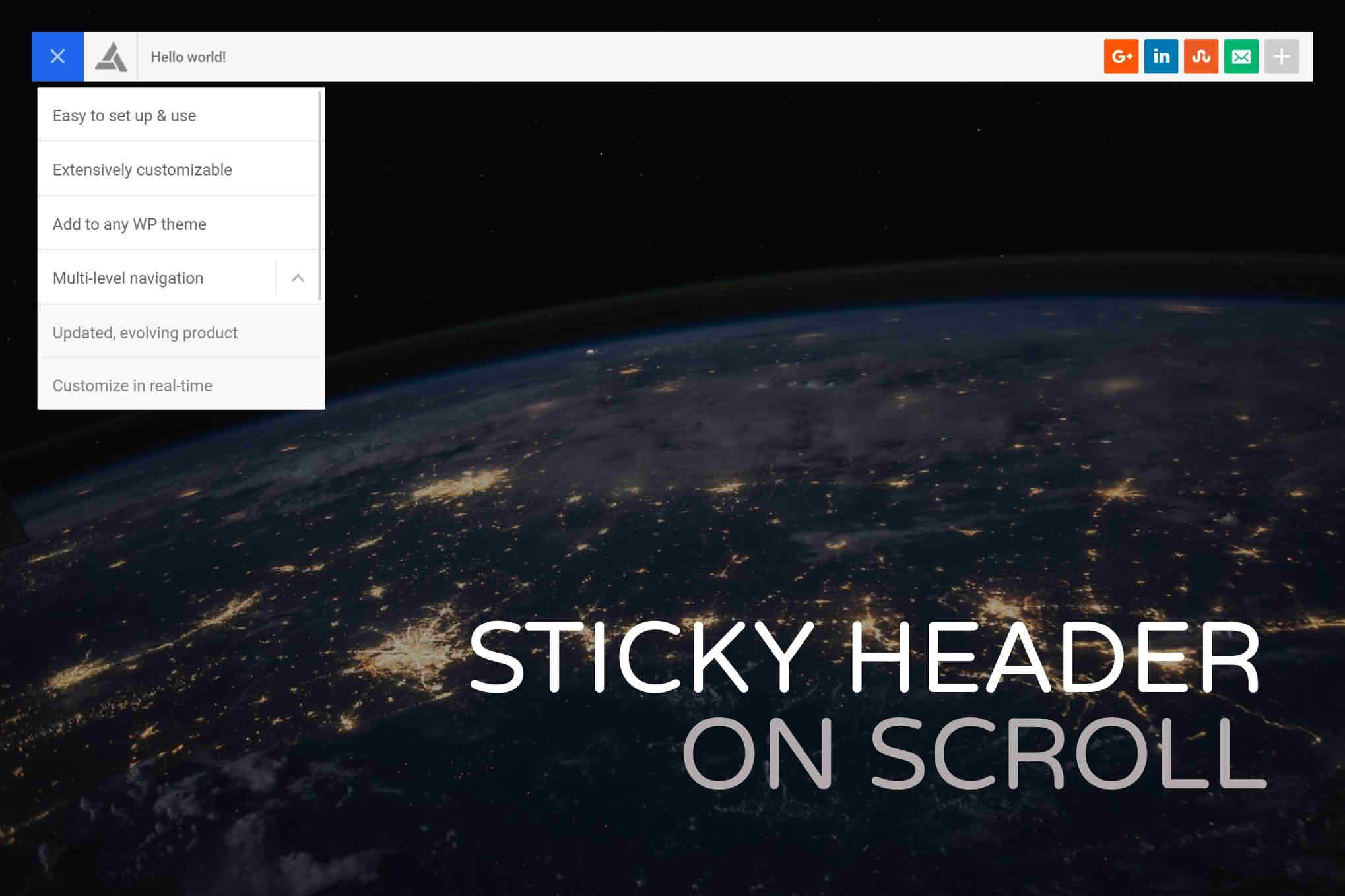
Enhance your website’s user experience and navigation efficiency with the Sticky Header on Scroll for WordPress plugin. In today‚Äôs fast-paced digital environment, users often scroll through long-form content, blog posts, or extensive product pages. By ensuring your site’s navigation menu remains visible at the top of the browser window regardless of how far a user scrolls, you eliminate the frustration of having to scroll all the way back to the top to find essential links. This plugin provides a seamless, professional look that keeps your brand, search bar, and primary navigation accessible, ultimately encouraging deeper engagement and reducing bounce rates.
Key Features
- Effortless Sticky Effect: Automatically pins your website’s existing header to the top of the viewport as soon as the user begins scrolling down the page.
- Customizable Trigger Point: Define exactly when the sticky header should appear. You can set it to activate immediately upon scrolling or after a specific number of pixels, giving you full control over the user experience.
- Smooth Transitions: The plugin is designed to handle header transitions gracefully, ensuring that the appearance of the sticky element does not disrupt or jump while the user is reading.
- Responsive Design: Fully optimized for mobile devices and tablets, ensuring that your navigation remains functional and accessible on screens of all sizes without obstructing critical content.
- Compatibility Focused: Built to work harmoniously with the vast majority of WordPress themes, whether you are using a custom-built solution, a popular page builder, or a standard theme from the WordPress repository.
- Lightweight Performance: Engineered for speed, the plugin adds minimal overhead to your site, ensuring that your page load times remain fast and your SEO rankings stay protected.
- No Coding Required: You do not need to be a developer to implement this feature. The plugin is designed for immediate use, allowing you to enable sticky functionality with just a few clicks.
Use Cases / Who It’s For
This plugin is an essential tool for any website owner who prioritizes user experience and conversion optimization. If you run a content-heavy blog, your readers will appreciate being able to jump to different categories or use the search function without interrupting their reading flow. For e-commerce store owners, keeping the cart icon and search bar visible at all times is a proven strategy to reduce abandoned carts and help customers find products faster.
Furthermore, businesses and agencies that manage professional portfolios or service-based websites benefit significantly from a sticky header. It keeps your primary call-to-action buttons‚Äîsuch as “Contact Us,” “Get a Quote,” or “Book Now”‚Äîconstantly in the user’s line of sight. By removing the friction of navigation, you make it easier for potential clients to take the next step in their journey, regardless of where they are on your page.
Setup / How It Works
Getting your sticky header up and running is a straightforward process designed to save you time:
- Installation: Install and activate the plugin through your WordPress dashboard just like any other standard plugin.
- Configuration: Navigate to the plugin settings page, which is intuitively integrated into your WordPress admin area.
- Select Your Header: Use the settings to identify your theme’s header element. In many cases, the plugin will automatically detect the correct container.
- Adjust Trigger Settings: Choose your preferred scroll distance or leave the default settings if you want the header to stick immediately.
- Save and Preview: Save your changes and refresh your front-end website. You will immediately see your navigation menu remain fixed as you scroll down the page.
Similar Plugins
If you are exploring your options, there are several other solutions in the WordPress ecosystem that offer similar sticky header functionality. Popular alternatives include Sticky Menu (or Anything!) on Scroll, which provides a high degree of flexibility for pinning any element, and myStickymenu, which is widely recognized for its user-friendly interface and additional features like notification bars. Many premium page builders, such as Elementor Pro or Divi, also include built-in sticky header settings, which may be a consideration if you are already utilizing those specific ecosystems.