
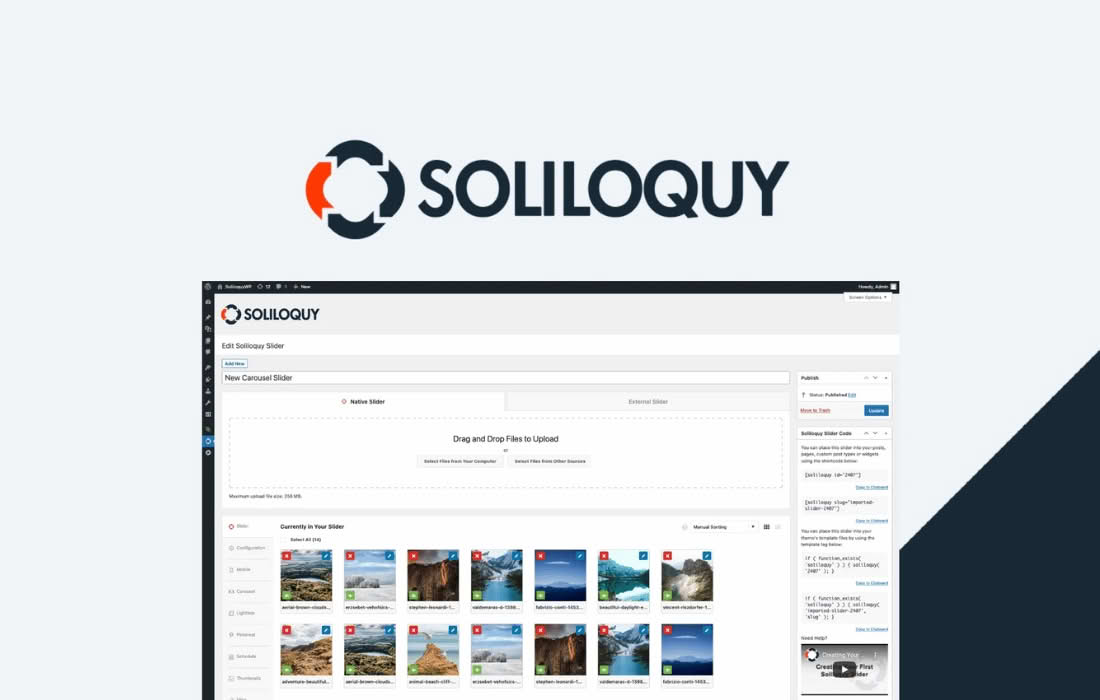
The Soliloquy CSS Addon is the ultimate tool for developers and site owners who need complete visual control over their image sliders. While Soliloquy is known for its ease of use and performance, there are times when you need your slider to perfectly match the unique aesthetic of your brand or theme. This addon bridges the gap between simplicity and customization, allowing you to inject custom CSS directly into your sliders without needing to modify your theme’s core stylesheet or hunt through complex plugin files.
Key Features
- Slider-Specific Customization: Apply unique styling to individual sliders rather than affecting every slider across your entire website.
- Streamlined Workflow: Add custom CSS classes and styles directly within the Soliloquy interface, keeping your development process organized and efficient.
- Theme-Independent Styling: Ensure your slider looks exactly how you envisioned, regardless of the limitations or conflicts inherent in your current WordPress theme.
- Developer Friendly: Provides a clean, dedicated space for your CSS code, making it easier to maintain and troubleshoot your custom designs as your site evolves.
- Performance Focused: Because the CSS is loaded specifically for the sliders that need it, your site remains fast and responsive without unnecessary code bloat.
Use Cases and Who It’s For
The Soliloquy CSS Addon is designed for anyone who refuses to settle for “standard” slider layouts. If you are a freelance web designer, this tool is essential for matching a client‚Äôs exact brand guidelines, allowing you to tweak borders, shadows, captions, and navigation arrows to pixel-perfect precision.
For agency developers, this addon is a time-saver. Instead of writing messy overrides in your main style.css file‚Äîwhich can become difficult to manage as you add more sliders‚Äîyou can keep all slider-related styling neatly contained within the Soliloquy settings. It is also perfect for power users who want to implement advanced hover effects, custom animations, or unique responsive behaviors that aren’t available in the default plugin settings.
Setup and How It Works
Getting started with the Soliloquy CSS Addon is designed to be intuitive, ensuring you spend less time configuring and more time designing.
- Install and Activate: Once you have installed the Soliloquy plugin, upload and activate the CSS Addon just like any other WordPress plugin.
- Access Slider Settings: Navigate to your Soliloquy dashboard and select the specific slider you wish to customize.
- Locate the CSS Tab: Within the slider edit screen, you will see a new tab labeled “CSS.” Click this to open the dedicated editor.
- Input Your Code: Enter your custom CSS rules directly into the provided field. You can target specific elements within the slider using standard CSS selectors.
- Save and Publish: Save your slider settings. The addon will automatically inject your custom styles into the page, ensuring your changes are reflected immediately on the front end.
By keeping your custom styles tied to the specific slider, you ensure that your design remains modular. If you ever decide to remove or replace a slider, your custom CSS goes with it, preventing your main stylesheet from becoming cluttered with “dead” code over time.