
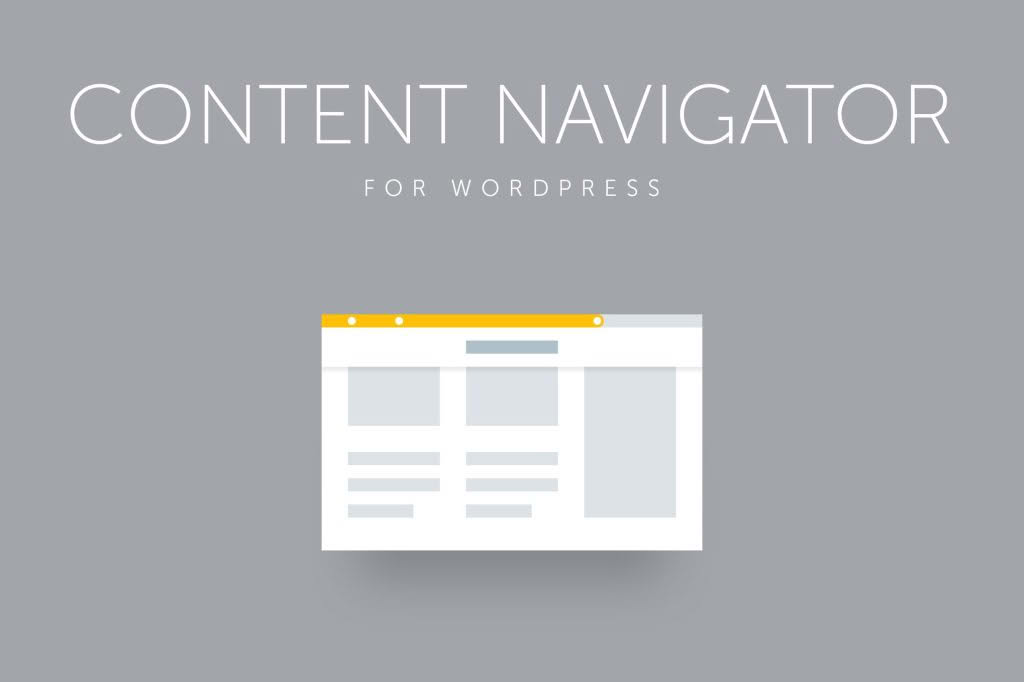
Site Content Navigator for WordPress is a powerful tool designed to transform how your visitors interact with long-form content. By providing intuitive navigation aids and visual progress indicators, this plugin ensures that your readers stay engaged and can easily find the information they need, regardless of how deep they scroll into your pages or posts. It is the perfect solution for bloggers, content creators, and business owners looking to improve user experience and reduce bounce rates on content-heavy websites.
Key Features
- Customizable Reading Progress Bar: Keep visitors informed of their progress with a sleek, fully customizable bar that tracks how much of the page they have read.
- Section Support: Emphasize key parts of your content by defining specific sections, allowing users to jump directly to the chapters or topics that interest them most.
- Automatic and Manual Configuration: Choose between automated section detection or manual setup to ensure your navigation structure is perfectly tailored to your content.
- Interactive Navigation Menus: Utilize built-in menus that display the current section, helping users maintain orientation as they move through your site.
- Built-in Navigation Widget: Add a sticky navigation sidebar to your pages, providing a persistent and easy-to-access map of your content.
- Tooltips with Section Details: Enhance usability with informative tooltips that appear when users hover over section markers, offering quick context.
- Fully Responsive Design: Ensure a seamless experience across all devices, from desktop computers to mobile phones.
- Extensive Customization Options: Style the plugin to match your brand with over 800 font variants and flexible color settings.
Use Cases / Who It’s For
This plugin is ideal for anyone managing long-form content where keeping the user oriented is a priority. It is particularly effective for:
- Bloggers and Journalists: Help readers navigate through long-form articles, interviews, or multi-part series without getting lost.
- Documentation and Knowledge Bases: Make it easier for users to jump between complex technical sections or help guides.
- One-Page Website Owners: Provide a smooth, scroll-friendly experience for landing pages that contain multiple distinct content areas.
- Educational Sites: Allow students or learners to track their progress through long tutorials or course materials.
Setup / How It Works
Getting started with Site Content Navigator is straightforward and designed to get your navigation up and running quickly:
- Install and Activate: Upload the plugin to your WordPress dashboard and activate it.
- Configure Global Settings: Access the plugin settings to define your default colors, fonts, and progress bar behavior that will apply across your site.
- Define Sections: Use the built-in post settings to either let the plugin automatically detect your content sections or manually define them for precise control.
- Display Navigation: Enable the navigation widget or menu options to start guiding your visitors immediately.