
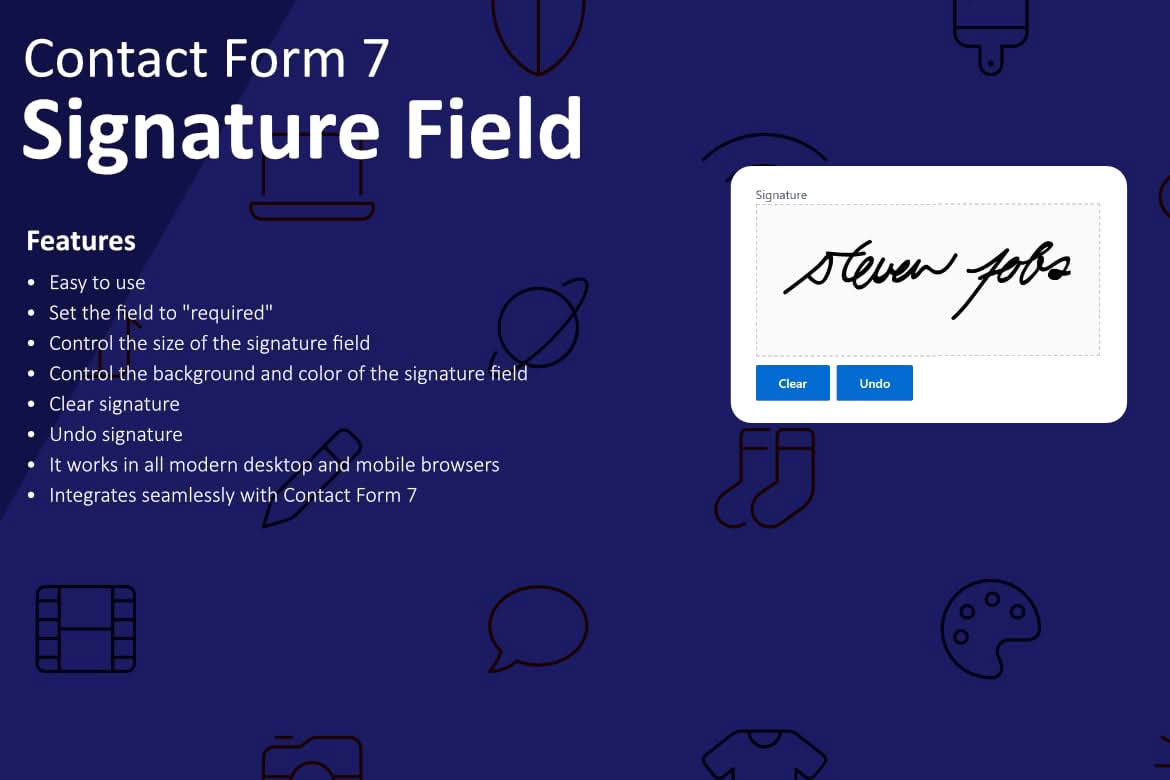
Transform your standard contact forms into powerful, legally binding digital document collectors with the Signature Field for Contact Form 7 plugin. Whether you need to capture customer consent, verify identity, or finalize agreements directly on your website, this plugin seamlessly integrates a responsive, touch-friendly signature pad into your existing Contact Form 7 setup. It is the perfect solution for businesses looking to streamline their paperwork, reduce administrative friction, and provide a professional, modern experience for their users.
Key Features
- Seamless Integration: Adds a dedicated signature field type directly into the Contact Form 7 interface, allowing you to manage signatures just like any other form field.
- Touch-Friendly Design: The signature pad is fully responsive, ensuring that users can sign effortlessly on desktops, tablets, and smartphones using a mouse, stylus, or their finger.
- Customizable Appearance: Adjust the width, height, and background color of the signature pad to perfectly match your website’s branding and form layout.
- Automated Image Generation: Automatically converts the user’s signature into an image file, which is then attached to the email notification sent to the site administrator.
- Data Security: Signatures are processed securely, ensuring that sensitive user input is handled according to standard WordPress form submission practices.
- Easy Configuration: No complex coding is required; simply insert the provided shortcode tag into your form editor to activate the signature pad instantly.
Use Cases and Who It’s For
This plugin is designed for any business owner, freelancer, or organization that frequently requires user authorization or verification. If you are tired of the back-and-forth process of emailing PDF documents for signatures, this tool brings that functionality directly to your WordPress dashboard.
Service Providers and Freelancers: Quickly capture client approval on project quotes, scopes of work, or service agreements before beginning a new engagement.
E-commerce and Retailers: Use the signature field to collect customer confirmation for custom orders, proof of delivery, or to verify terms and conditions for high-value purchases.
Human Resources and Organizations: Simplify internal processes by allowing employees or members to sign digital waivers, consent forms, or policy acknowledgments directly through your company portal.
Real Estate and Property Management: Collect initial signatures on simple rental applications or maintenance request authorizations, saving time for both the tenant and the property manager.
Setup and How It Works
Getting started with the Signature Field for Contact Form 7 is designed to be straightforward for users of all technical levels. Follow these steps to implement your new signature field:
- Install and Activate: Install the plugin through your WordPress dashboard and ensure that the Contact Form 7 plugin is already active.
- Insert the Tag: Navigate to your specific contact form in the Contact Form 7 editor. You will see a new button for the signature field. Click it to configure your desired settings, such as dimensions and field name.
- Place the Shortcode: Insert the generated shortcode tag into your form template wherever you want the signature pad to appear.
- Configure Email Notifications: In the ‘Mail’ tab of your Contact Form 7 settings, ensure that the signature field tag is included in the file attachments section so that the signed image is delivered to your inbox upon submission.
- Test and Publish: Save your form and test it on the front end to ensure the signature pad renders correctly and that you receive the image in your notification email.
Similar Plugins
While there are other solutions available for capturing signatures in WordPress, such as WP Signature or various dedicated e-signature platforms like HelloSign or DocuSign integrations, the Signature Field for Contact Form 7 stands out for users who are already heavily invested in the Contact Form 7 ecosystem. By utilizing a familiar interface, it avoids the need for additional, bloated third-party platforms, keeping your site lightweight and your workflow centralized.