
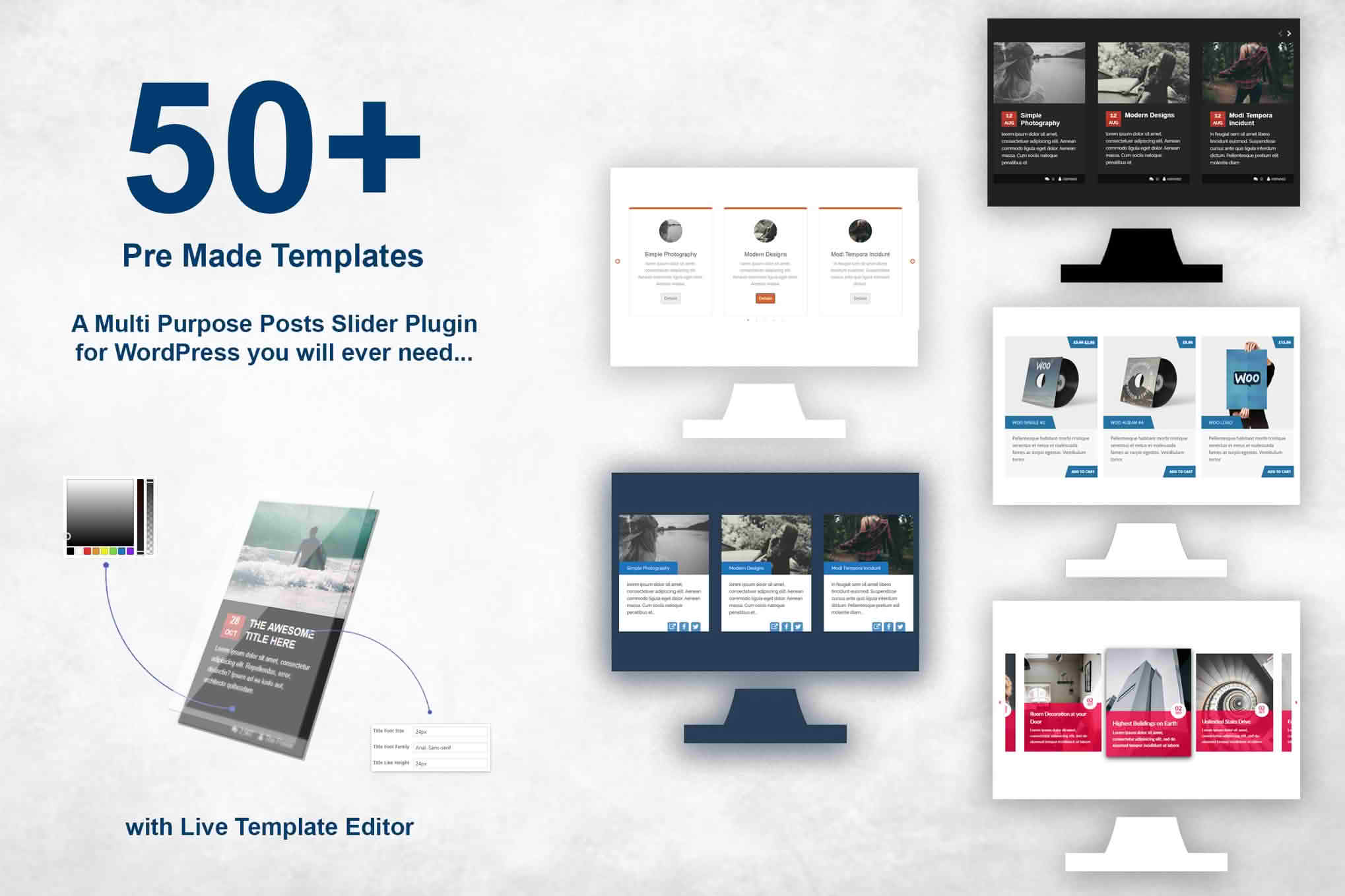
Transform your static blog feeds into engaging, high-converting visual experiences with the Responsive Posts Carousel WordPress Plugin. Designed for content creators, news sites, and business owners who want to maximize reader engagement, this plugin allows you to showcase your latest, most popular, or category-specific posts in a sleek, touch-friendly slider. By presenting your content in a dynamic format, you keep visitors on your site longer, reduce bounce rates, and ensure your best articles get the attention they deserve without requiring a single line of code.
Key Features
- Fully Responsive Design: Your carousel will look perfect on every device, from desktop monitors to tablets and smartphones, ensuring a seamless user experience for all your visitors.
- Touch-Enabled Navigation: Built with mobile users in mind, the slider supports swipe gestures, making it intuitive and easy to browse through your content on touchscreen devices.
- Customizable Layouts: Take full control over how your posts are displayed. Adjust the number of posts visible at once, customize image sizes, and toggle elements like post titles, excerpts, dates, and author names.
- Advanced Query Controls: Easily filter the content you want to display. Choose to show posts from specific categories, tags, or authors, and set custom order parameters like date, title, or random selection.
- Lightweight and Optimized: Engineered for speed, the plugin ensures that your site performance remains high, preventing slow load times that can negatively impact your SEO and user retention.
- Navigation Controls: Choose between arrows, dots, or both to help your users navigate through your carousel effortlessly.
- Shortcode Integration: Quickly embed your carousel anywhere on your site—including pages, posts, or sidebar widgets—using simple, easy-to-use shortcodes.
Use Cases and Who It’s For
The Responsive Posts Carousel is an essential tool for anyone looking to improve the layout and functionality of their WordPress site. It is specifically designed for:
Bloggers and Content Creators: If you have a deep archive of content, a carousel helps you resurface older, high-value posts that are currently buried in your archives, increasing your overall page views.
News and Magazine Sites: Keep your readers updated with the latest headlines by placing a “Breaking News” or “Featured Stories” carousel at the top of your homepage, providing an immediate visual summary of what is happening now.
Business and Portfolio Websites: Showcase your company news, case studies, or recent projects in a professional, modern slider that aligns with your brand’s aesthetic and keeps your site looking fresh and active.
E-commerce Store Owners: Use the carousel to highlight blog posts that provide “How-To” guides or product spotlights, effectively bridging the gap between informative content and your product catalog to drive more informed purchasing decisions.
Setup and How It Works
Getting your carousel up and running is designed to be a straightforward process that respects your time. You can have your first slider live in just a few minutes by following these simple steps:
- Install and Activate: Upload the plugin file through your WordPress dashboard, activate it, and head to the plugin settings menu.
- Configure Your Carousel: Use the intuitive settings panel to define your display preferences, such as the number of slides, navigation style, and content source (categories or tags).
- Generate the Shortcode: Once you have saved your settings, the plugin will provide you with a unique shortcode.
- Embed Anywhere: Copy and paste that shortcode into any page, post, or text widget where you want the carousel to appear. Your posts will immediately populate in the slider format you defined.
Similar Plugins
If you are exploring your options, there are other tools in the WordPress ecosystem that offer similar carousel functionality, such as Post Carousel Slider for WordPress, WP Slick Slider and Image Carousel, and various content grid plugins that include carousel modules. While these alternatives offer similar features, the Responsive Posts Carousel is built specifically to balance ease of use for beginners with enough customization depth for site owners who want a clean, fast, and reliable solution without unnecessary bloat.