
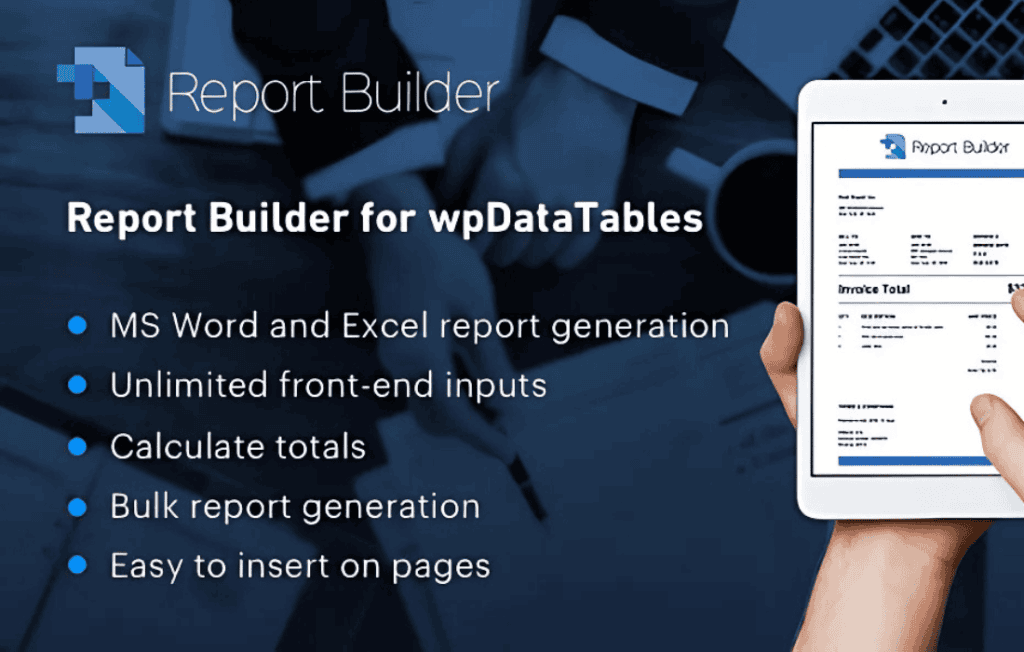
Transform your raw data into professional, polished documents with Report Builder for wpDataTables. This powerful add-on bridges the gap between your dynamic database tables and static reporting requirements, allowing you to automatically generate Word (DOCX) or Excel (XLSX) files based on the data you already manage in WordPress. Whether you need to produce invoices, project status reports, or comprehensive data summaries, this tool empowers site administrators and business owners to automate document creation without leaving the WordPress dashboard.
Key Features
- Automated Document Generation: Instantly create professional-grade Word or Excel files by pulling live data directly from your existing wpDataTables.
- Custom Template Support: Use your own branded DOCX or XLSX files as templates. Simply insert placeholders, and the plugin will automatically populate them with your table data.
- Bulk Reporting: Generate reports for multiple rows simultaneously, making it effortless to create individual invoices or personalized documents for every entry in your database.
- Flexible Formatting: Maintain full control over your document layout, fonts, and styling within your original template files, ensuring every generated report matches your company’s branding.
- Data Filtering and Sorting: Apply the same filters and sorting configurations you use in wpDataTables to your reports, ensuring only the relevant data is included in your final output.
- Seamless Integration: Designed specifically for the wpDataTables ecosystem, ensuring a stable and reliable workflow that respects your existing data structures.
Use Cases / Who It’s For
Report Builder is an essential tool for any WordPress site owner who relies on data management to run their business. It is specifically designed for professionals who need to move data out of the browser and into a portable, shareable format.
Small Business Owners and Freelancers: If you use wpDataTables to track client projects or sales, you can use this plugin to automatically generate professional invoices or project completion reports, saving hours of manual data entry every week.
Educational Institutions: Manage student grades or attendance records within WordPress and generate individual student progress reports or bulk transcripts in a standardized format with a single click.
Operations Managers: For those managing inventory, supply chains, or logistics, the ability to pull specific, filtered data sets into a formatted Excel sheet allows for faster decision-making and easier sharing with stakeholders who may not have access to your WordPress backend.
HR and Administrative Staff: Simplify the creation of employee records, performance reviews, or event registration lists by mapping your WordPress table data directly into pre-designed document templates.
Setup / How It Works
Getting started with Report Builder is a straightforward process designed to minimize configuration time:
- Prepare Your Template: Create a standard Word or Excel file. Use specific placeholders (tags) within the document to indicate where the data from your table columns should be inserted.
- Upload the Template: Navigate to the Report Builder interface within your WordPress dashboard and upload your prepared template file.
- Map Your Data: Use the intuitive mapping interface to link the placeholders in your template to the corresponding columns in your wpDataTable.
- Configure Settings: Choose your output format (DOCX or XLSX) and define whether you want to generate a report for a single row or a bulk report for multiple entries.
- Generate and Download: Once configured, you can trigger the report generation directly from your table view, allowing you to download your perfectly formatted document instantly.