
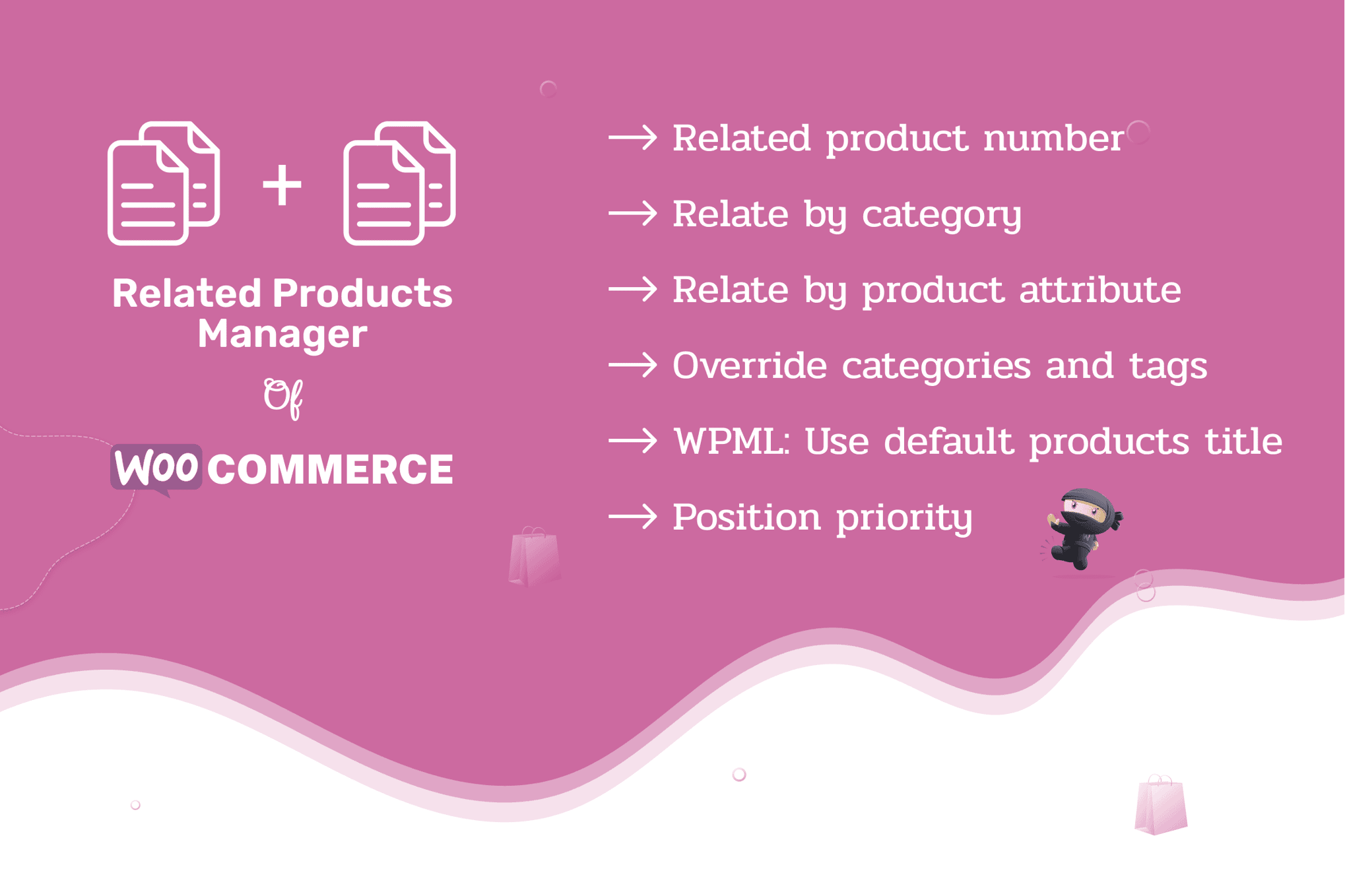
Take full control over how your products are cross-sold and discovered with Related Products Manager Pro for WooCommerce. By default, WooCommerce uses a basic algorithm to display related items, which often results in irrelevant suggestions that fail to convert. This plugin empowers store owners to manually curate, automate, and strategically display related products, helping you increase average order value, improve user experience, and keep customers browsing your catalog longer.
Key Features
- Manual Product Linking: Override the default WooCommerce behavior by manually selecting exactly which products appear as related to any given item.
- Global Rule Automation: Set up advanced rules to automatically display related products based on categories, tags, or attributes, saving you hours of manual work on large catalogs.
- Customizable Display Settings: Control the number of related products shown, change the display order (random, newest, or specific priority), and hide specific products from the related section.
- Dynamic Cross-Selling: Create targeted cross-sell blocks that appear on specific product pages to promote accessories, add-ons, or complementary items.
- Display Location Flexibility: Choose where your related products appear on the page, ensuring they are placed exactly where they are most likely to grab the customer’s attention.
- Performance Focused: Built with clean code to ensure that your site remains fast, even when managing complex relationships across thousands of products.
- Seamless Integration: Works natively with WooCommerce and is compatible with most popular themes and page builders, ensuring a consistent look and feel for your store.
Use Cases / Who It’s For
This plugin is essential for any WooCommerce store owner who realizes that the default “related products” section is a missed opportunity for revenue. If you are a fashion retailer, you can use this plugin to ensure that a specific pair of shoes only displays matching socks or belts, rather than random items from your inventory. Electronics retailers can use it to ensure that customers see essential cables or protective cases alongside high-ticket gadgets.
It is also perfect for store managers who have outgrown the limitations of basic WooCommerce settings. If you spend too much time trying to manipulate product tags just to get the “right” items to show up, this plugin provides the professional-grade control you need to curate a high-converting shopping experience. Whether you manage a boutique shop or a massive catalog, this tool provides the precision needed to guide your customers toward the products you want them to buy.
Setup / How It Works
Getting started with Related Products Manager Pro is designed to be intuitive for any WooCommerce user:
- Installation: Install and activate the plugin through your WordPress dashboard just like any other plugin.
- Configuration: Navigate to the settings panel to define your global rules. Here, you can choose whether to use automated logic (based on categories or tags) or prioritize manual selections.
- Product-Level Control: Visit any individual product page in your WooCommerce dashboard. You will see a new meta box that allows you to search for and add specific products to be displayed as “Related Products.”
- Display Customization: Adjust the layout settings, such as the number of columns and the maximum number of items to display, to ensure the section matches your site’s design.
- Save and Preview: Once saved, the new, highly relevant product suggestions will immediately appear on your storefront, ready to drive more sales.
Similar Plugins
If you are exploring your options, other popular solutions in this space include YITH WooCommerce Related Products, Product Recommendations for WooCommerce by SkyVerge, and various “Related Products for WooCommerce” plugins available in the WordPress repository that offer varying degrees of manual and automated control.