
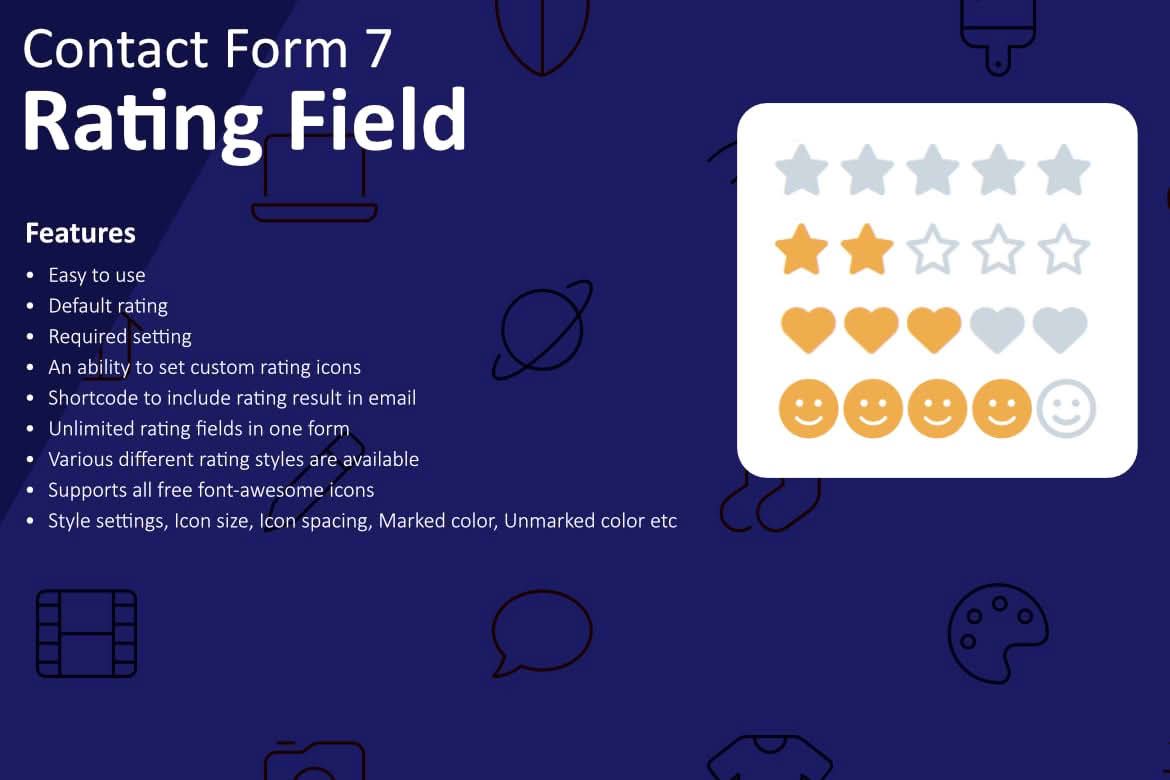
Transform your standard contact forms into powerful feedback-gathering tools with the Rating Field for Contact Form 7 plugin. If you are already using the popular Contact Form 7 plugin to manage your site’s inquiries, this extension allows you to seamlessly integrate interactive star rating fields directly into your forms. By making it effortless for your customers to share their satisfaction levels, you can gather actionable data, improve your service, and demonstrate that you value user input‚Äîall without leaving the familiar Contact Form 7 interface.
Key Features
- Seamless Integration: The plugin adds a dedicated rating field tag directly into the Contact Form 7 editor, making it as easy to add as a text or email field.
- Customizable Star Icons: Tailor the visual appearance of your rating system to match your website’s branding, ensuring a professional look that fits your theme perfectly.
- Configurable Rating Scale: You have full control over the rating range, allowing you to set a 5-star scale, a 10-point scale, or any other numeric range that suits your specific feedback needs.
- Email Integration: Captured ratings are automatically included in the notification emails sent to you, ensuring you never miss a piece of customer feedback.
- Responsive Design: The rating interface is fully responsive, providing a smooth, touch-friendly experience for users on mobile devices, tablets, and desktop computers.
- Validation Support: Ensure you get the data you need by making the rating field mandatory, preventing users from submitting forms without providing their feedback.
Use Cases and Who It’s For
This plugin is an essential tool for any WordPress site owner who relies on Contact Form 7 and wants to bridge the gap between simple communication and customer intelligence. It is particularly valuable for business owners who want to gauge customer sentiment immediately after a support request or a service inquiry.
For e-commerce store owners, it provides a quick way to measure post-purchase satisfaction. For service providers, such as consultants or agencies, it serves as a lightweight method to collect testimonials or quality-of-service scores. Because it integrates directly into your existing contact forms, you do not need to redirect users to external survey platforms, which significantly increases the likelihood that they will actually complete the rating.
Setup and How It Works
Getting started with the Rating Field for Contact Form 7 is designed to be straightforward for anyone already comfortable with the base plugin:
- Installation: Install and activate the plugin through your WordPress dashboard just like any other standard plugin.
- Form Editor: Navigate to your existing Contact Form 7 form or create a new one. You will notice a new button in the form editor toolbar specifically for the rating field.
- Configuration: Click the button to open the configuration window. Here, you can set the field name, choose the number of stars, set the default value, and toggle whether the field is required.
- Insertion: Once configured, the plugin generates a shortcode tag. Simply insert this tag into your form template where you want the rating stars to appear.
- Email Settings: Update your Contact Form 7 “Mail” tab to include the tag for your new rating field in the message body, ensuring the rating is sent to your inbox whenever a form is submitted.
Similar Plugins
While this plugin is specifically designed to extend the functionality of Contact Form 7, other options exist for those managing feedback through different systems. Plugins such as WPForms or Gravity Forms offer their own native rating field add-ons, and dedicated survey plugins like Formidable Forms also provide advanced rating and survey capabilities for users who require more complex data analysis and reporting features beyond simple email notifications.