
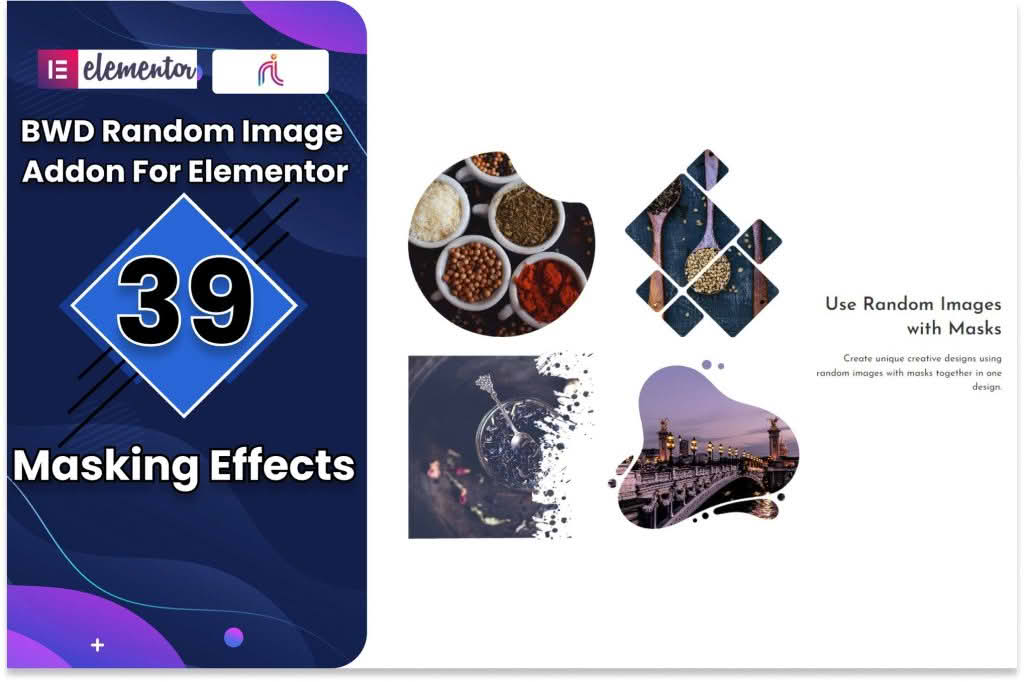
Transform your website’s visual appeal and keep your content feeling fresh with the Random Image Addon for Elementor. Designed specifically for users who want to break away from static, predictable layouts, this powerful extension allows you to display dynamic, randomized images anywhere on your site. Whether you are looking to surprise your visitors with a new hero background every time they refresh the page or want to showcase a rotating gallery of portfolio pieces without manual updates, this addon provides the flexibility and automation you need to maintain a vibrant, engaging online presence.
Key Features
- Dynamic Randomization: Automatically pull images from your selected media library or folder and display a different one each time a page loads, ensuring your site always feels updated.
- Full Elementor Integration: Seamlessly drag and drop the random image widget into any section, column, or inner section within the Elementor editor, making it compatible with your existing design workflow.
- Customizable Image Pools: Easily define which images are included in the rotation, allowing you to curate specific sets of visuals for different pages or sections of your website.
- Responsive Controls: Ensure your randomized visuals look perfect on any device with built-in settings for image sizing, alignment, and aspect ratio adjustments.
- Performance Focused: Built with lightweight code to ensure that your site’s loading speed remains fast, even when utilizing dynamic image generation.
- Link Support: Optionally attach custom URLs to your randomized images, turning your visual elements into effective call-to-action buttons that lead visitors to your most important content.
Use Cases and Who It’s For
The Random Image Addon for Elementor is an essential tool for designers, marketers, and business owners who prioritize user engagement. If you run a creative portfolio, you can use it to showcase a different project every time a client lands on your homepage, highlighting the breadth of your work without cluttering the layout. For e-commerce store owners, it is a fantastic way to display featured products or promotional banners that change on refresh, increasing the likelihood that customers will notice different items during their browsing session.
Bloggers and content creators also benefit significantly by using randomized header images to keep their site aesthetic feeling current. Because the plugin automates the visual rotation, you save valuable time that would otherwise be spent manually swapping out images to keep your design feeling fresh. It is the perfect solution for anyone who wants a “living” website that encourages repeat visits through visual variety.
Setup and How It Works
Getting started with the Random Image Addon for Elementor is designed to be intuitive, requiring no coding knowledge to achieve professional results:
- Install and Activate: Once you have installed the plugin, ensure it is activated alongside your Elementor page builder.
- Locate the Widget: Open the Elementor editor on the page where you want to add the random image. Search for the “Random Image” widget in the left-hand panel.
- Drag and Drop: Simply drag the widget into the desired column or section on your canvas.
- Configure the Source: In the widget settings, select the images or the media category you wish to pull from. You can add or remove images from this pool at any time.
- Style and Save: Adjust the sizing, borders, and hover effects using the standard Elementor style tabs, then publish your page. Your visitors will now see a randomized image every time they refresh the page.
Similar Plugins
While the Random Image Addon for Elementor offers a streamlined, dedicated approach to image randomization, users looking for broader dynamic content solutions may also explore plugins like Dynamic Content for Elementor or JetEngine. These suites often include dynamic image modules alongside extensive tools for custom post types and advanced query filtering, providing a more comprehensive, albeit more complex, ecosystem for site building.