
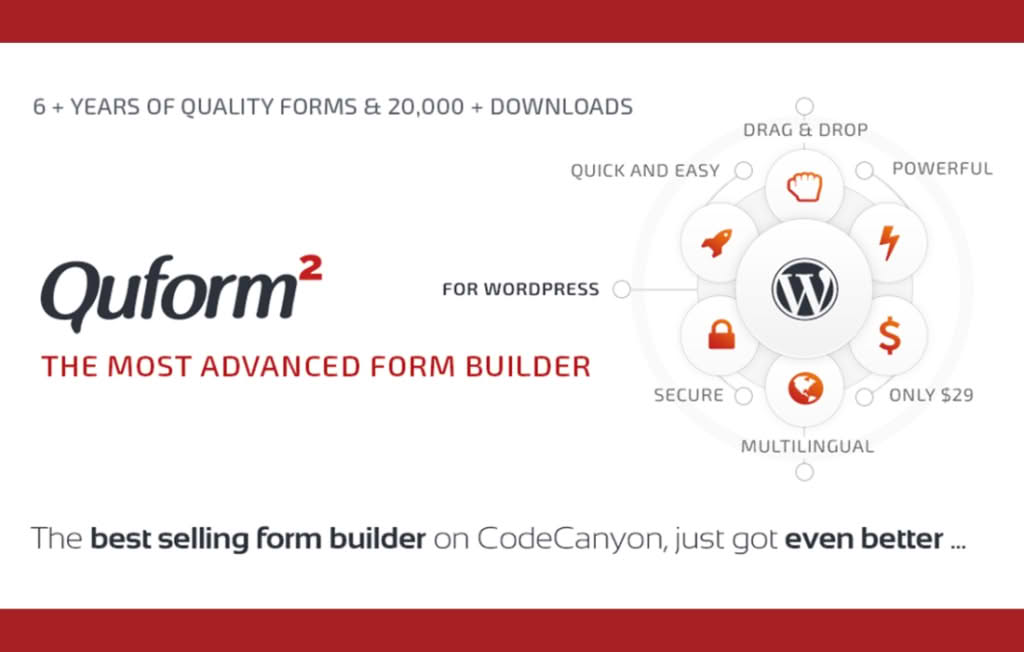
Quform is a powerful, premium WordPress form builder designed to help website owners and developers create professional, functional forms without writing a single line of code. Whether you need a simple contact form, a complex multi-step application, or a detailed survey, Quform provides the tools to build, style, and manage your data collection directly from your WordPress dashboard. It is an ideal solution for businesses, agencies, and online stores looking to streamline communication and improve user interaction.
Key Features
- Intuitive Drag-and-Drop Builder: Easily create, rearrange, and customize your forms using a user-friendly interface that requires no technical or coding knowledge.
- Advanced Conditional Logic: Build dynamic forms that show or hide specific fields based on user input, ensuring a more personalized and relevant experience for your visitors.
- Multi-Page Form Support: Break down long or complex forms into manageable steps to improve completion rates for surveys, registrations, or lengthy applications.
- Comprehensive Element Library: Choose from a wide range of field types, including text inputs, file uploads, date and time pickers, checkboxes, radio buttons, and more.
- Customizable Styling: Utilize a flexible theming system to match your forms perfectly to your website’s design, with options to create your own themes or use pre-built styles.
- Submission Management: View, filter, and manage all form entries directly within your WordPress admin panel, with options to export data for further analysis.
- Robust Spam Protection: Keep your inbox clean with built-in security features, including various CAPTCHA options and honeypot protection.
- Responsive Design: Ensure your forms look and function flawlessly across all devices, from desktops to tablets and mobile phones.
Use Cases / Who It’s For
Quform is designed for anyone who needs to collect information efficiently through a website. It is widely used by business owners who want to capture lead information via contact forms, agencies building custom client portals, and e-commerce store managers requiring detailed order or inquiry forms. Because it handles complex requirements like file uploads and conditional workflows, it is also an excellent choice for organizations managing job applications, event registrations, or customer feedback surveys.
Setup / How It Works
- Install and Activate: Upload and activate the plugin within your WordPress dashboard.
- Build Your Form: Use the drag-and-drop builder to add elements, configure field settings, and set up conditional logic as needed.
- Style Your Form: Use the built-in theming options to adjust colors, layouts, and button styles to match your brand.
- Configure Notifications: Set up email notifications to ensure the right team members receive submissions, and configure custom auto-reply messages for your users.
- Embed on Your Site: Once your form is ready, use the provided shortcode to easily place it on any page, post, or widget area of your website.
Similar Plugins
While Quform offers a comprehensive, all-in-one solution, other popular form builder plugins available for WordPress include WPForms, Formidable Forms, and Fluent Forms. Each provides unique interfaces and feature sets, so you may wish to compare their specific integrations and workflows to see which best aligns with your project requirements.