
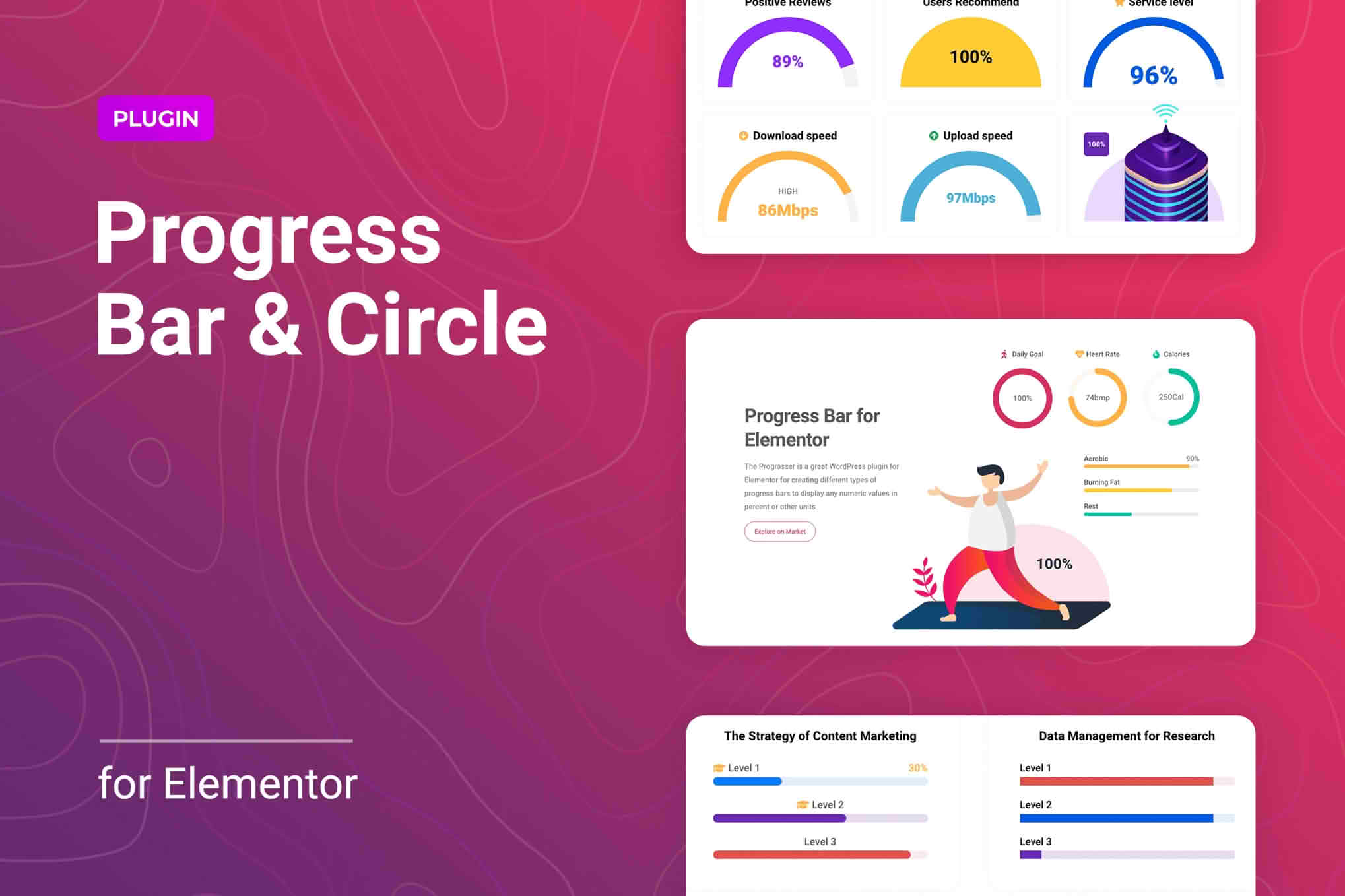
Elevate your website’s user experience and visual storytelling with the Progress Bar and Progress Circle for Elementor plugin. Designed specifically for the Elementor page builder, this tool allows you to create stunning, animated progress indicators that keep your visitors engaged and informed. Whether you are showcasing project milestones, skill proficiency, or goal completion, this plugin provides the flexibility and design control you need to present data in a professional, eye-catching way without writing a single line of code.
Key Features
- Versatile Design Options: Choose between sleek horizontal progress bars or modern circular progress indicators to perfectly match your website’s aesthetic.
- Full Elementor Integration: Seamlessly drag and drop widgets into your Elementor editor, ensuring a smooth workflow that fits right into your existing design process.
- Customizable Animations: Control the speed, easing, and trigger points of your progress animations to create a polished, interactive experience for your users.
- Advanced Styling Controls: Easily adjust colors, typography, stroke width, and sizes to ensure your progress indicators align perfectly with your brand identity.
- Responsive Design: Ensure your progress bars look great on any device, from desktop monitors to mobile phones, with built-in responsive settings.
- Dynamic Content Support: Leverage the power of Elementor to pull data dynamically, making your progress indicators update automatically as your content changes.
- Lightweight and Fast: Built with performance in mind, the plugin ensures that your site remains fast and responsive, even with multiple progress indicators on a single page.
Use Cases and Who It’s For
This plugin is an essential asset for web designers, developers, and business owners who want to communicate information more effectively. It is perfect for professionals looking to build trust through transparency and visual clarity.
Freelancers and Agencies: Use progress bars to showcase your team’s skill levels in various technologies or to provide clients with a visual status update on ongoing projects.
E-commerce Store Owners: Implement progress indicators to show customers how close they are to reaching free shipping thresholds, loyalty program tiers, or checkout completion, which can effectively reduce cart abandonment.
Non-Profits and Fundraisers: Display donation goals clearly to motivate supporters. Seeing a progress circle fill up as donations come in creates a sense of momentum and community achievement.
Educators and Course Creators: Use progress indicators to help students track their journey through a curriculum, providing a sense of accomplishment as they complete modules and lessons.
Setup and How It Works
Getting started with the Progress Bar and Progress Circle for Elementor is designed to be intuitive, allowing you to go from installation to a finished design in minutes.
- Install and Activate: Upload the plugin zip file to your WordPress dashboard, activate it, and ensure you have Elementor installed and active.
- Access Widgets: Open any page or template in the Elementor editor. In the left-hand sidebar, scroll down to the section dedicated to the plugin’s widgets.
- Drag and Drop: Simply drag the “Progress Bar” or “Progress Circle” widget onto your desired section or column.
- Configure Settings: Use the content tab to set your percentage values, labels, and animation triggers.
- Style to Perfection: Switch to the style tab to customize colors, borders, typography, and spacing to match your site’s design language.
- Publish: Once satisfied, click update or publish to make your interactive progress indicators live for your visitors.
Similar Plugins
If you are exploring other options within the Elementor ecosystem, you may also encounter plugins such as Essential Addons for Elementor, Premium Addons for Elementor, or PowerPack for Elementor. These comprehensive suites often include their own versions of progress bar and circle widgets as part of larger collections of design elements.