
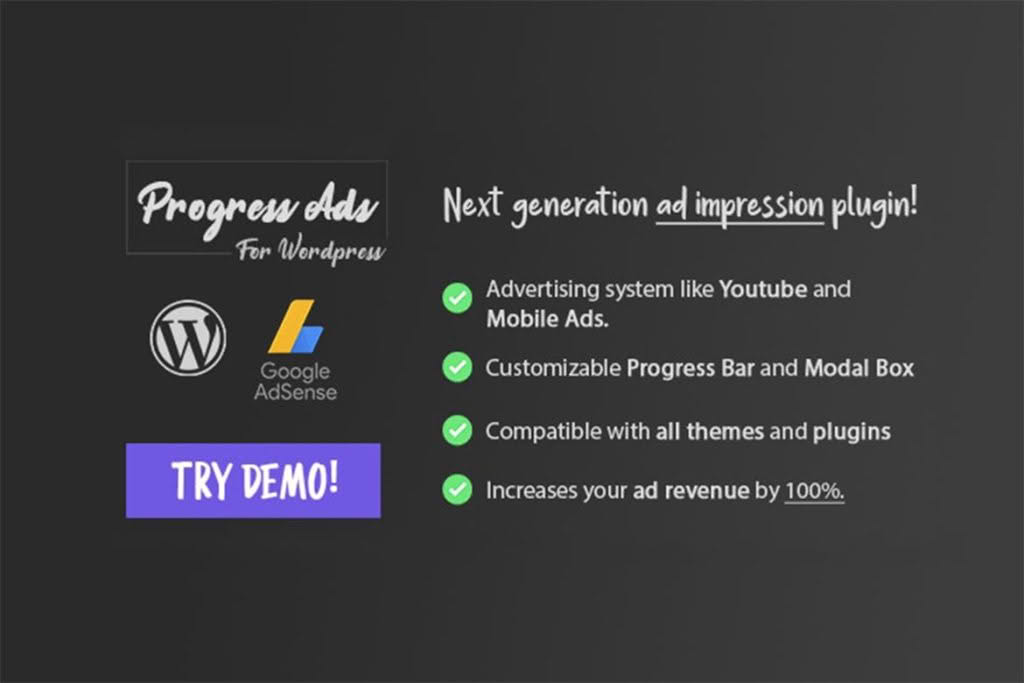
Maximizing revenue from your website shouldn’t require complex coding or hours of manual placement. Progress Ads is a comprehensive WordPress advertising solution designed to help bloggers, publishers, and site owners effortlessly manage, display, and optimize ads across their content. Whether you are looking to integrate Google AdSense, display custom banner ads, or manage affiliate promotions, this plugin provides a centralized dashboard to control your ad inventory and improve your site’s monetization strategy without slowing down your user experience.
Key Features
- Flexible Ad Placement: Easily insert ads before, after, or within your post content, as well as in sidebars, headers, and footers, ensuring your ads are seen exactly where they perform best.
- Google AdSense Integration: Seamlessly connect your AdSense account to display responsive, high-converting ads that automatically adapt to your site’s layout and mobile devices.
- Custom Banner Management: Upload your own image banners, HTML code, or scripts to promote affiliate products, internal services, or direct-sold advertising slots.
- Device-Specific Targeting: Control which ads appear on desktop, tablet, or mobile devices, allowing you to optimize user experience and ad relevance across every screen size.
- Shortcode Support: Use simple shortcodes to place specific advertisements exactly where you want them within any page, post, or widget area.
- Performance-Focused: Designed with lightweight code to ensure that your ad delivery does not negatively impact your website’s page load speed or search engine rankings.
- Ad Scheduling: Plan your campaigns in advance by setting start and end dates for specific advertisements, making it perfect for time-sensitive promotions or seasonal events.
Use Cases and Who It’s For
Progress Ads is built for anyone who manages content-heavy websites and wants to turn traffic into consistent revenue. If you are a professional blogger, you can use this plugin to manage multiple affiliate partnerships without cluttering your WordPress dashboard with dozens of different code snippets. For online publishers and news sites, the plugin provides the granular control needed to rotate banner ads or manage direct advertising deals with local businesses.
Small business owners will also find immense value in the ability to promote their own services or products through custom banners placed strategically across their site. Because the plugin handles the technical heavy lifting of ad injection, you can focus on creating high-quality content while the plugin ensures your monetization strategy remains active and professional.
Setup and How It Works
Getting started with Progress Ads is designed to be intuitive, allowing you to go live with your advertising strategy in minutes:
- Installation: Install and activate the plugin through your WordPress dashboard just as you would with any standard plugin.
- Ad Creation: Navigate to the Progress Ads menu to create a new ad unit. Choose whether you are using an AdSense script, a custom image banner, or raw HTML code.
- Configuration: Define where the ad should appear. You can select automatic insertion points (such as “After the first paragraph”) or use the provided shortcode to place the ad manually.
- Targeting: Set your display rules, such as which devices should see the ad or which specific categories or pages the ad should be excluded from.
- Activation: Save your settings, and the plugin will immediately begin rendering the advertisements based on your chosen configuration.
Similar Plugins
If you are exploring your options for ad management within the WordPress ecosystem, other notable solutions include Advanced Ads, Ad Inserter, and WP Quads. Each of these plugins offers varying levels of complexity, ranging from simple ad insertion to advanced tracking and A/B testing features, allowing you to choose the tool that best aligns with your specific technical requirements and monetization goals.