
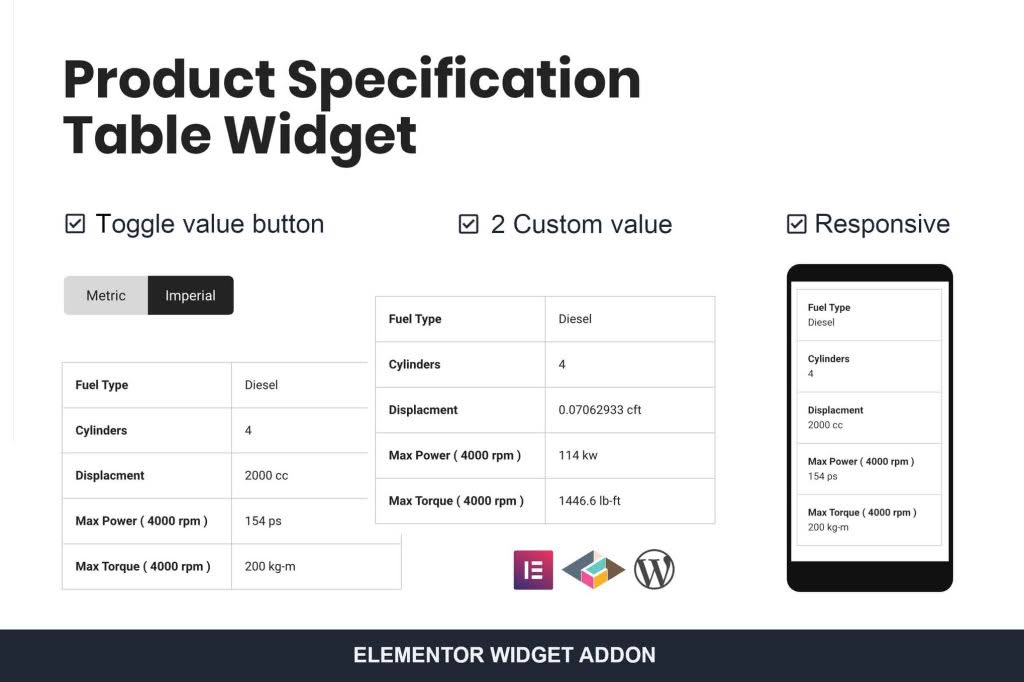
Transform your product pages into comprehensive, easy-to-read information hubs with the Product Specification Table Widget for Elementor. If you manage an e-commerce store, you know that customers often hesitate to purchase when they cannot quickly find technical details, dimensions, or compatibility information. This plugin bridges that gap by allowing you to create clean, professional, and fully responsive specification tables directly within the Elementor editor, ensuring your shoppers have all the data they need to make confident buying decisions without leaving your product page.
Key Features
- Seamless Elementor Integration: Drag and drop the widget anywhere on your product page templates. It is built natively for Elementor, ensuring a smooth workflow without needing custom code.
- Fully Responsive Design: Tables automatically adjust to look perfect on desktops, tablets, and smartphones, ensuring your technical data remains readable on any device.
- Customizable Layouts: Tailor the look of your tables to match your brand identity. Adjust colors, borders, typography, and spacing directly through the familiar Elementor interface.
- Dynamic Content Support: Easily pull data from your product custom fields or attributes, allowing you to manage specifications efficiently without manual entry for every single product.
- Advanced Styling Options: Use alternating row colors, hover effects, and custom headers to create tables that are not only functional but visually appealing and easy for customers to scan.
- Performance Focused: Built with clean, lightweight code to ensure your product pages remain fast and SEO-friendly, preventing any negative impact on your site’s loading speed.
Use Cases and Who It’s For
This plugin is an essential tool for any store owner who deals with products requiring detailed technical information. If you run a technology or electronics store, your customers need to compare processor speeds, battery life, and dimensions. If you manage a furniture or home goods store, shoppers need exact measurements and material specifications to ensure an item fits their space. It is also perfect for hobbyist shops, automotive parts retailers, and industrial equipment suppliers where precision is paramount.
By organizing complex data into a structured table, you reduce customer support inquiries regarding product details. Instead of answering repetitive questions via email or chat, you provide the information upfront. This not only improves the user experience but also builds trust and authority, positioning your store as a professional destination that values transparency and customer convenience.
Setup and How It Works
- Install and Activate: Upload the plugin to your WordPress dashboard and activate it as you would with any standard plugin.
- Access Elementor: Open the product page template you are editing within the Elementor page builder.
- Drag the Widget: Locate the Product Specification Table widget in the Elementor sidebar and drag it into your desired location on the page.
- Configure Content: Use the settings panel to manually input your specification rows and columns, or select the option to map the table to your existing WooCommerce product attributes.
- Style and Customize: Navigate to the Style tab to adjust colors, fonts, and borders to ensure the table matches your website’s design language perfectly.
- Save and Publish: Once you are satisfied with the layout, save your changes, and the table will immediately appear on your live product pages.
Similar Plugins
While the Product Specification Table Widget for Elementor is designed for a specific workflow, other alternatives exist in the ecosystem. You may also encounter plugins such as WooCommerce Product Table, which offers a broader range of table-based functionality for listing products, or TablePress, a popular general-purpose table plugin that can be embedded into pages via shortcodes. However, for users specifically committed to the Elementor page-building experience, a dedicated Elementor widget often provides the most streamlined and intuitive design control.