
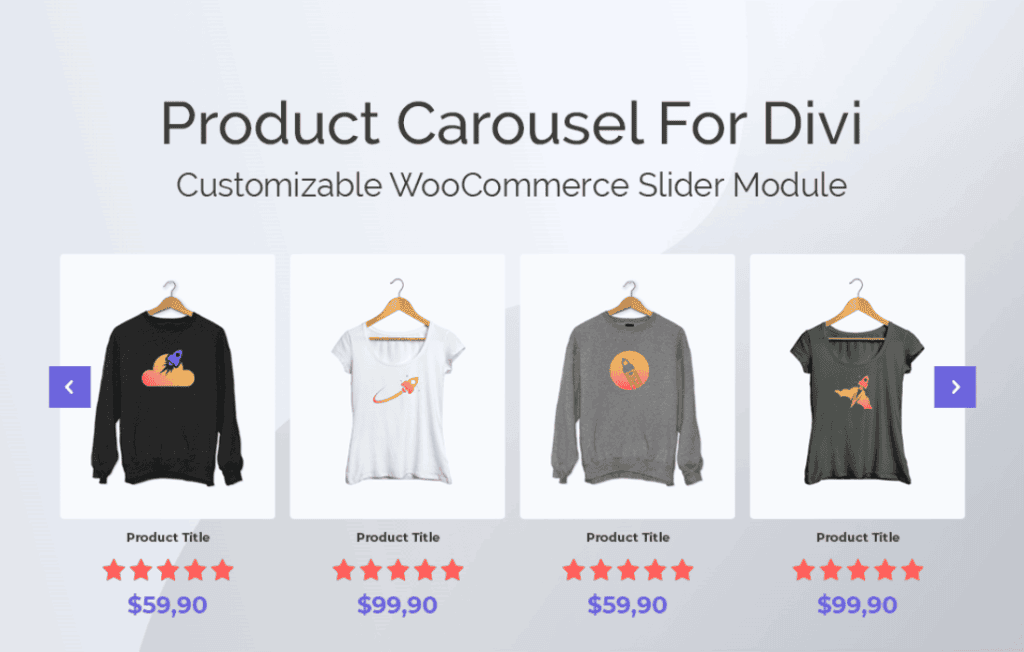
Transform your WooCommerce store into a visually engaging shopping destination with the Product Carousel for Divi and WooCommerce plugin. Designed specifically for Divi users, this powerful tool allows you to showcase your products in sleek, responsive carousels directly within the Divi Builder. By replacing static product grids with dynamic, sliding displays, you can capture customer attention, maximize your screen real estate, and guide visitors toward your best-selling items with ease.
Key Features
- Seamless Divi Integration: Designed as a native Divi module, allowing you to add, edit, and style your carousels directly within the Divi Visual Builder without touching a single line of code.
- Fully Responsive Design: Your product carousels are optimized for all devices, ensuring a smooth, touch-friendly browsing experience on desktops, tablets, and smartphones.
- Customizable Display Options: Take full control over your carousel layout, including the number of visible products, slide speed, infinite looping, and auto-play settings to match your brand’s pace.
- Advanced Query Controls: Easily filter the products you want to display. Choose to show featured products, recent arrivals, products from specific categories, or items on sale to create targeted promotional sections.
- Design Flexibility: Leverage Divi’s built-in design settings to customize fonts, colors, border styles, and button appearances, ensuring your carousel perfectly matches your website’s aesthetic.
- Navigation Controls: Enhance user experience with optional navigation arrows and pagination dots, allowing customers to browse your inventory at their own speed.
Use Cases / Who It’s For
This plugin is the ideal solution for WooCommerce store owners, web designers, and agency developers who rely on the Divi ecosystem to build high-converting e-commerce sites. If you are struggling to highlight a large inventory without cluttering your homepage, this plugin provides the perfect balance of information and clean design.
Store owners can use the carousel to feature “New Arrivals” at the top of the homepage, showcase “Top Rated” items in the sidebar, or display “Related Products” on individual product pages to encourage cross-selling. For web designers, it provides a professional, premium feel to client sites, allowing for sophisticated product showcases that would otherwise require custom development or heavy third-party scripts. Whether you run a small boutique or a high-volume online store, this plugin helps you present your products in a way that feels modern, organized, and professional.
Setup / How It Works
Getting your first product carousel up and running is straightforward and requires no technical expertise:
- Install and Activate: Simply upload the plugin zip file to your WordPress dashboard via the Plugins menu and activate it.
- Open Divi Builder: Navigate to the page or post where you want to display your products and launch the Divi Builder.
- Add the Module: Search for the “Product Carousel” module in the Divi module library and insert it into your layout.
- Configure Settings: Use the module settings panel to select your product source, define the number of columns, and toggle features like auto-play or navigation.
- Style to Perfection: Switch to the Design tab within the module settings to adjust colors, typography, and spacing to align with your site’s branding.
- Publish: Save your changes and view your live, interactive product carousel in action.
Similar Plugins
If you are exploring your options within the Divi and WooCommerce ecosystem, you may also encounter other solutions such as the Divi Carousel Module by Divi Supreme, the WooCommerce Product Carousel by PickPlugins, or the various carousel extensions offered by the official WooCommerce marketplace. Each of these tools offers varying levels of integration with the Divi Builder, so it is recommended to review their specific feature sets to ensure they align with your project’s unique requirements.