
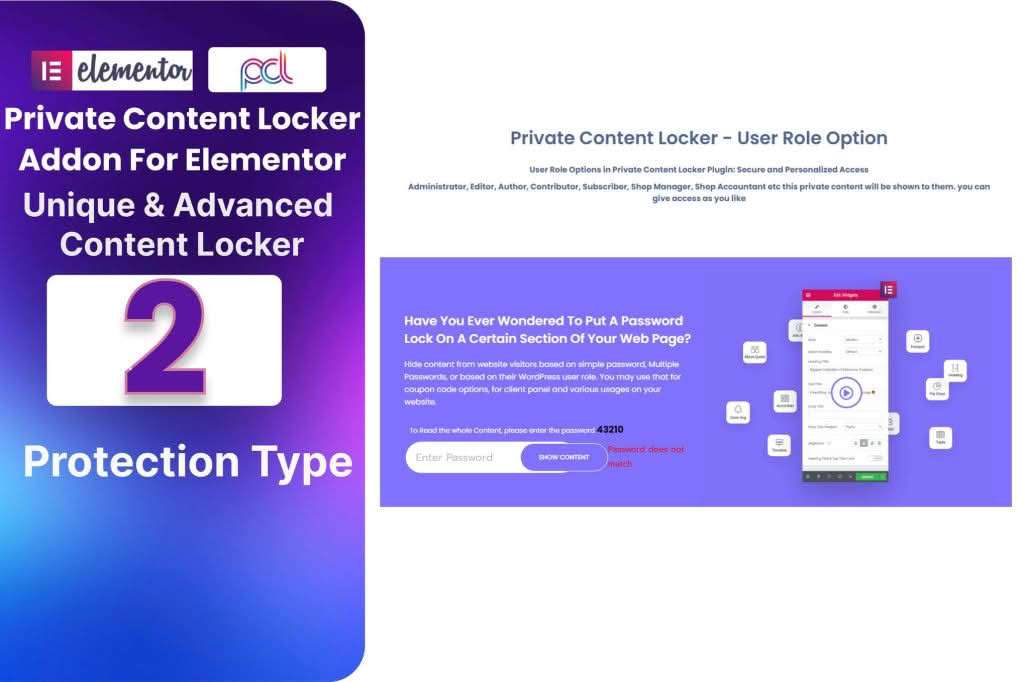
Unlock the full potential of your WordPress site by strategically restricting access to your most valuable content. The Private Content Locker Addon for Elementor empowers site owners, marketers, and creators to gate specific sections, pages, or widgets, turning your standard content into a powerful lead generation tool or an exclusive membership experience. By seamlessly integrating with the Elementor page builder, this addon allows you to protect your hard work with a simple drag-and-drop interface, ensuring that only authorized users can view your premium materials.
Key Features
- Seamless Elementor Integration: Designed specifically for the Elementor ecosystem, this addon adds a new layer of control directly within your familiar page builder workflow.
- Flexible Content Locking: Choose to lock entire sections, specific columns, or individual widgets. You have complete control over exactly what remains hidden from the public eye.
- Customizable Access Rules: Define who can see your content based on user roles, login status, or specific membership levels, providing a tailored experience for your audience.
- Engaging Call-to-Action Gates: Replace locked content with professional, customizable messages that encourage visitors to register, log in, or subscribe to gain access.
- Responsive Design: Ensure your locked content remains secure and visually appealing across all devices, from desktop computers to mobile phones.
- Lightweight Performance: Engineered to be efficient, the plugin ensures that your site speed remains optimal even when managing complex access restrictions.
Use Cases and Who It’s For
This plugin is an essential tool for any WordPress user looking to monetize their knowledge or build a loyal community. If you run a membership site, the Private Content Locker Addon for Elementor allows you to create “teaser” content that entices non-members to sign up, effectively increasing your conversion rates. For bloggers and content creators, it provides a way to offer exclusive bonus materials, such as downloadable PDFs, video tutorials, or deep-dive articles, only to subscribers.
Marketers will find this tool invaluable for lead generation campaigns. By locking high-value content behind a simple registration gate, you can quickly grow your email list with highly engaged prospects. Furthermore, businesses can use this addon to create private client portals, ensuring that sensitive project updates or confidential documents are only accessible to the intended recipients, thereby enhancing the professionalism and security of your client communications.
Setup and How It Works
Getting started with the Private Content Locker Addon for Elementor is designed to be intuitive and requires no complex coding knowledge. Follow these steps to begin securing your content:
- Install and Activate: Upload the plugin to your WordPress site and activate it alongside your existing Elementor installation.
- Access Elementor Editor: Open any page or post you wish to edit using the Elementor page builder.
- Select Your Element: Choose the specific section, column, or widget you want to restrict.
- Configure Locker Settings: Within the Elementor settings panel for that element, locate the new Private Content Locker options.
- Define Access Rules: Select your preferred visibility settings, such as “Logged-in users only” or specific user roles.
- Customize the Message: Personalize the placeholder message or call-to-action that will appear to unauthorized visitors.
- Save and Publish: Once you have configured your settings, save your page. Your content is now securely protected and will only reveal itself to those who meet your specified criteria.
Similar Plugins
While the Private Content Locker Addon for Elementor offers a highly specialized, drag-and-drop experience, other solutions exist in the WordPress ecosystem for controlling content access. These include general-purpose membership plugins like MemberPress and Restrict Content Pro, which offer comprehensive site-wide membership management. Additionally, plugins such as Ultimate Member provide robust user profile and access control features. If your needs are strictly limited to simple password protection for pages or posts, standard WordPress features or dedicated password-protection plugins may also be considered.