
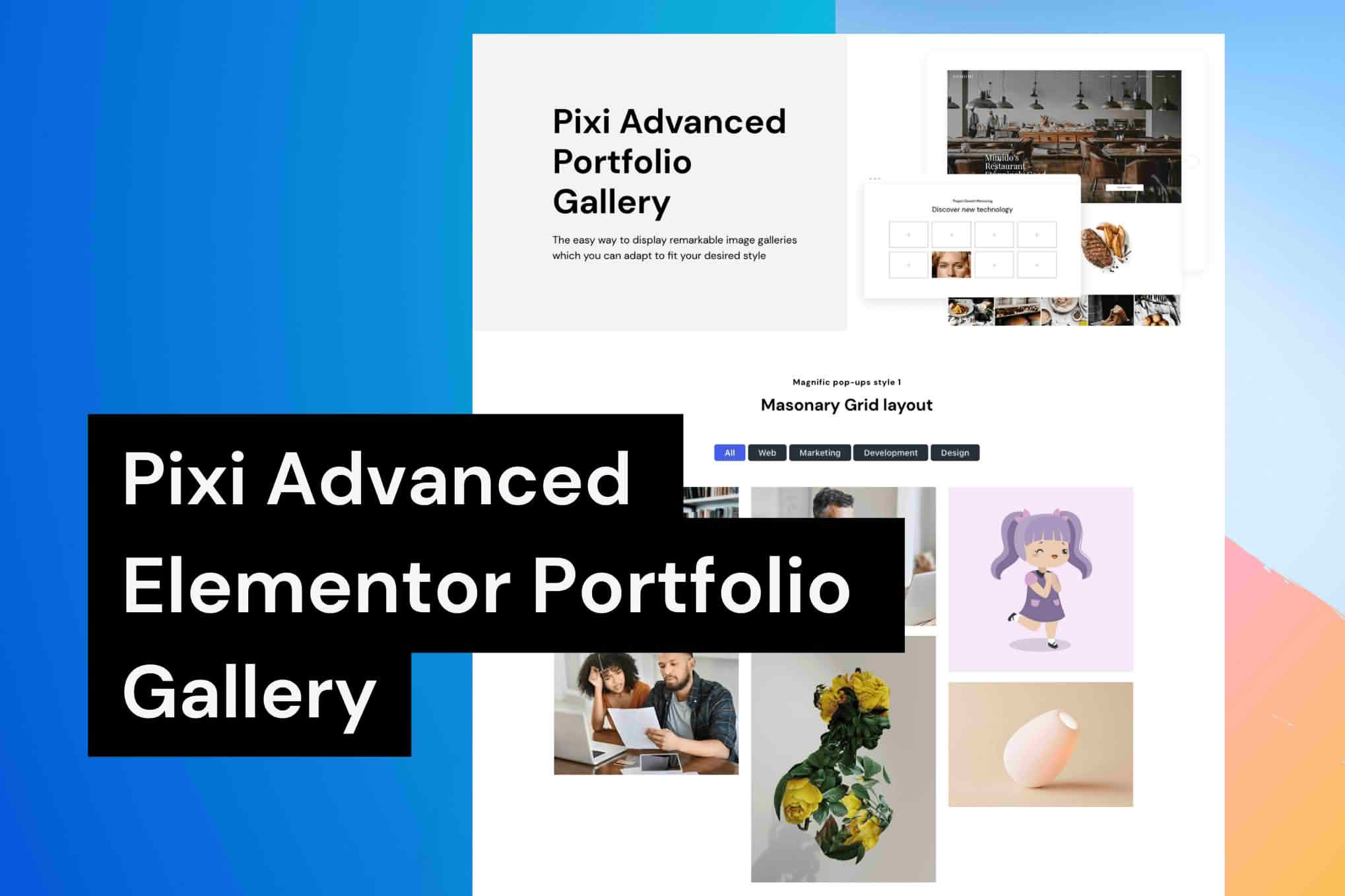
Pixi Advanced Portfolio is a professional-grade WordPress plugin designed to help creatives, agencies, and businesses showcase their work with elegance and precision. Whether you are building a high-end design showcase, a photography gallery, or a comprehensive case study library, this plugin provides the tools necessary to create visually stunning, responsive portfolios that engage your visitors and convert them into clients. By streamlining the way you manage and display your projects, Pixi Advanced Portfolio ensures your best work is always front and center, regardless of the device your audience is using.
Key Features
- Responsive Grid Layouts: Choose from a variety of modern grid structures, including masonry, justified, and classic layouts, all of which automatically adjust to provide a seamless viewing experience on desktops, tablets, and smartphones.
- Advanced Filtering System: Allow your visitors to navigate your work effortlessly with AJAX-powered category filtering, ensuring they find exactly what they are looking for without page reloads.
- Customizable Project Pages: Go beyond standard post types with a flexible builder that allows you to create unique layouts for individual projects, complete with support for images, video embeds, and detailed project metadata.
- Interactive Hover Effects: Engage users with sophisticated hover animations and overlay effects that bring your project thumbnails to life, encouraging higher click-through rates.
- SEO-Optimized Architecture: Built with clean code and structured data support, the plugin ensures that your portfolio projects are easily indexable by search engines, helping you gain more visibility for your creative work.
- Lightbox Integration: Display high-resolution images and videos in a sleek, full-screen lightbox viewer that keeps users focused on your content.
- Drag-and-Drop Ordering: Easily reorder your portfolio items using an intuitive interface, giving you total control over how your projects are presented to the world.
Use Cases / Who It’s For
Pixi Advanced Portfolio is engineered for anyone who needs to present visual or project-based content in a structured, professional manner. It is an ideal solution for freelance graphic designers and illustrators who need a clean, distraction-free space to display their best design assets. Digital agencies will find it invaluable for creating comprehensive case studies that highlight their process, challenges, and successful outcomes for high-profile clients.
Furthermore, photographers and videographers can leverage the plugin’s high-performance media handling to showcase full-resolution galleries and cinematic showreels. Even businesses in non-creative fields, such as architecture firms or construction companies, can utilize the plugin to display project portfolios, construction progress, or completed site work, effectively building trust with potential leads through visual proof of their capabilities.
Setup / How It Works
- Installation: Install and activate the plugin through the standard WordPress dashboard under the Plugins menu.
- Configuration: Navigate to the Pixi Portfolio settings panel to define your global preferences, such as default image sizes, grid spacing, and color schemes that match your brand identity.
- Create Projects: Add your work via the dedicated Portfolio post type. Upload your media, assign categories, and input project details such as client names, dates, or project descriptions.
- Display: Use the provided shortcode or the dedicated block editor element to insert your portfolio grid onto any page or post on your website.
- Refine: Use the filtering options and layout settings to fine-tune the display until it perfectly matches your desired aesthetic.
Similar Plugins
If you are exploring alternatives in the WordPress ecosystem, other notable portfolio solutions include Essential Grid, Envira Gallery, and Modula. Each of these plugins offers distinct approaches to media management and grid displays, though Pixi Advanced Portfolio remains a premier choice for users seeking a balance between deep customization and ease of use for professional project showcases.